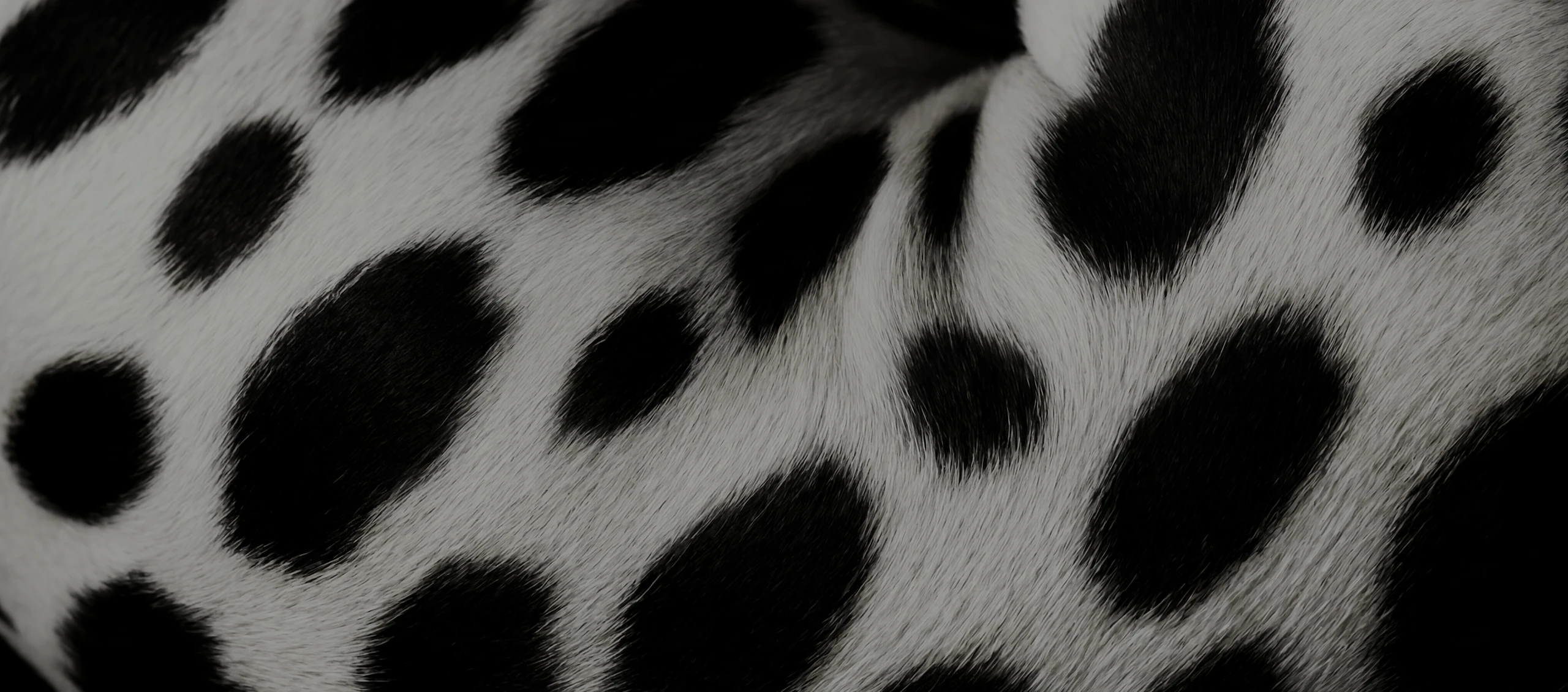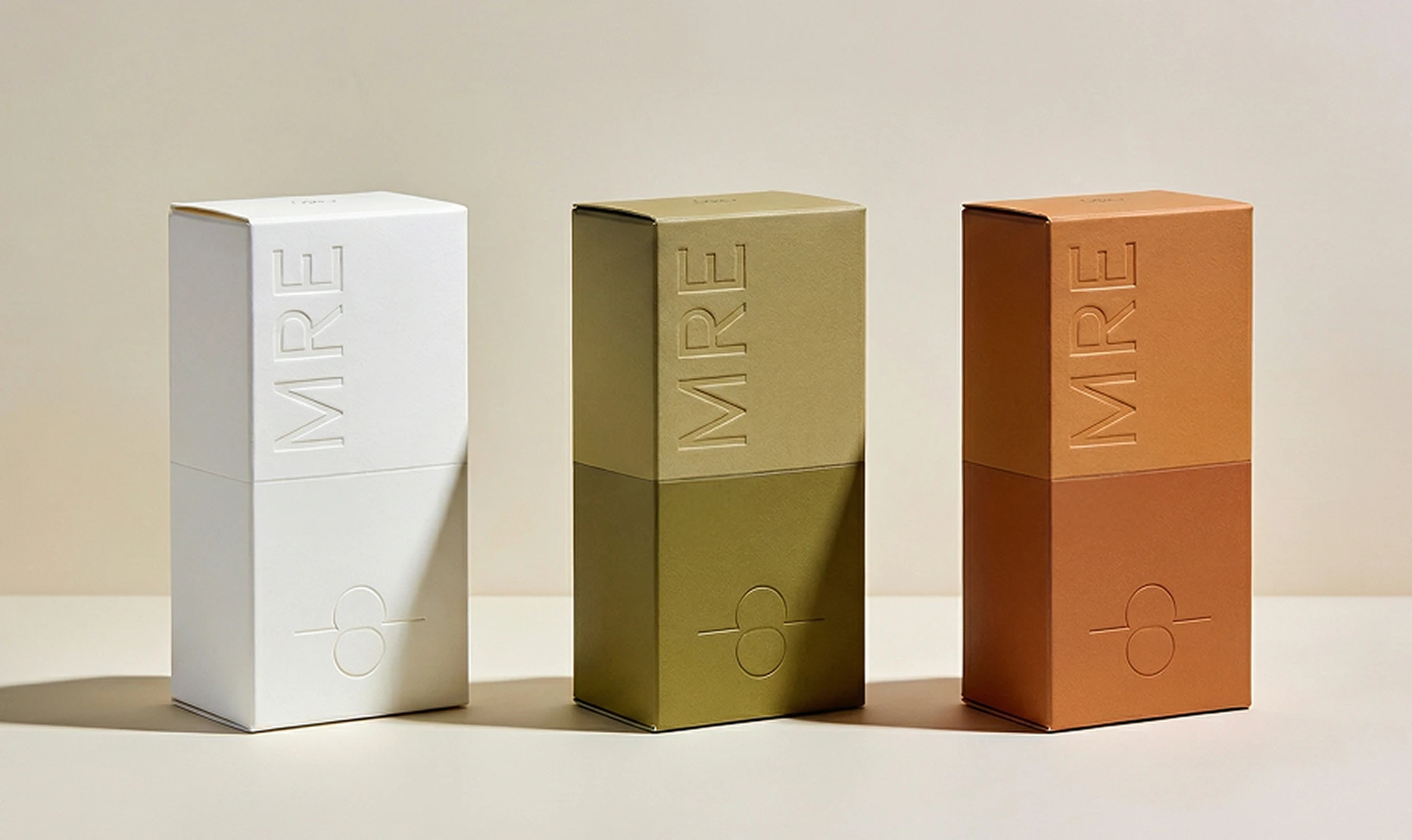
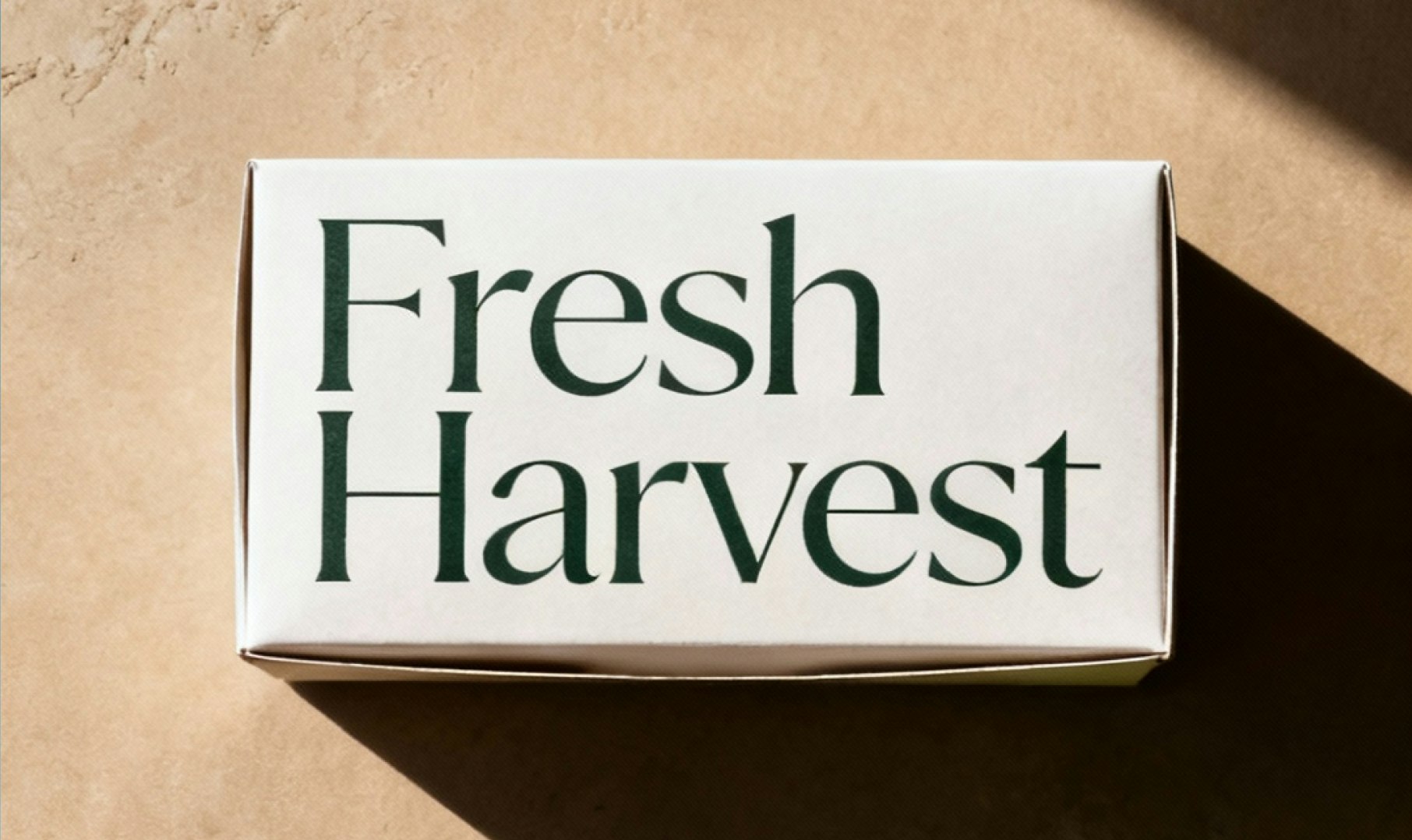

Design from text or images
Create graphic designs from written prompts, or upload reference images to guide layout, style, and structure.
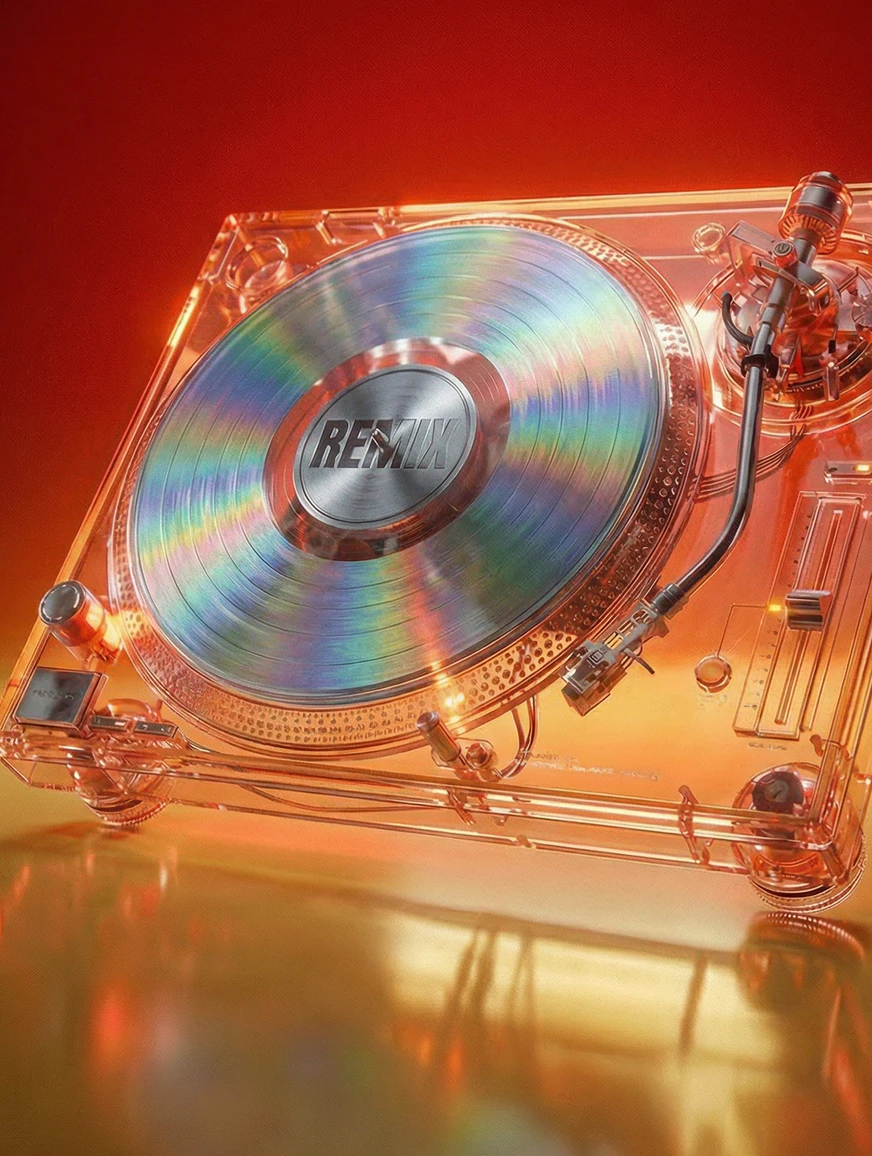
Control color, typography, and visual style
Influence palettes, fonts, spacing, and hierarchy to match brand guidelines or creative direction - consistently across outputs.

Refine, iterate, and reuse
Generate variations, lock in what works, and build repeatable design systems without starting from scratch.
Create
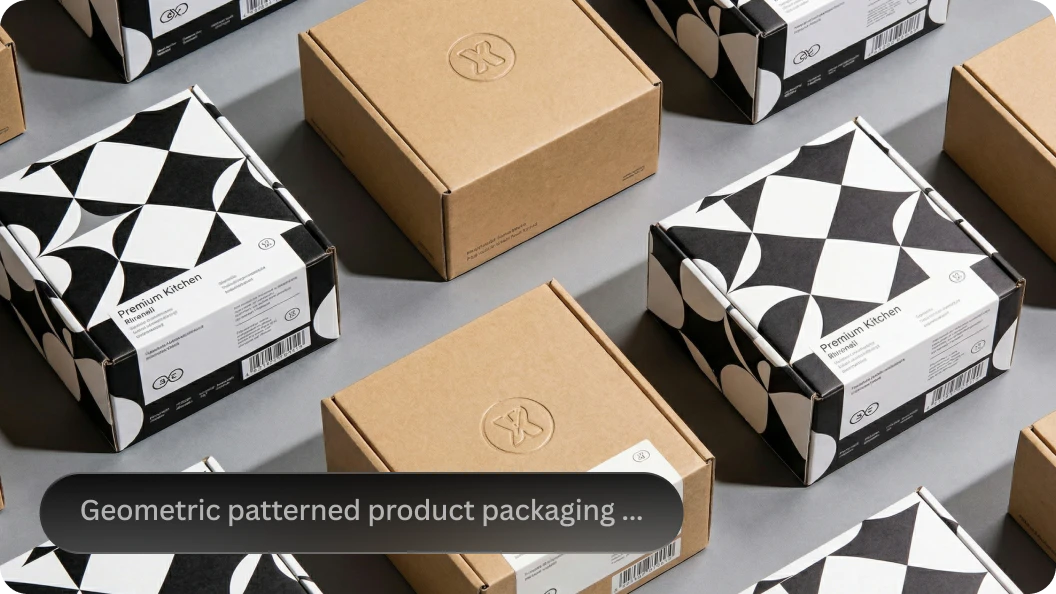
Text-to-Design
Generate layouts and visual concepts from written prompts.
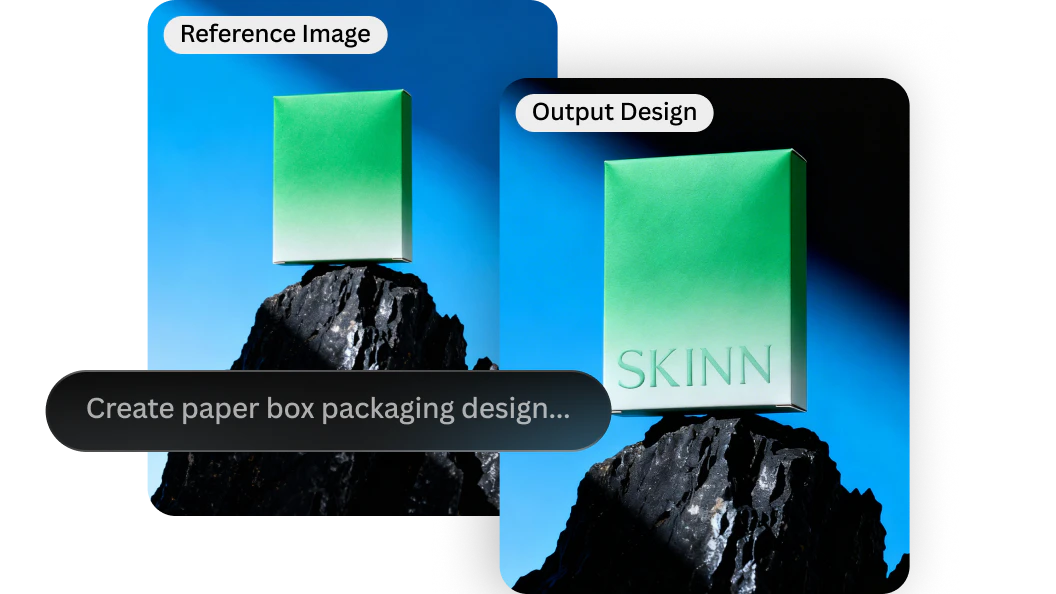
Image Remix
Rework existing designs into new styles or formats.
Refine
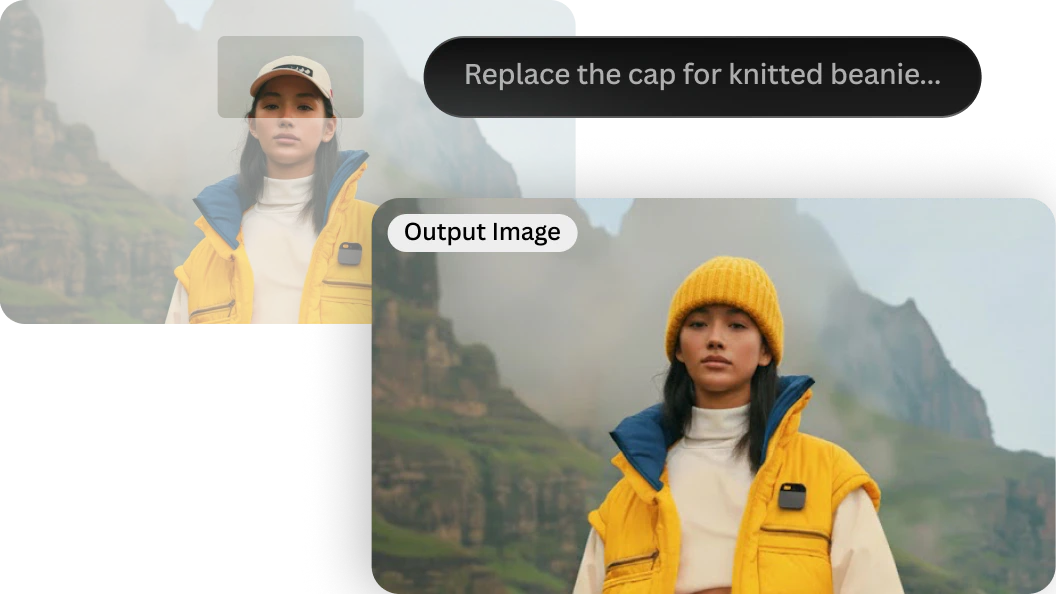
Canvas Editor
Edit layouts, adjust elements, add text, and refine details directly on your design.
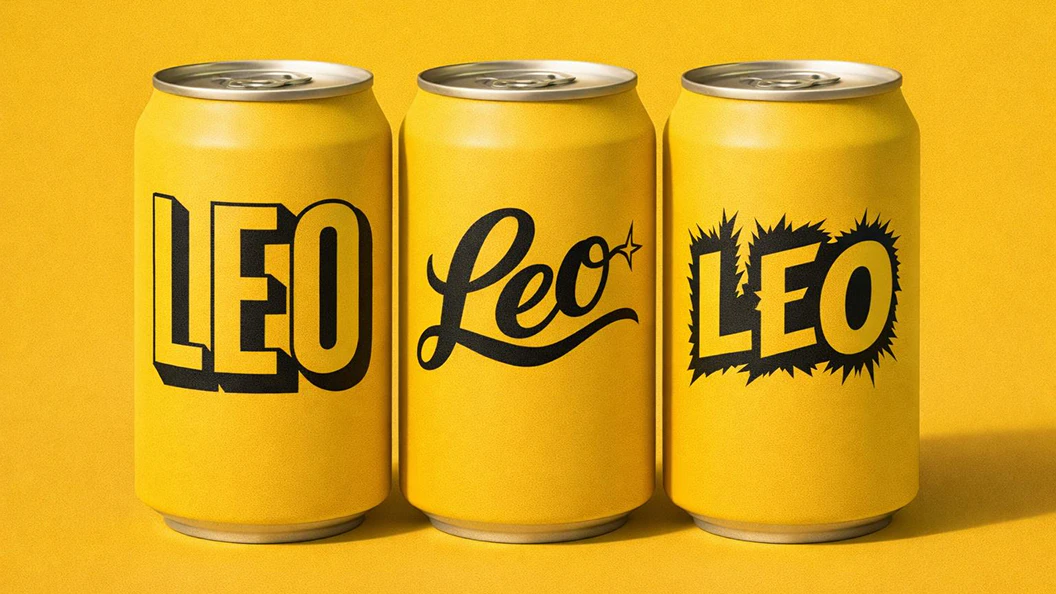
Font & Style Control
Reinforce typography, tone, and visual hierarchy across iterations.
Scale
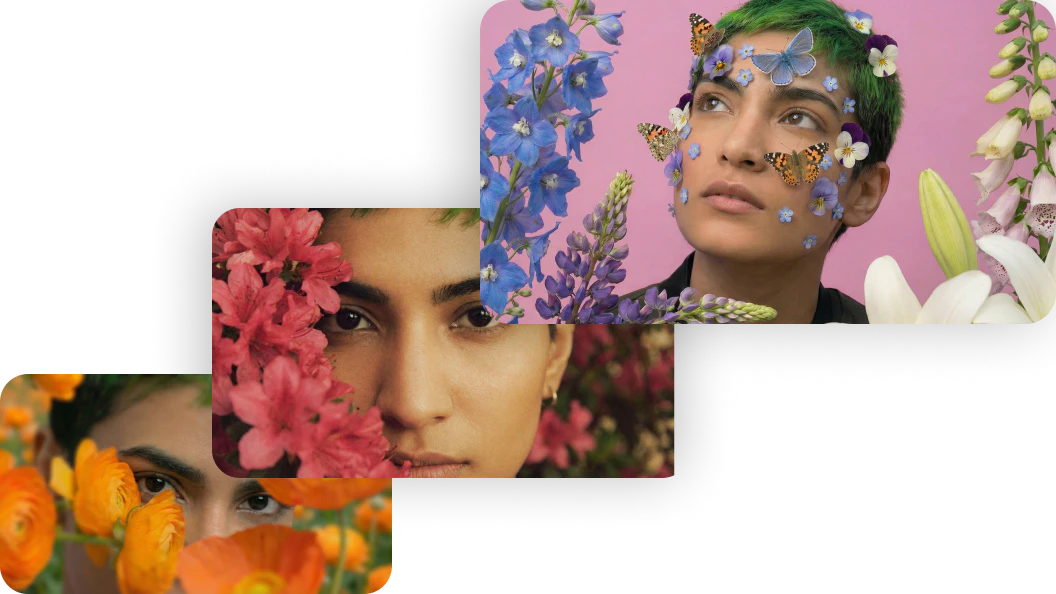
Consistent Styles
Maintain visual coherence across campaigns or asset sets.
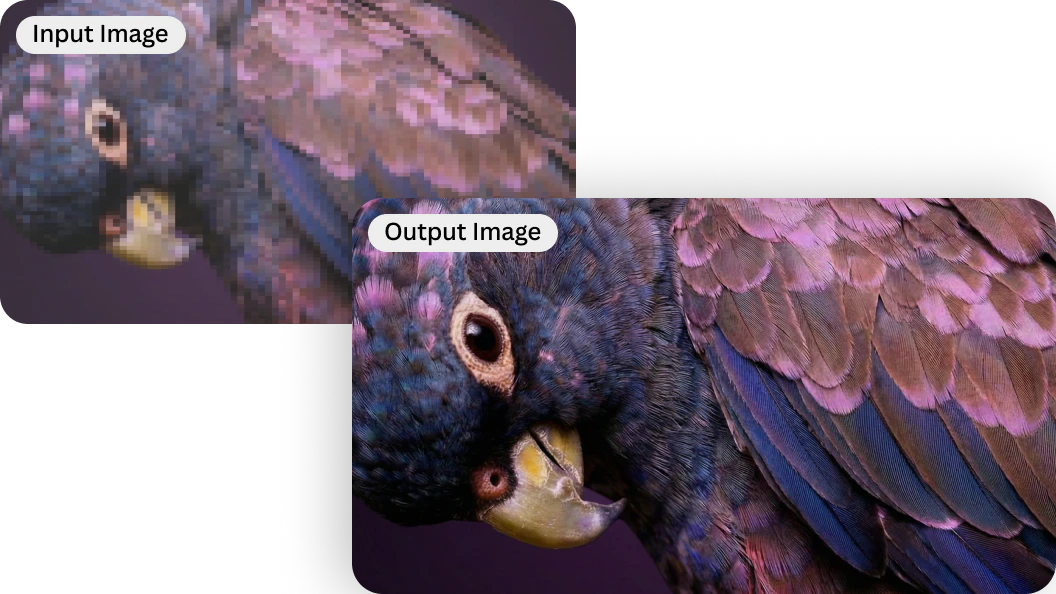
Universal Upscaler
Prepare designs for high-resolution output across channels.
Blueprints for AI graphic design
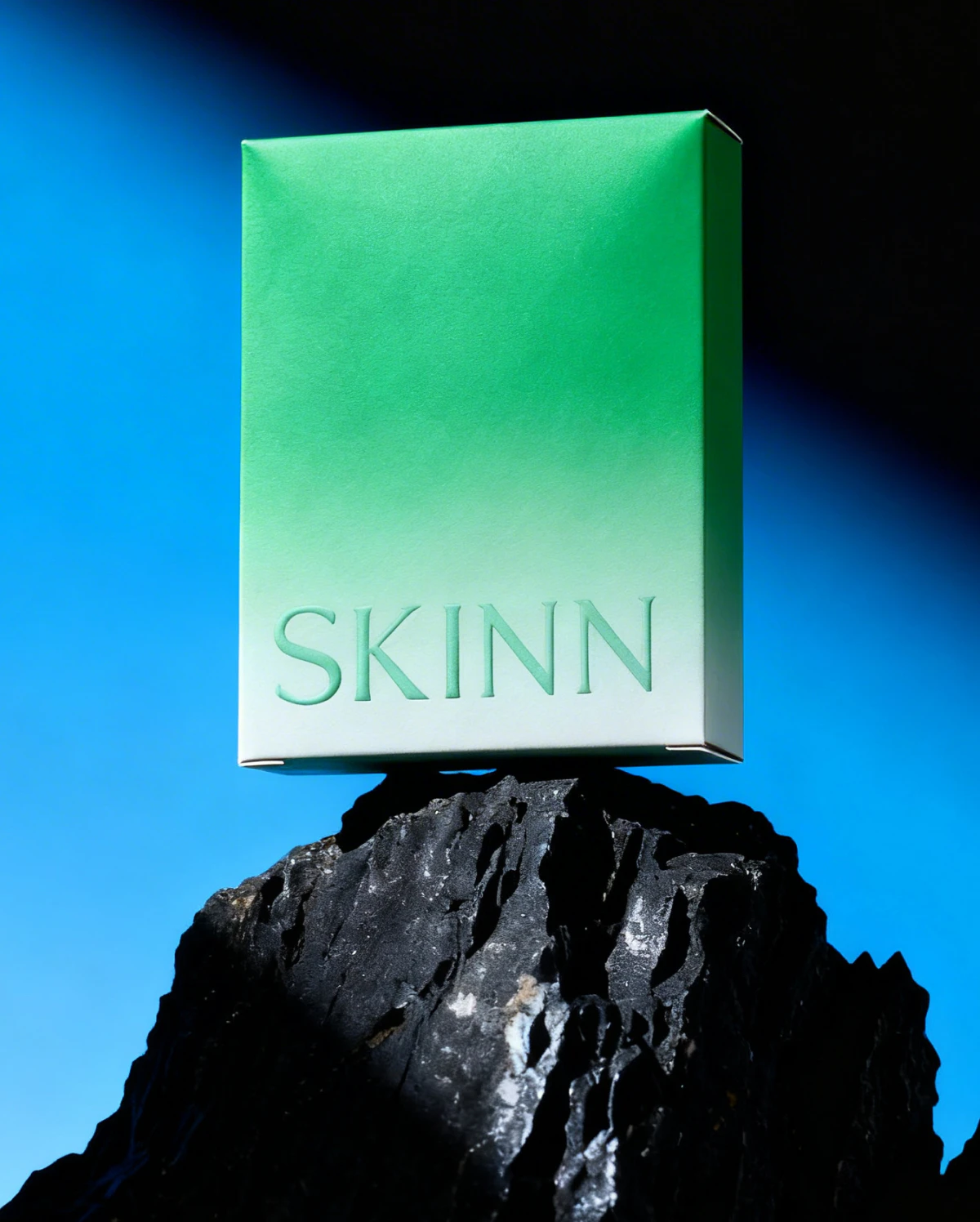
Font Matcher
Pair typography and visuals with consistent style.
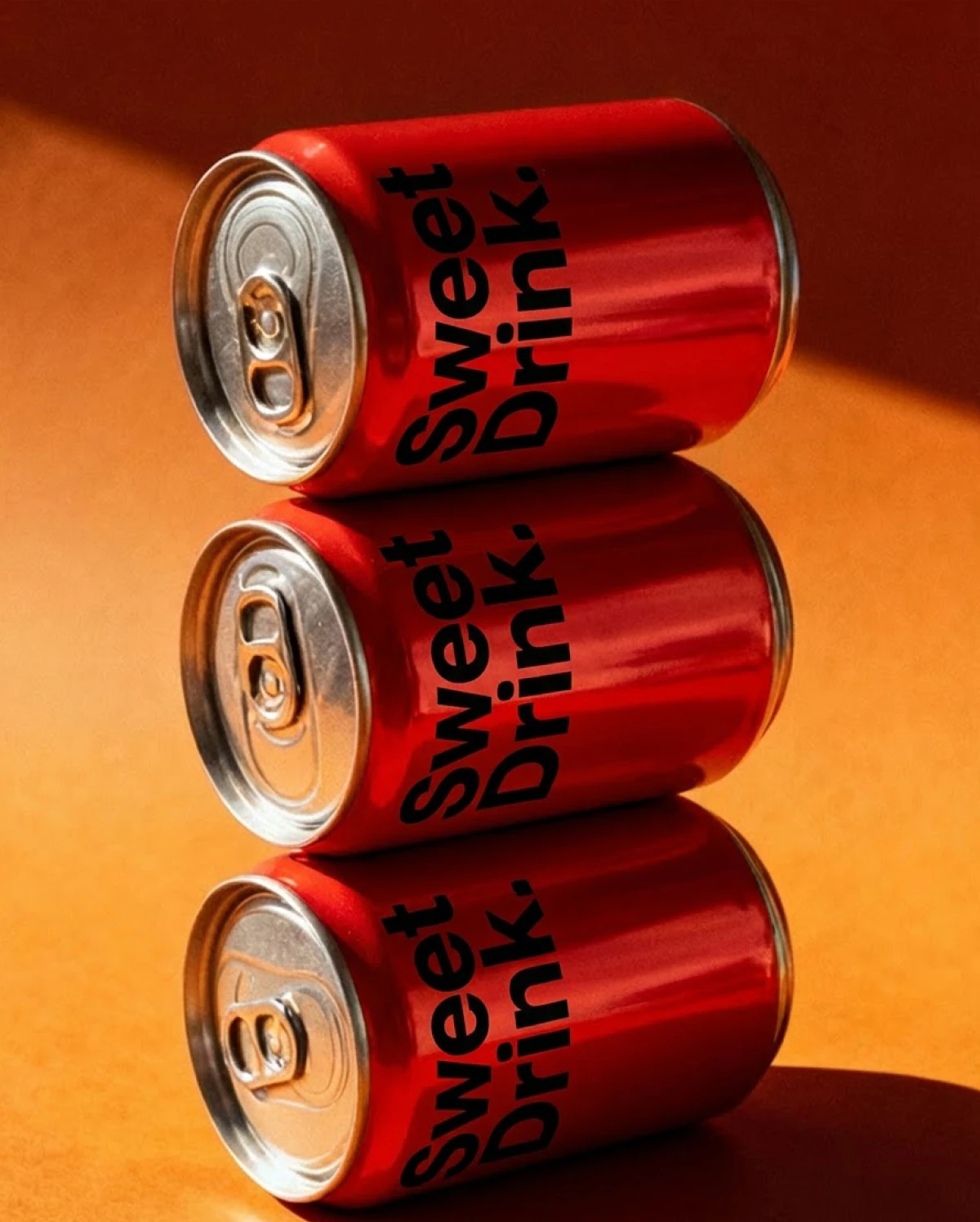
Style Transfer (Text to Image)
Apply a defined aesthetic across new designs.
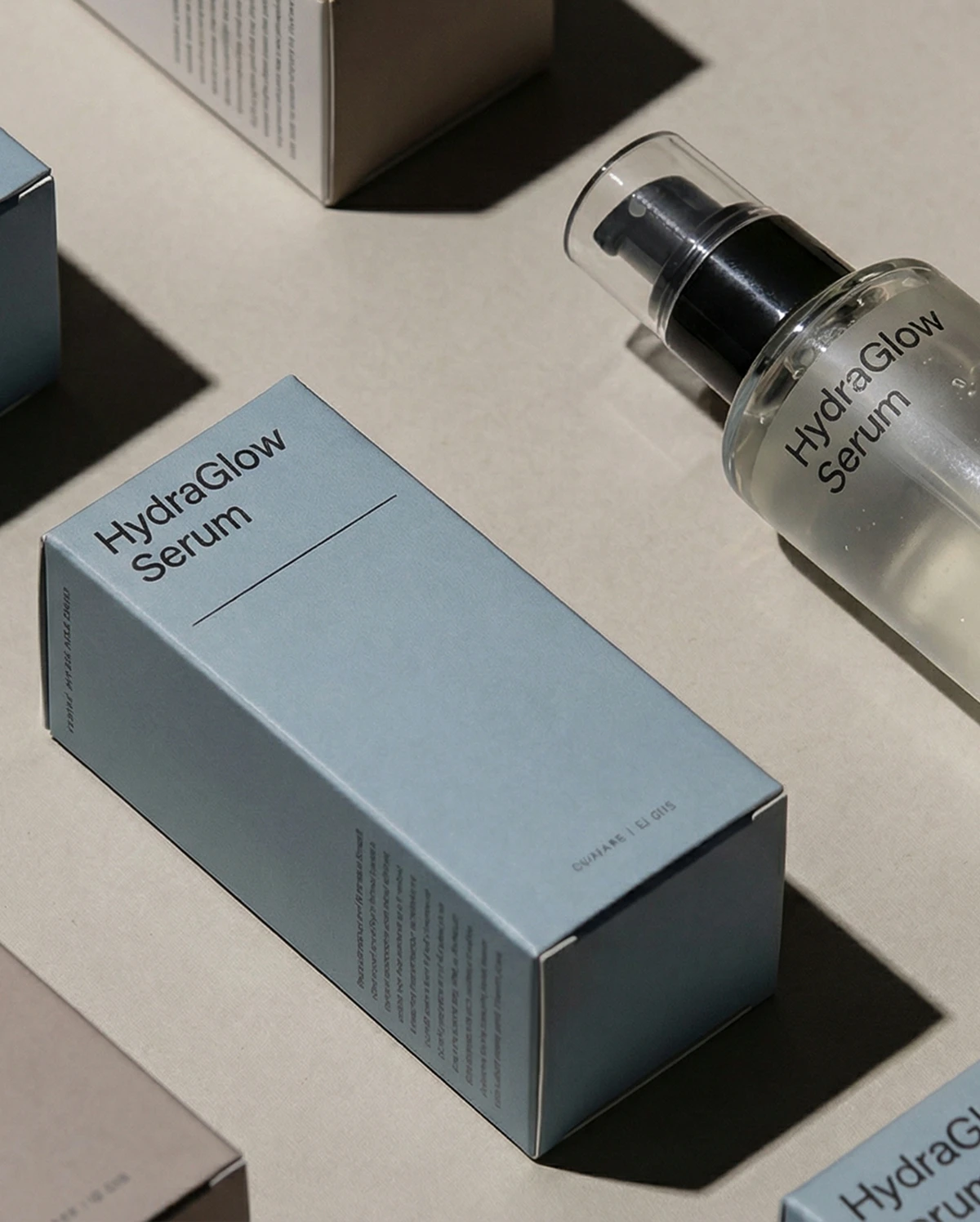
Image Remix
Rework existing assets into new layouts or treatments.
AIgraphicdesignFAQS
Why use AI for graphic design?
AI can accelerate ideation, generate variations, and support refinement. Leonardo helps designers explore ideas faster while keeping creative decisions human-led.
How do you write better prompts for graphic design?
Be clear about intent, layout, and key elements. Start simple, review results, and refine based on what you see.
Which AI model is best for creating graphic designs with text?
If your design includes text, typography, or structured layouts, choose a model optimized for text clarity and prompt accuracy. Ideogram 3.0 is ideal for clean, legible typography in posters, logos, and graphic assets. Nano Banana Pro works well for more complex designs where text needs to follow detailed instructions. For balanced, all-round design work, Lucid Origin is a strong option. If you’re unsure, use Auto to let Leonardo select the best model for your prompt. Learn more in our AI Image Models Guide.
What is the best AI tool for graphic design?
The best tool balances speed, control, and consistency. Leonardo is trusted by designers who need AI to fit into real creative workflows.
Will AI replace graphic designers?
No. AI supports designers by handling exploration and iteration, while taste, strategy, and creative judgment remain human.
Can I use AI-generated designs commercially?
Yes. Subject to Leonardo’s terms. You can review our guidelines on using AI-generated content commercially, and refer to our Terms of Service for full details on usage rights.



Explore
more AI creative tools
Leonardo is more than an AI graphic design generator. Work across image, video, and motion with tools designed for modern creative production.
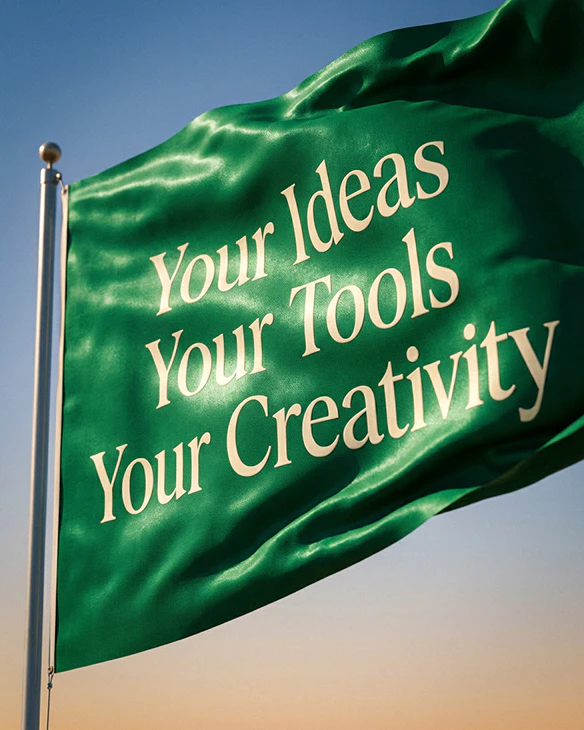
AI Banner Generator
Design banners for web, social, and display formats. Generate multiple variations fast while keeping layout and style consistent.
Learn more
AI Image Generator
Generate high-quality images from text or references. Explore styles, refine results, and maintain consistency across creative outputs.
Learn more
AI Video Generator
Create motion content from text or images. Animate stills, control pacing, and build short video sequences with clarity and intent.
Learn more
AI Social Media Post Generator
Design content that looks consistent across every platform – so your brand always shows up sharp, clear, and recognizable.
Learn moreAI Banner Generator
Design banners for web, social, and display formats. Generate multiple variations fast while keeping layout and style consistent.
Learn moreAI Image Generator
Generate high-quality images from text or references. Explore styles, refine results, and maintain consistency across creative outputs.
Learn moreAI Video Generator
Create motion content from text or images. Animate stills, control pacing, and build short video sequences with clarity and intent.
Learn moreAI Social Media Post Generator
Design content that looks consistent across every platform – so your brand always shows up sharp, clear, and recognizable.
Learn more