

Create video from text or images
Generate video from written prompts or animate still images using image references and start frames to anchor style and composition.

Control the look across outputs
Maintain visual consistency across shots and iterations; ideal for campaigns, storyboards, social content, and creative experimentation.
Create
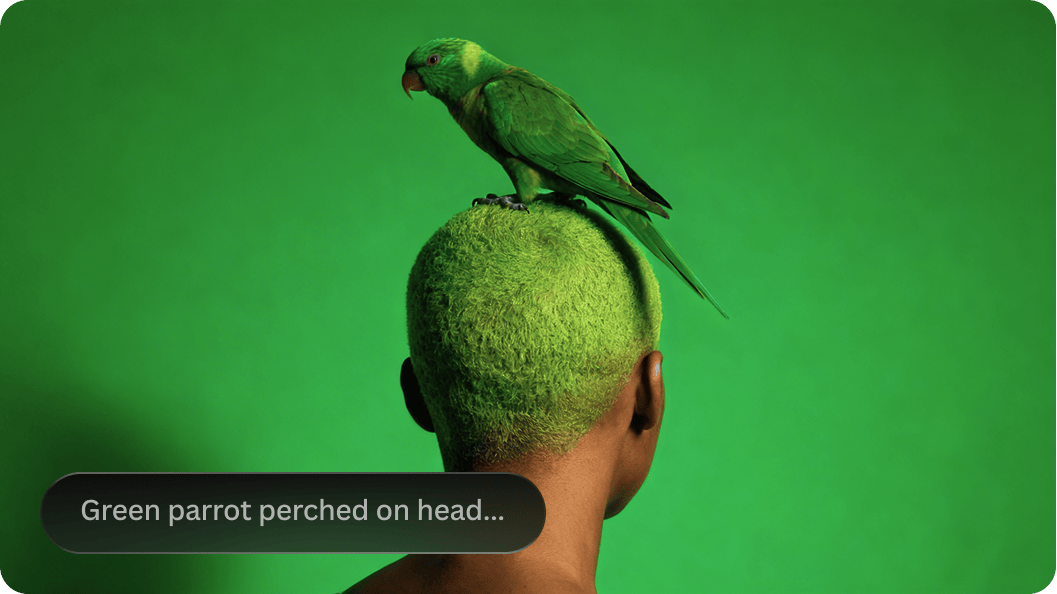
Text-to-video
Generate video clips directly from written prompts.
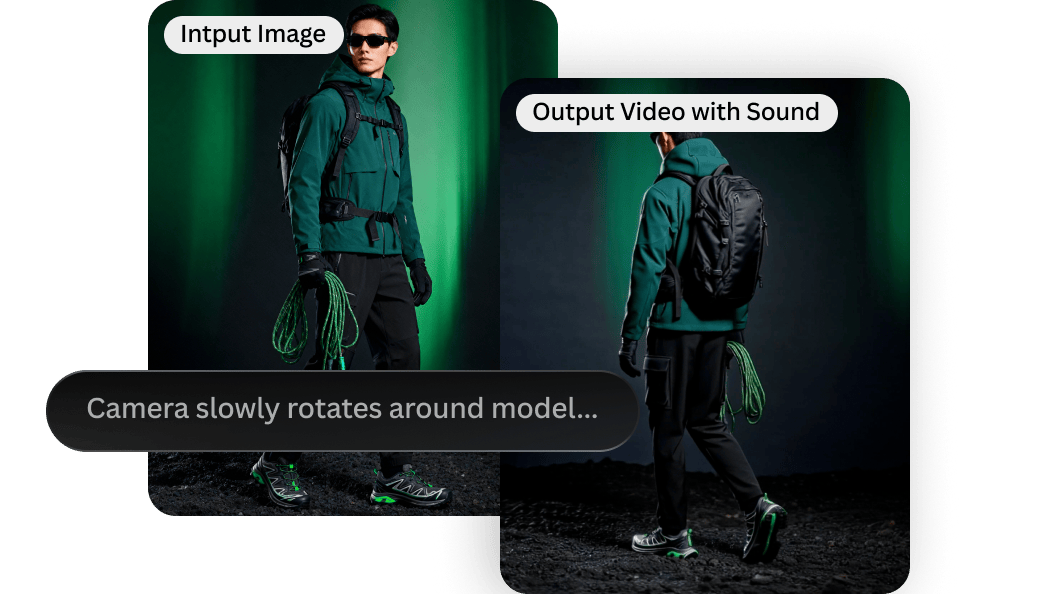
Image-to-Video
Animate still images into short sequences with clear creative direction.
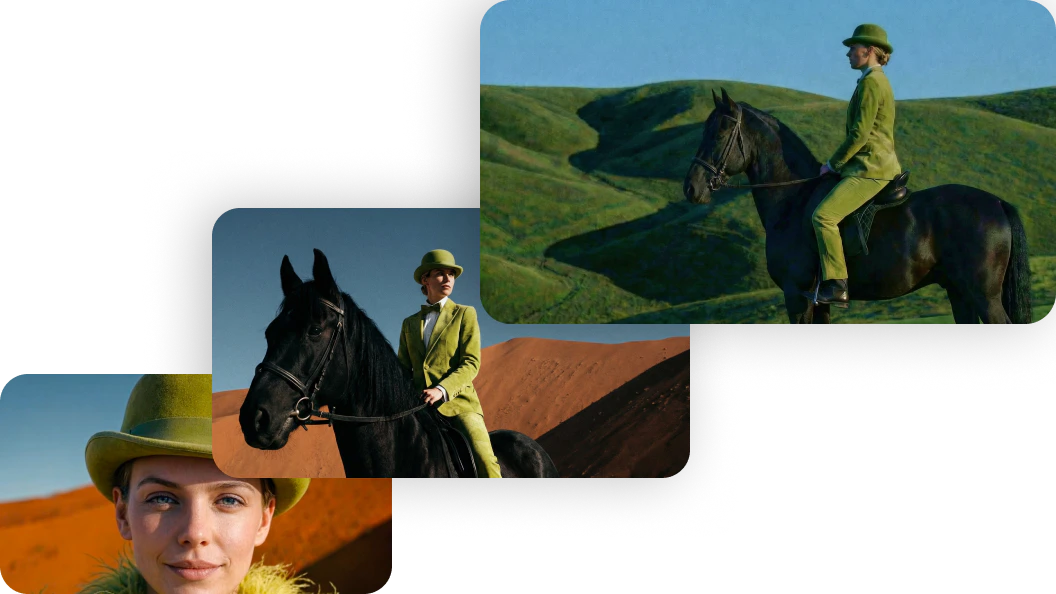
animation workflows
Bring concepts to life through motion, transitions, and iterative refinement.
Refine
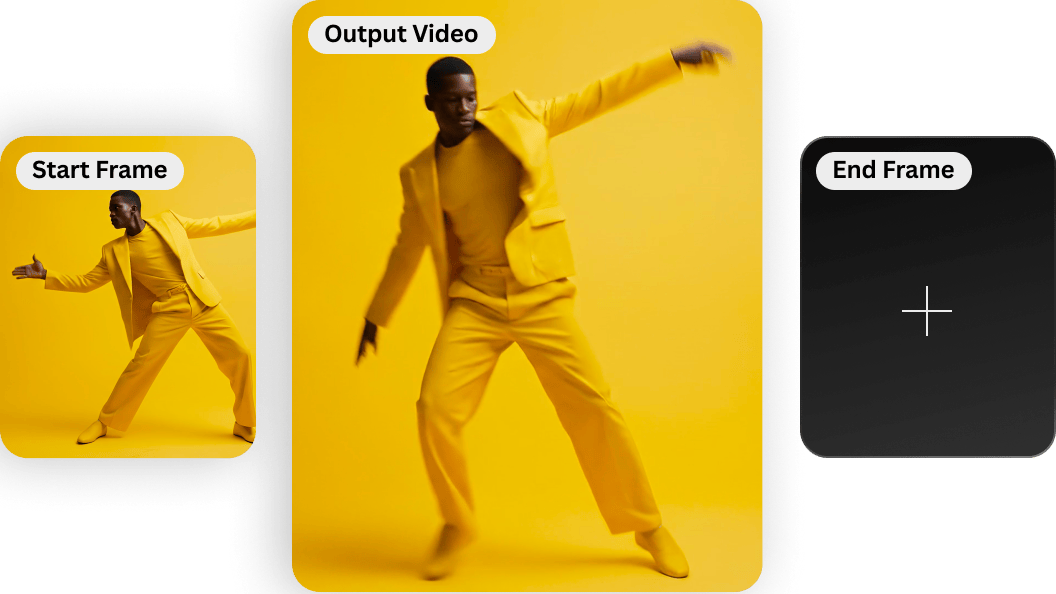
Start frames / image reference
Anchor your scene’s aesthetic and composition from the first frame.
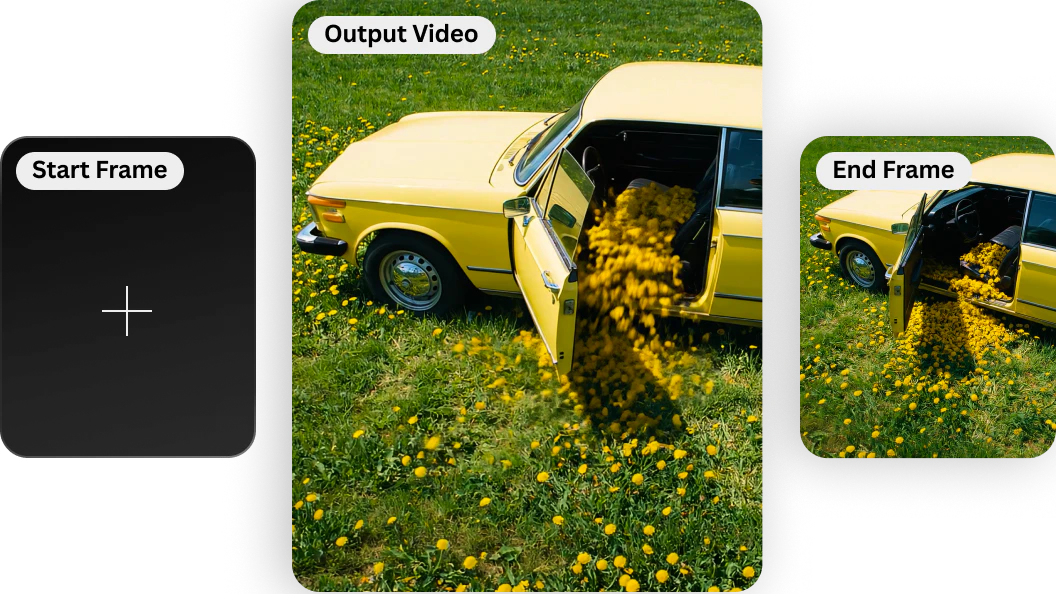
End frames
Maintain continuity and land the scene cleanly.
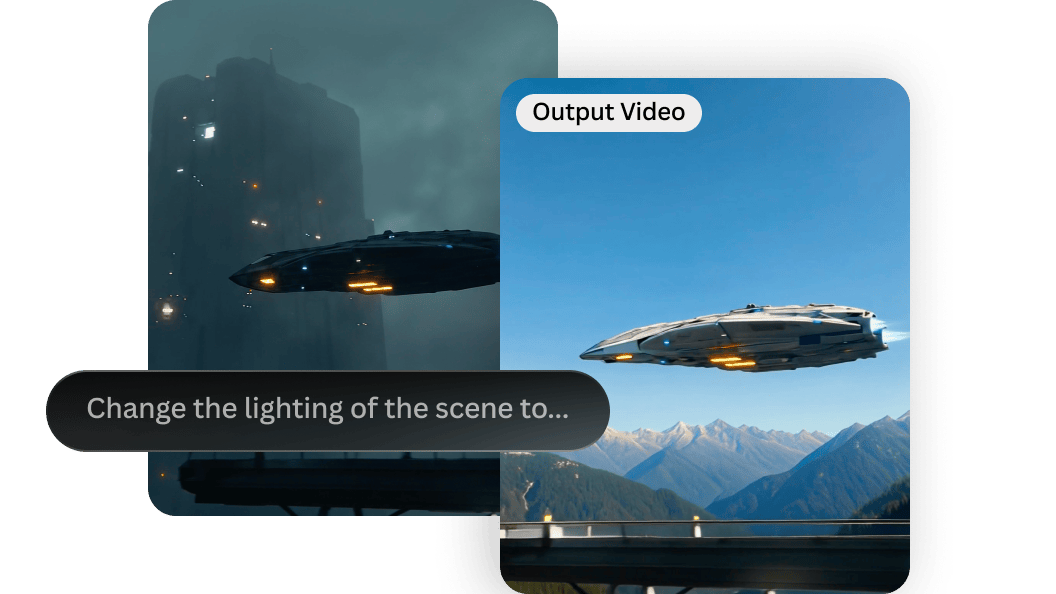
Prompt adherence
More reliable results from detailed direction on lighting, movement, and mood.
Scale
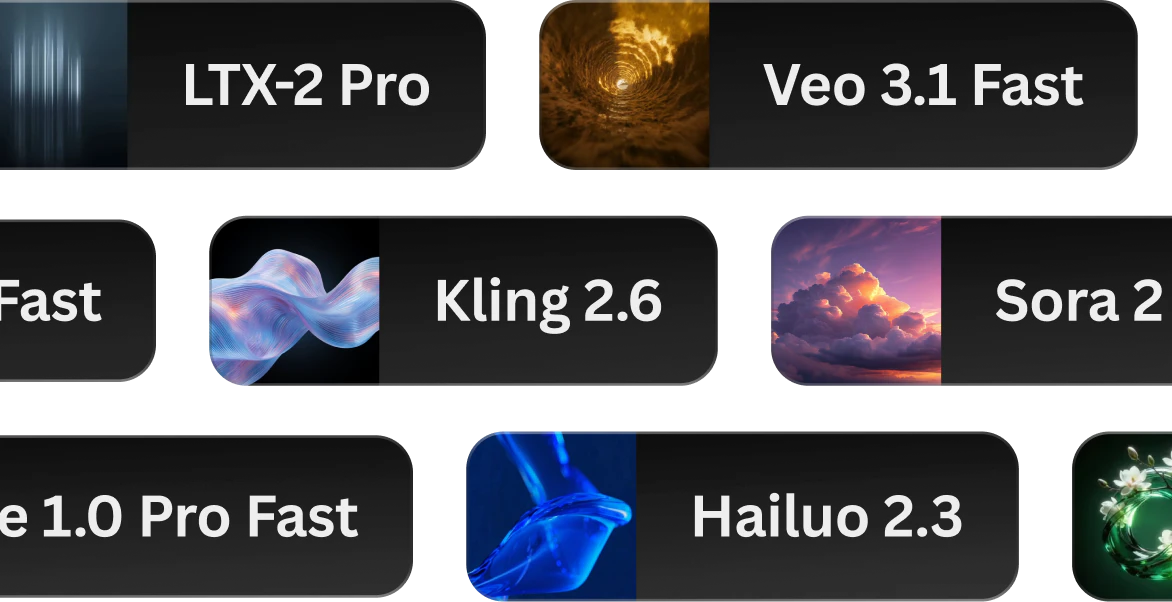
Model range
Choose the right video generation model for your style and output needs.
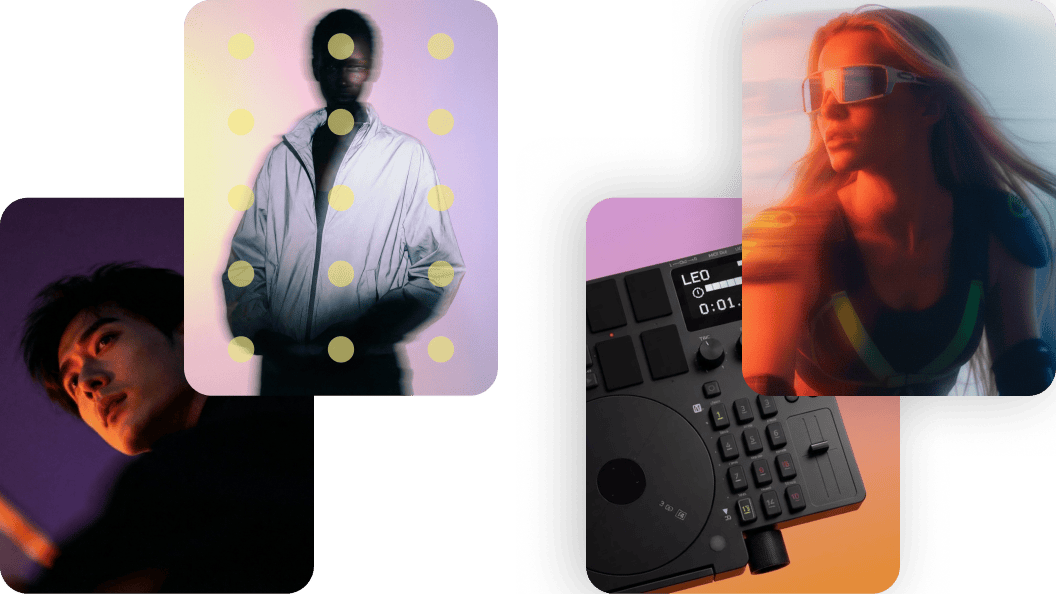
Blueprints
Pre-built workflows that combine models, prompts, and settings to produce high-quality video without starting from scratch.
Blueprints for AI video creation
See what’s possible with AI video
Explore videos created with Leonardo’s AI video generator, from animated stills to cinematic sequences and campaign-ready motion content.
Ultra realistic aerial footage of white horses running through hills covered in thick short velvety green grass. Ultra realistic natural look. Correct anatomy of horses. Realistic motion, gravity and normal speed.
Ultra-realistic cinematic video set in a black volcanic landscape with a misty horizon. An asian-looking woman stands centered in frame, becoming the clear focal point. She looks calmly at the camera, then turns. Strong wind moves her hair with realistic weight and motion. Static camera, overcast daylight, grounded color grading, ultra-realistic movement with no stylization.
Cinematic product spin footage of stacked lime wedges rotating with smooth, controlled motion while staying perfectly balanced. Soft studio lighting highlights the juicy texture, fresh moisture, and subtle reflections across the citrus surface. Placed on a clean matte tabletop with natural reflections and soft contact shadows against a static green background. Minimal, refined camera motion with an ultra-realistic high-end food commercial aesthetic.
Video of Illawarra flame tree subtly moving on the wind. The trunk and thick branches are stable, only the thinnest branches and red flowers move on the wind. camera is fixed. a few birds fly by the tree across the fame. Motion looks realistic and natural with normal speed. Ultra realistic cinematic scene.
Warm brown knitted wool sweater gently floating in the air as if suspended in zero gravity against a smooth deep green studio gradient background. Movement is minimal and slow, driven by subtle natural drifting rather than human motion. Fabric softly flows and breathes in space, maintaining realistic weight, texture, and material detail. Calm, controlled motion with refined realism.
Avant-garde high fashion portrait of a model in a structured dark tailored blazer against a clean minimalist studio backdrop. The face is partially obscured by horizontal motion blur and blue light streak distortion, creating a surreal identity-shift effect. Strong directional side lighting casting sculptural shadows, cool monochromatic palette, sharp tailoring details, contemporary fashion campaign aesthetic. Refined composition, negative space, cinematic color grading, ultra-detailed texture, luxury editorial mood, modern art-meets-fashion concept.
AIvideogeneratorFAQS
What is an AI video generator?
An AI video generator uses machine learning models to create short video clips from text prompts or image references. Leonardo supports both text-to-video AI and image-to-video AI, including animation-style workflows.
How do I make AI-generated videos?
Start with a prompt or image, choose your model and format, generate a clip, then refine motion and tone through prompt adjustments or new references.
How long does it take to generate an AI video?
Generation time varies based on model and output settings, but most videos are produced in minutes.
What should I look for in an AI video generator?
Look for quality and control: prompt accuracy, consistency across frames, strong image reference tools, export options, and a workflow that supports iteration.
What is the best AI video generator?
The best AI video generator depends on your needs. Leonardo is built for creators who value creative control, consistency, and production-ready results, not just quick motion.
Can I generate AI videos for free?
Yes. Leonardo offers free access to try AI video generation, with paid plans available for higher usage limits and advanced features.
Can I use AI-generated videos commercially?
Yes. Subject to Leonardo’s terms. You can review our guidelines on using AI-generated content commercially, and refer to our Terms of Service for full details on usage rights.





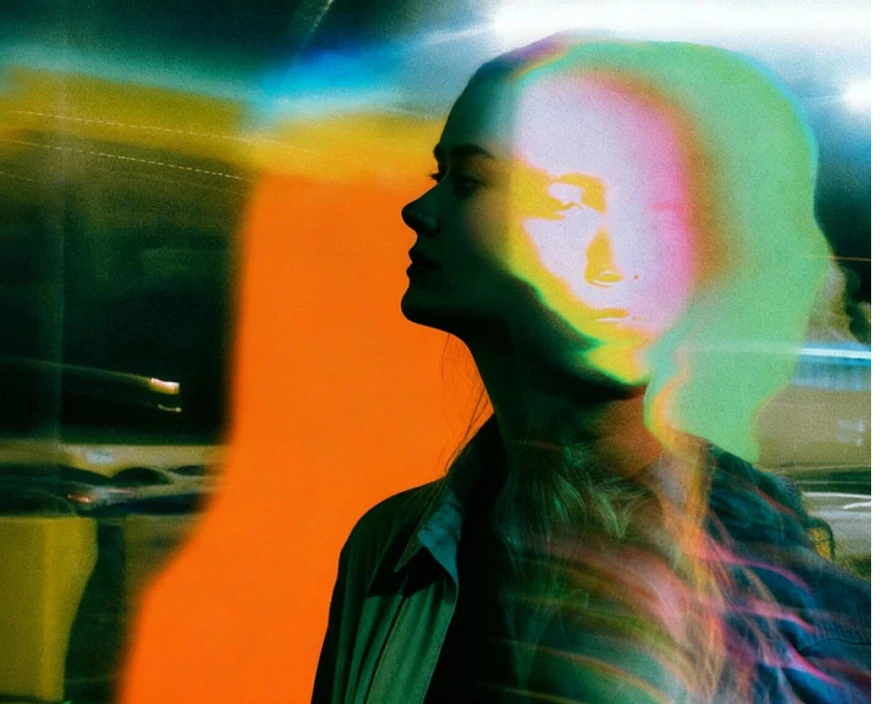
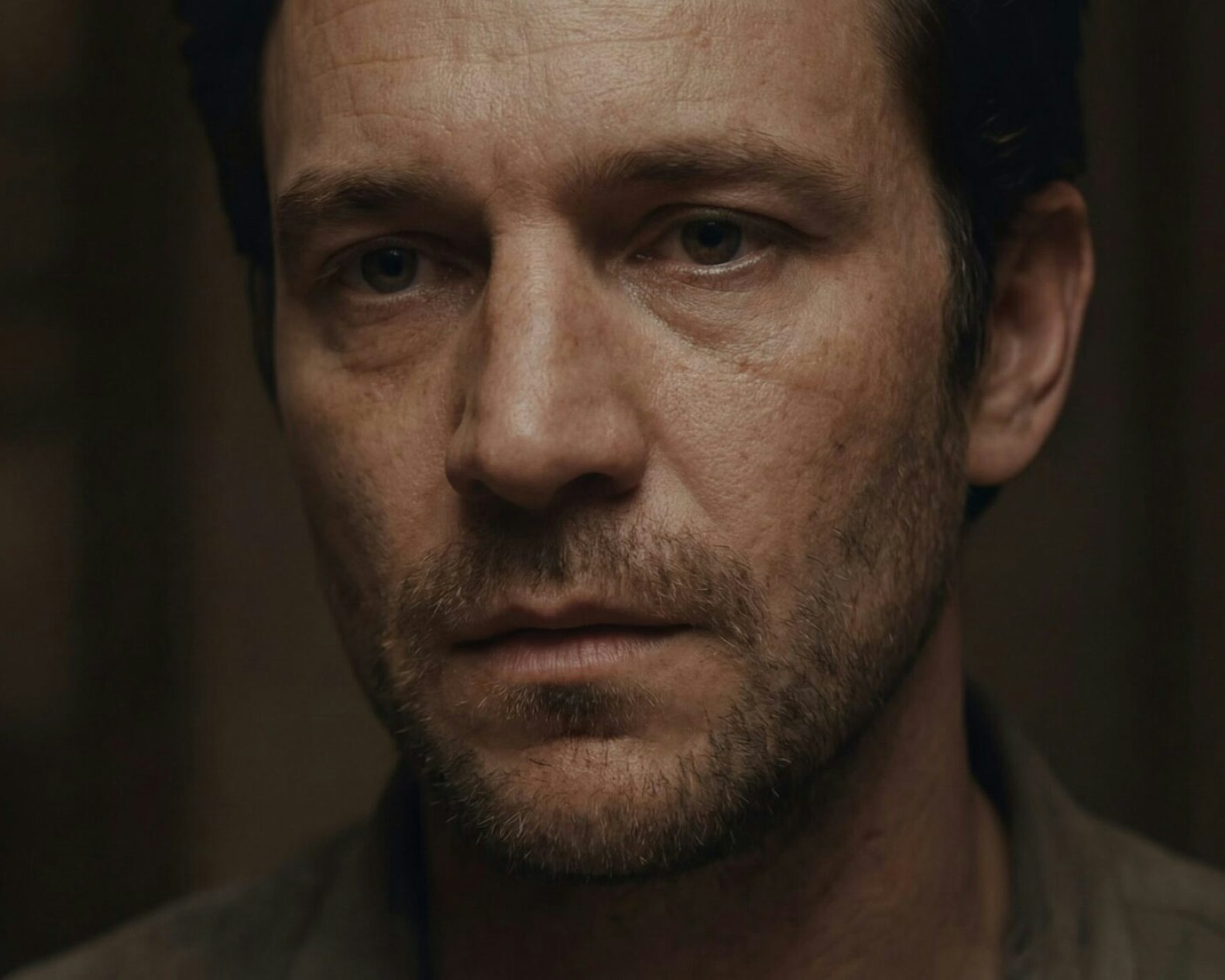
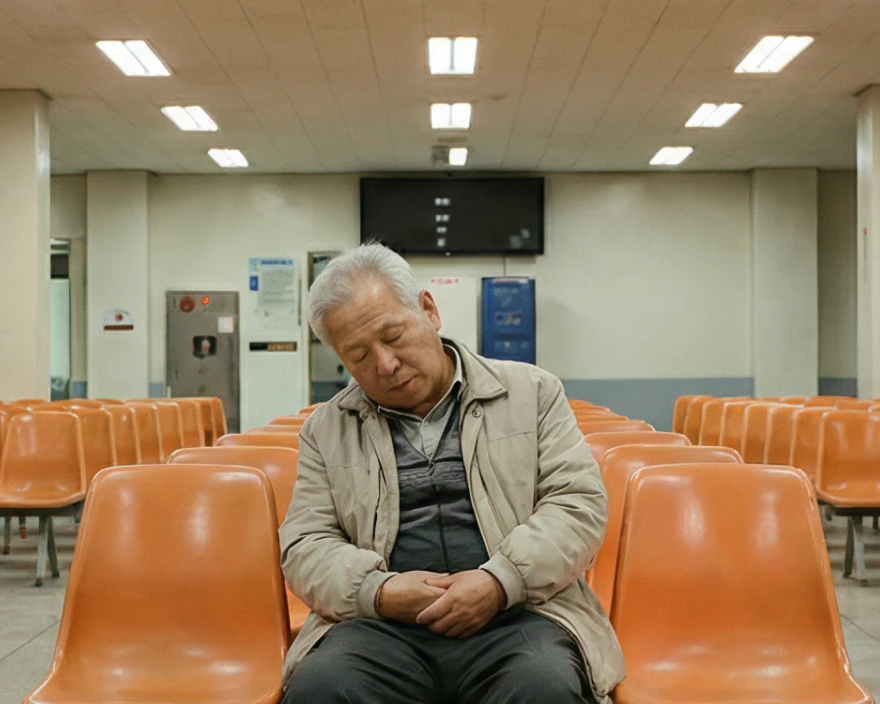

Explore
more AI creative tools
Leonardo is more than an AI video generator. Create across image, design, and motion with a suite built for modern creative production.

AI Image Generator
Generate high-quality images from text or references. Explore styles, refine results, and maintain consistency across creative outputs.
Learn more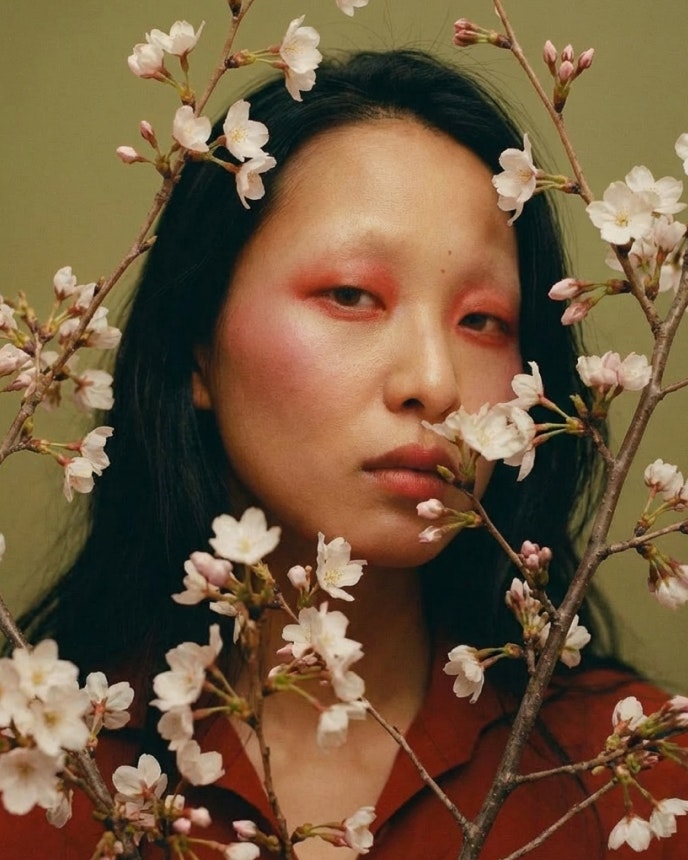
Image Upscaler
Enhance resolution and clarity without losing detail. Prepare images for print, large formats, and high-quality delivery.
Learn more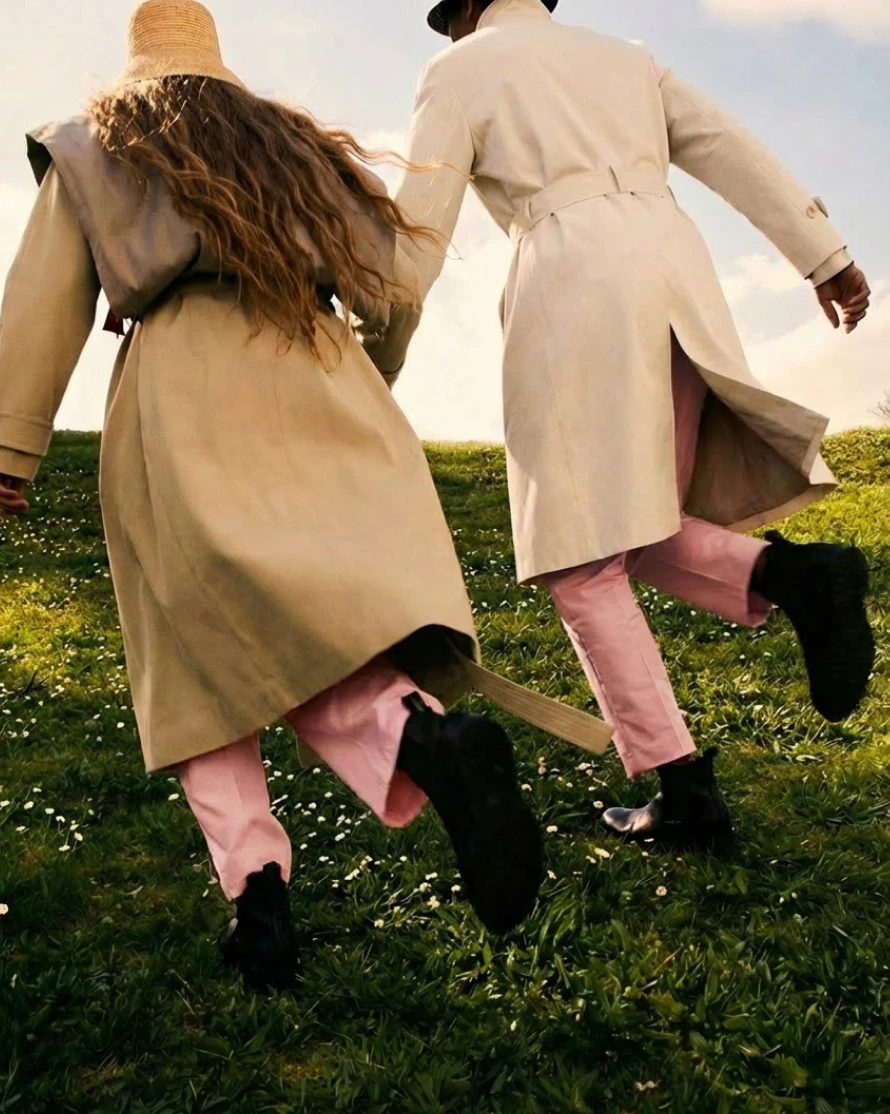
AI Social Media Post Generator
Create scroll-stopping visuals for social platforms. Generate, adapt, and refine content quickly for ongoing social output.
Learn more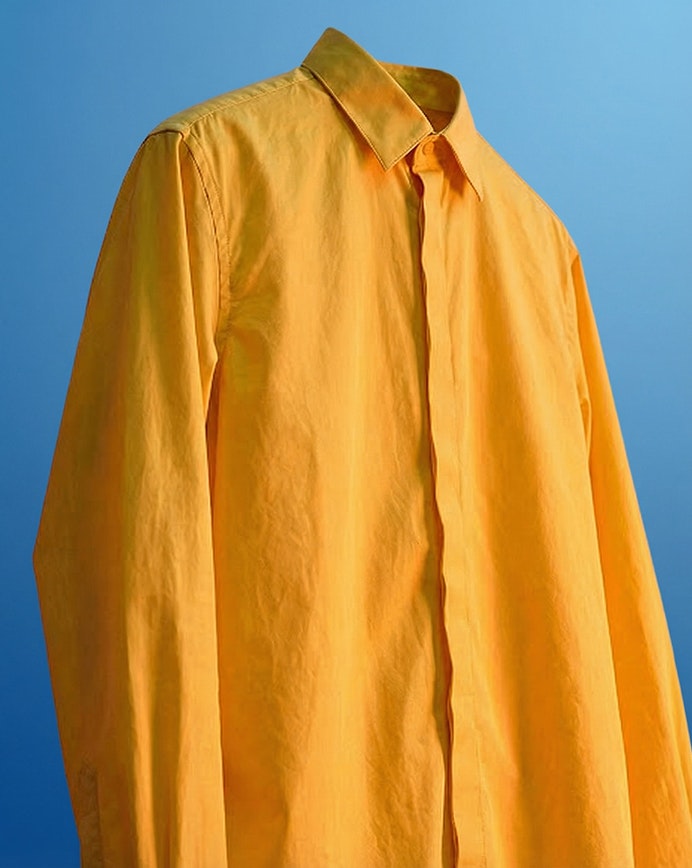
AI Graphic Design
Instantly upgrade your graphic design workflow with Leonardo's powerful image generation tools, ai-generated graphics and flexible brand controls.
Learn moreAI Image Generator
Generate high-quality images from text or references. Explore styles, refine results, and maintain consistency across creative outputs.
Learn moreImage Upscaler
Enhance resolution and clarity without losing detail. Prepare images for print, large formats, and high-quality delivery.
Learn moreAI Social Media Post Generator
Create scroll-stopping visuals for social platforms. Generate, adapt, and refine content quickly for ongoing social output.
Learn moreAI Graphic Design
Instantly upgrade your graphic design workflow with Leonardo's powerful image generation tools, ai-generated graphics and flexible brand controls.
Learn more