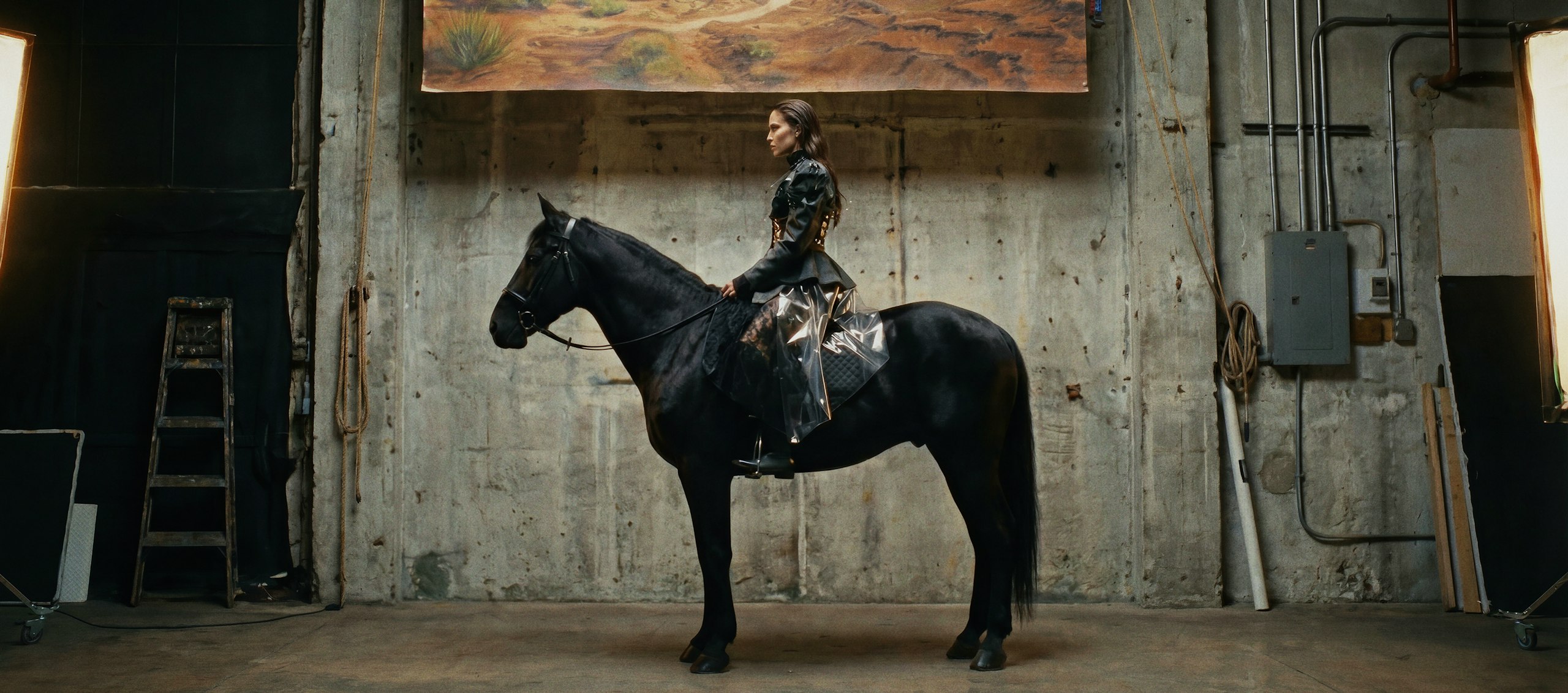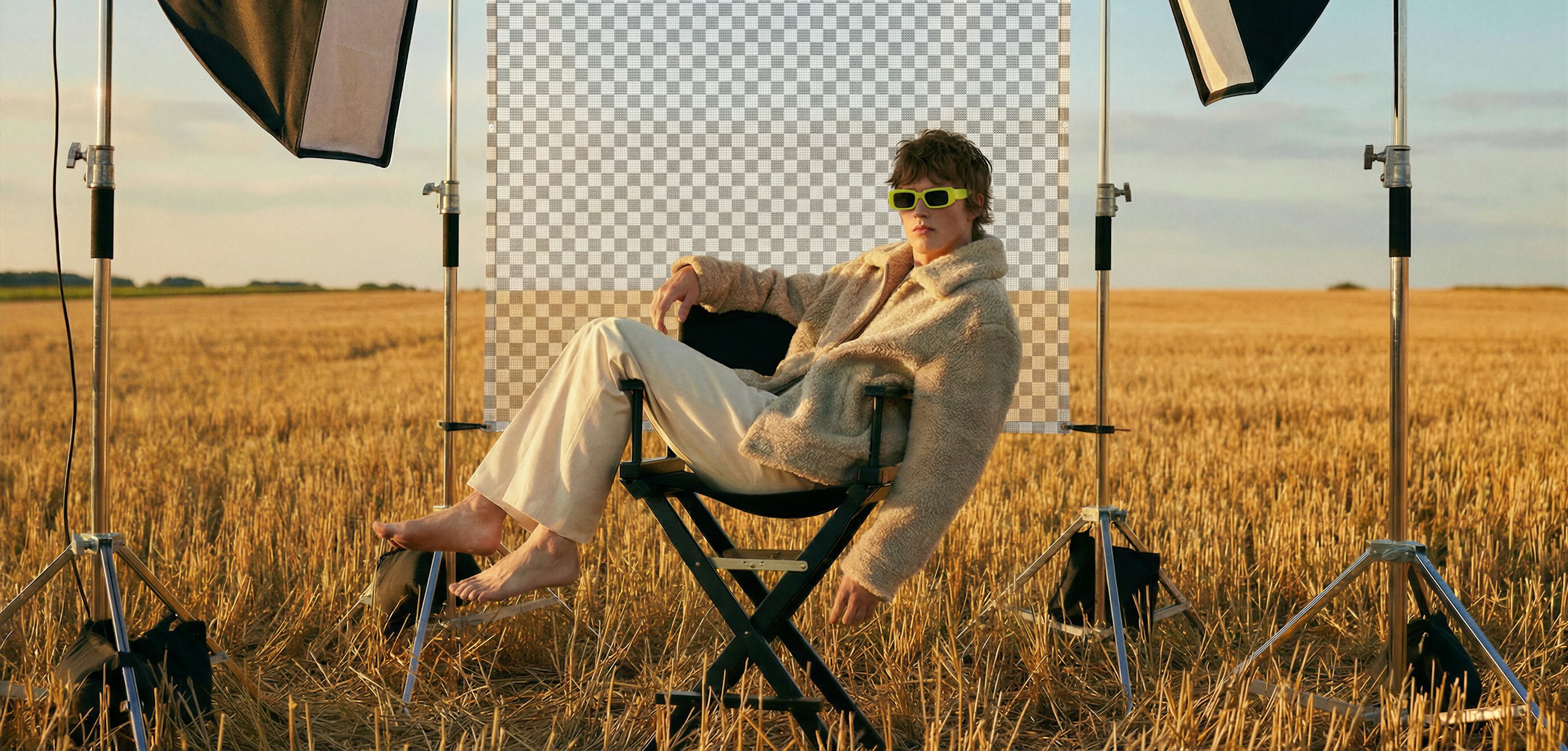

Clean subject isolation
Remove backgrounds from your generated images in seconds, creating transparent PNG outputs ready for further editing or export.

Stay in your workflow
Remove backgrounds directly within Leonardo’s image generation environment, without switching tools or re-uploading files.
Speed Up edits with Blueprints
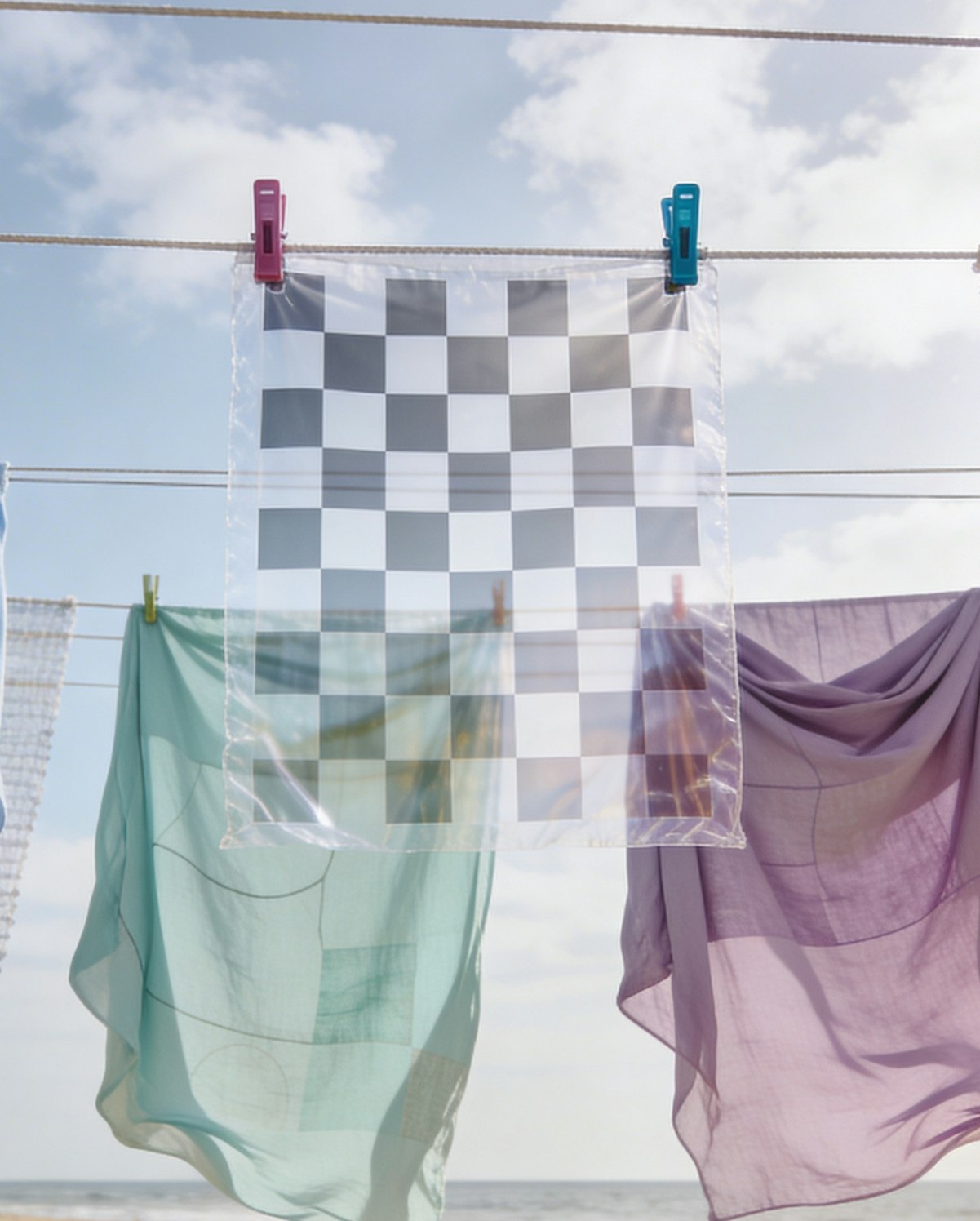
Object Remover
Remove unwanted elements while preserving natural detail.
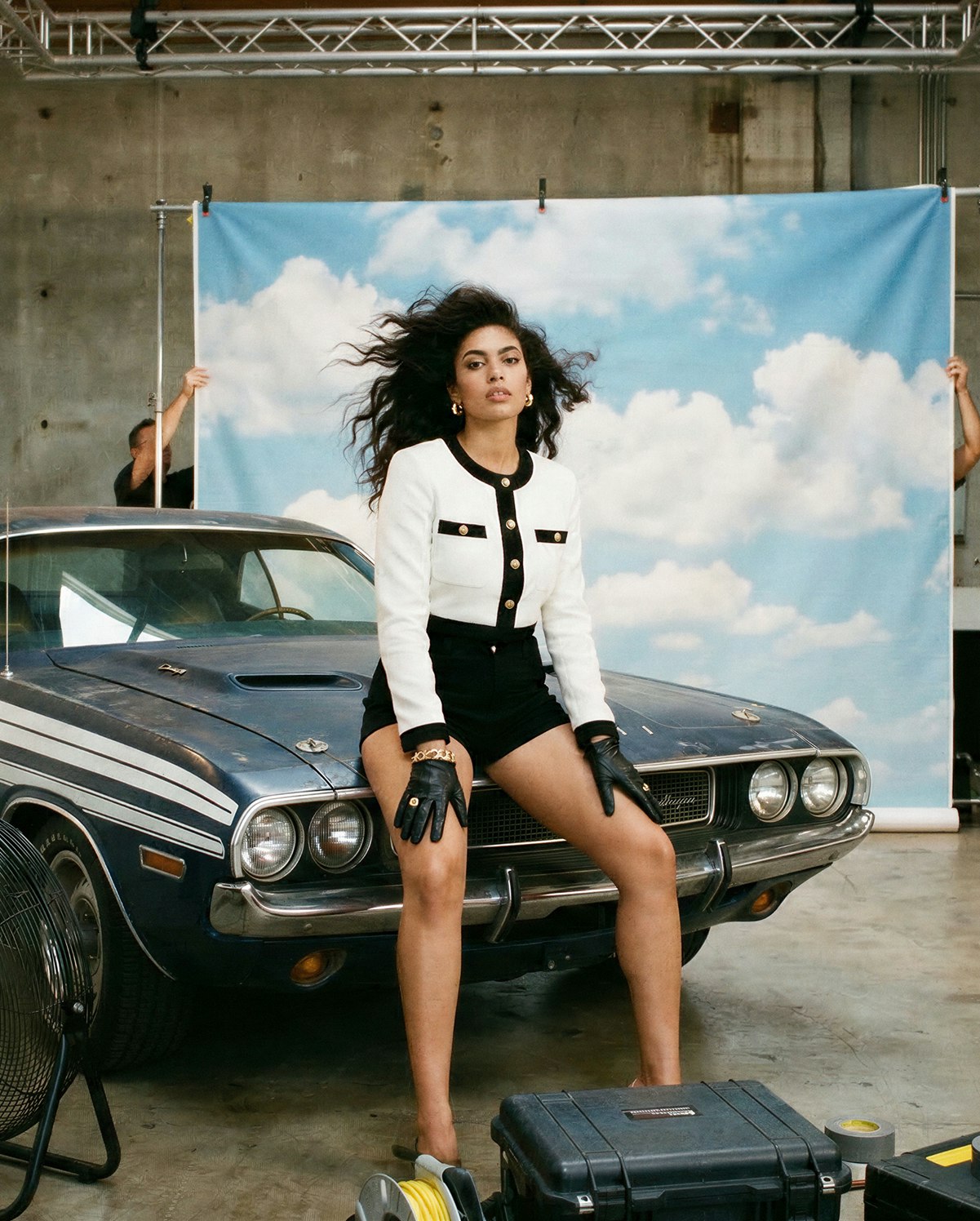
Background Change
Replace or modify backgrounds within your generated images.
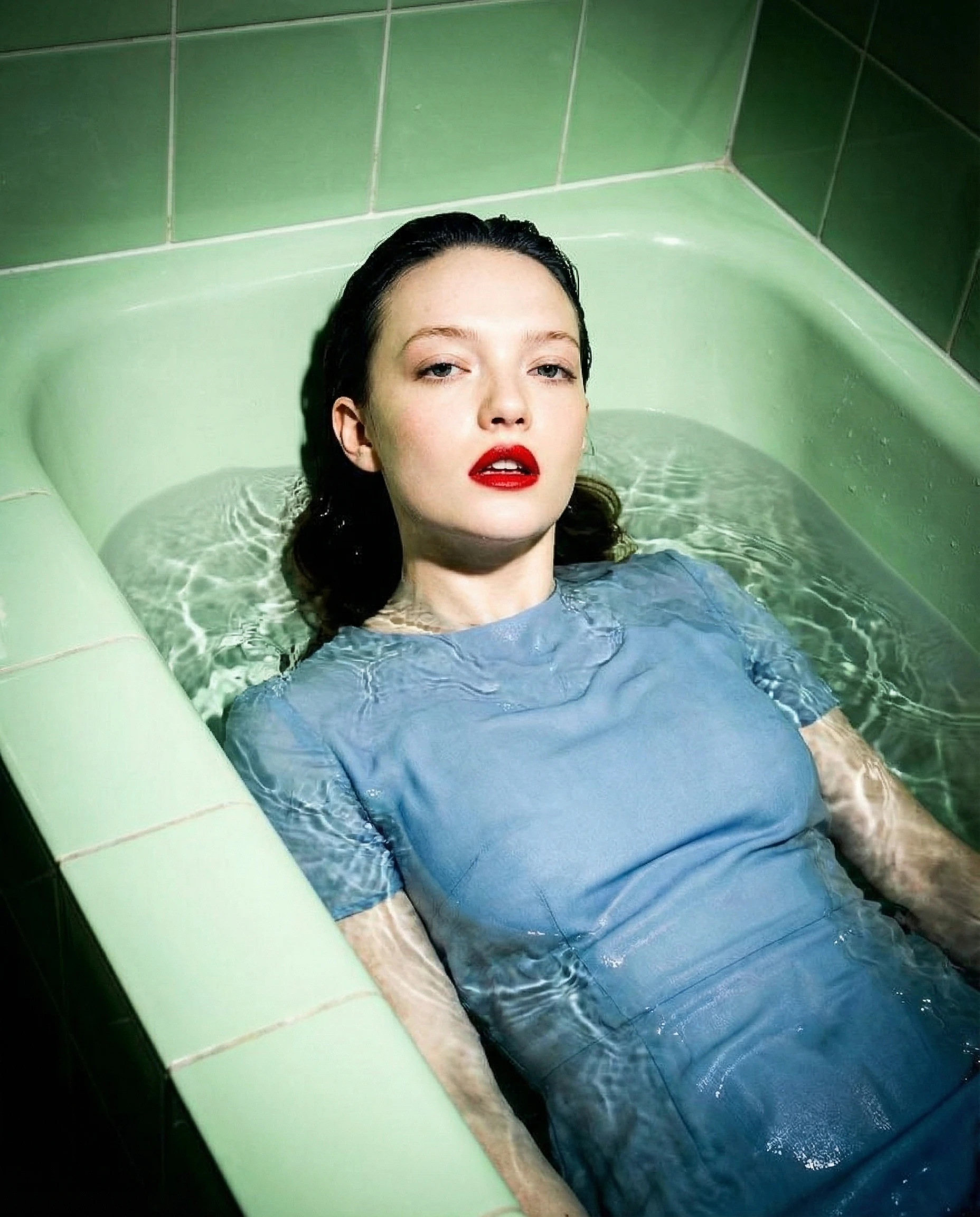
Bulk Resize
Adapt multiple images for different formats in seconds.
FAQS
What is an AI background remover?
An AI background remover uses machine learning to automatically separate a subject from its background. Leonardo applies this to images generated within the platform.
How does AI background removal work?
Leonardo analyzes the generated image and detects subject boundaries, removing the background while preserving subject detail.
How accurate are background removers?
Accuracy depends on image complexity and subject contrast. Clear subjects with defined edges typically produce the best results.
How do I perfectly remove a background?
For best results, generate images with clear subject separation and minimal visual clutter. You can regenerate or refine as needed.
Can I use Leonardo’s AI background remover for free?
Yes. You can remove backgrounds from generated images on Leonardo’s free plan, with paid plans offering higher usage limits.



Getting Started With Leonardo.Ai
On Leonardo, you have everything in a single platform: image generation, image editing, image upscaling, video generation, and video editing. The best part is that you can switch instantly between models and generation modes.
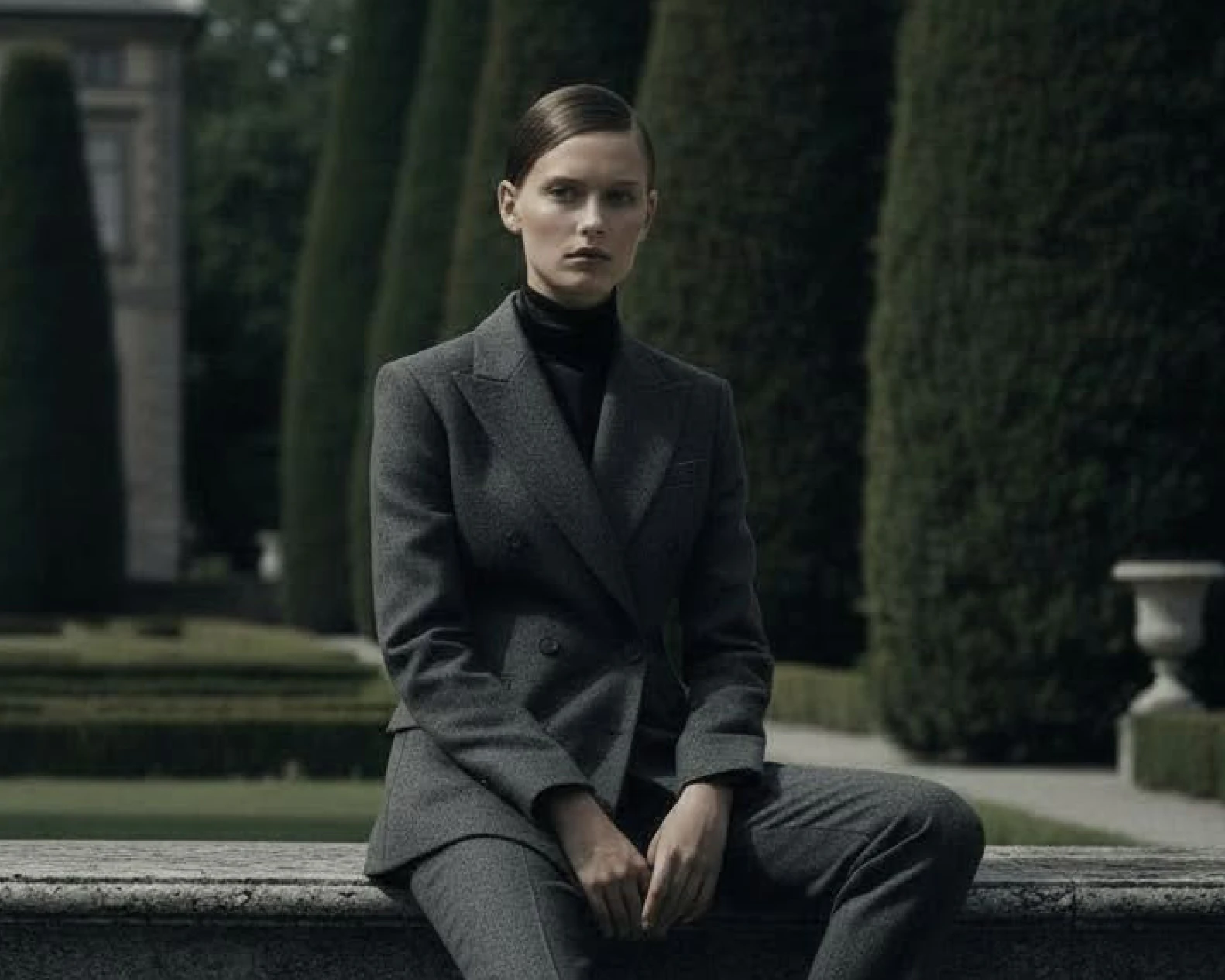
Nano Banana Prompt Guide: Examples and Best Practices
Nano Banana and Nano Banana Pro are capable models designed for different creative needs. Whether you require fast image edits or reasoning-heavy 4K compositions, these models can deliver professional-grade results.

How To Write AI Image Prompts: Tips & Examples
Sometimes you have a clear vision for an image, but the AI model returns something generic or very far from what you have in mind. This is a common challenge in AI image generation, forcing many to guess at “magic words” or give up on their idea entirely.
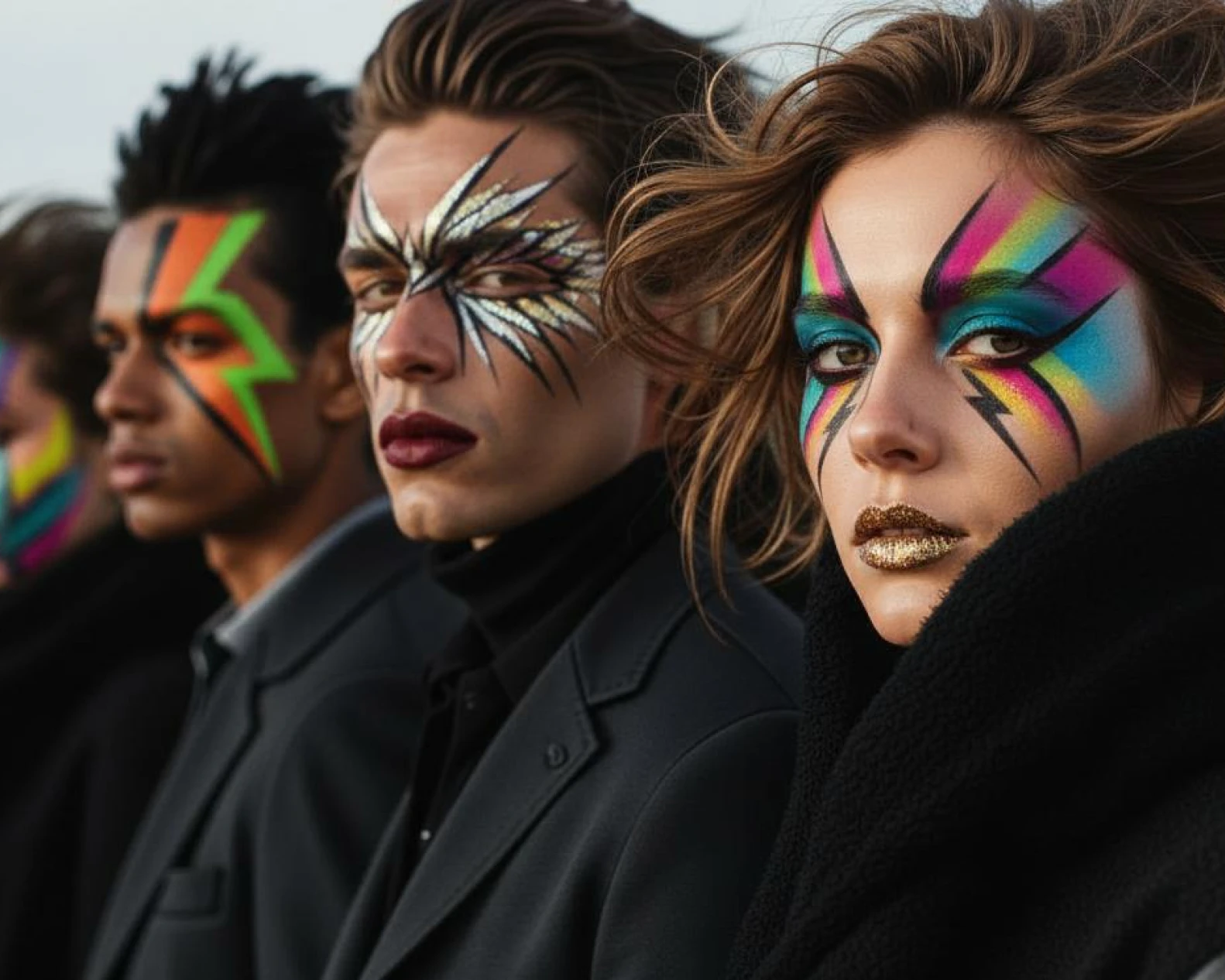
Leonardo’s AI Image Models Explained: Which One Should You Use?
With the growing number of models available on Leonardo.Ai, choosing the right one can feel a little overwhelming. To avoid decision paralysis, most people find a favorite and stick with it for every prompt, but doing so might mean missing out on better results.
Explore
more than just an AI image generator
Leonardo is a complete creative suite. Go beyond image generation with tools designed to help you edit, animate, and scale your ideas.
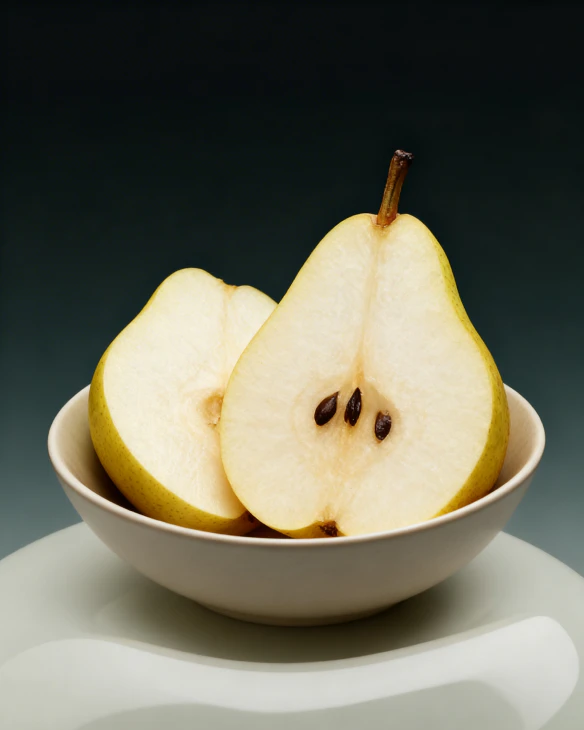
AI Image Generator
Generate high-quality images from text or references. Explore styles, refine results, and maintain consistency across creative outputs.
Learn more
AI Video Generator
Create motion content from text or images. Animate stills, control pacing, and build short video sequences with clarity and intent.
Learn more
AI Photography
Uplift your portfolio with Leonardo’s flexible suite of creative AI tools, including image generation, photo editing, and upscaling.
Learn more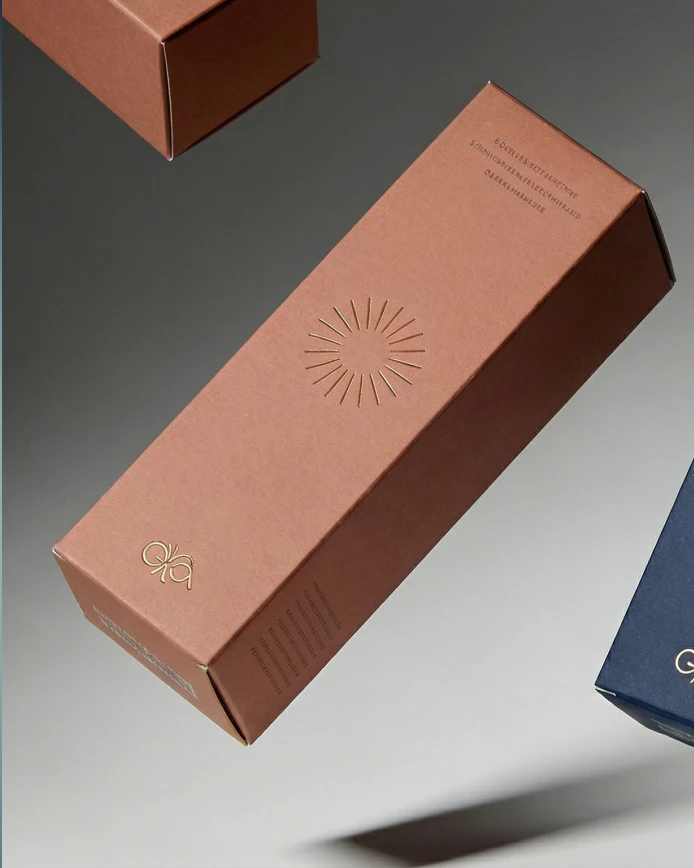
AI graphic Design
Design layouts, visuals, and branded assets with Leonardo’s AI graphic design tools. Shape color, typography, and visual style while using AI to move faster, from concept to polished design.
Learn more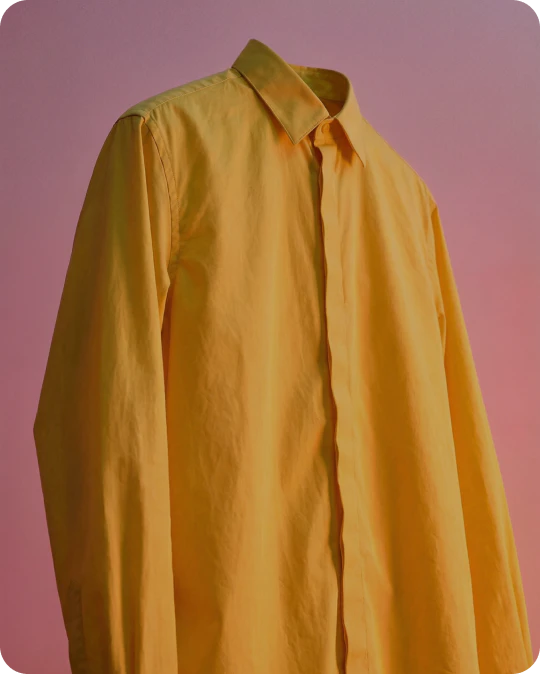
AI Image Editor
Refine images with AI using prompts and targeted edits. Adjust details while preserving composition and style.
Learn more