One workspace, from start to finish
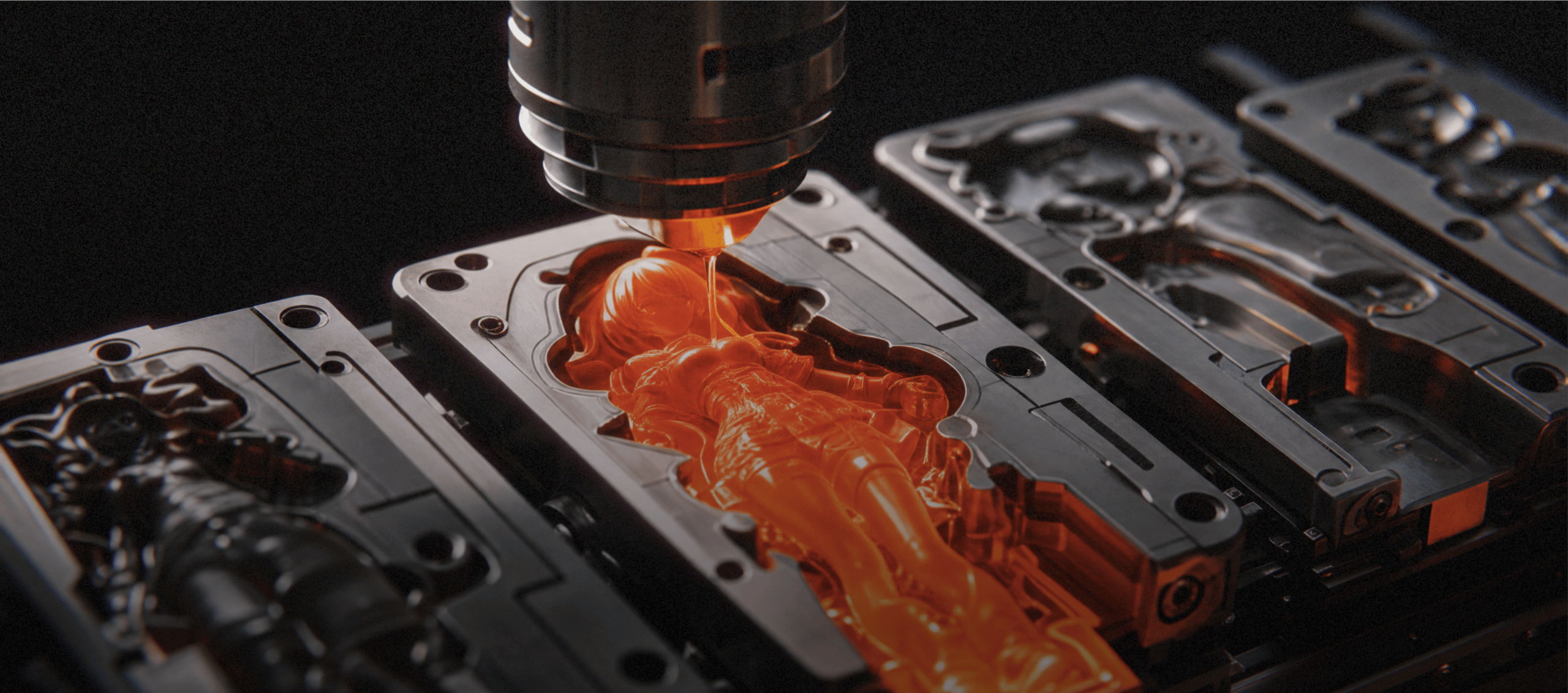
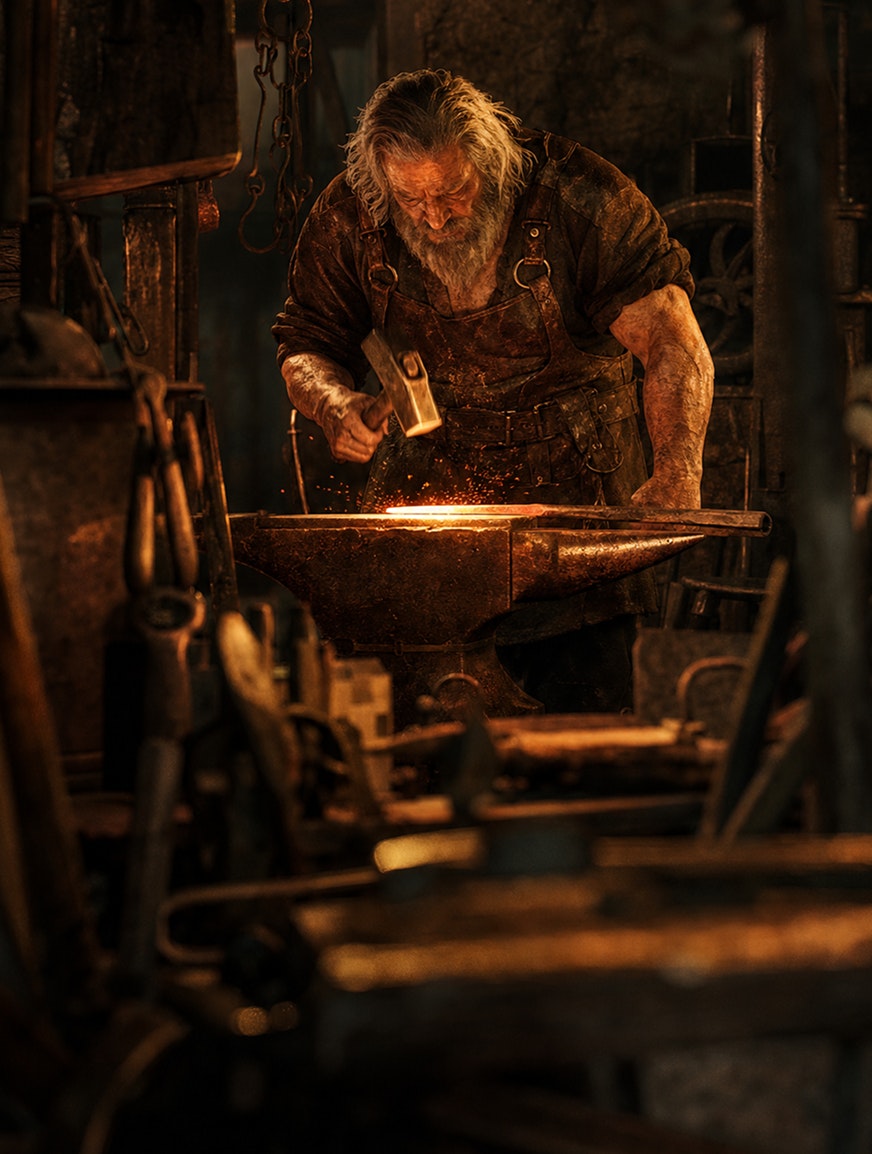
Manage your entire production pipeline in a unifi ed workspace. Generate images, create videos, edit fi ne details, and upscale fi nal assets without paying for multiple tools.
Creative precision with image references
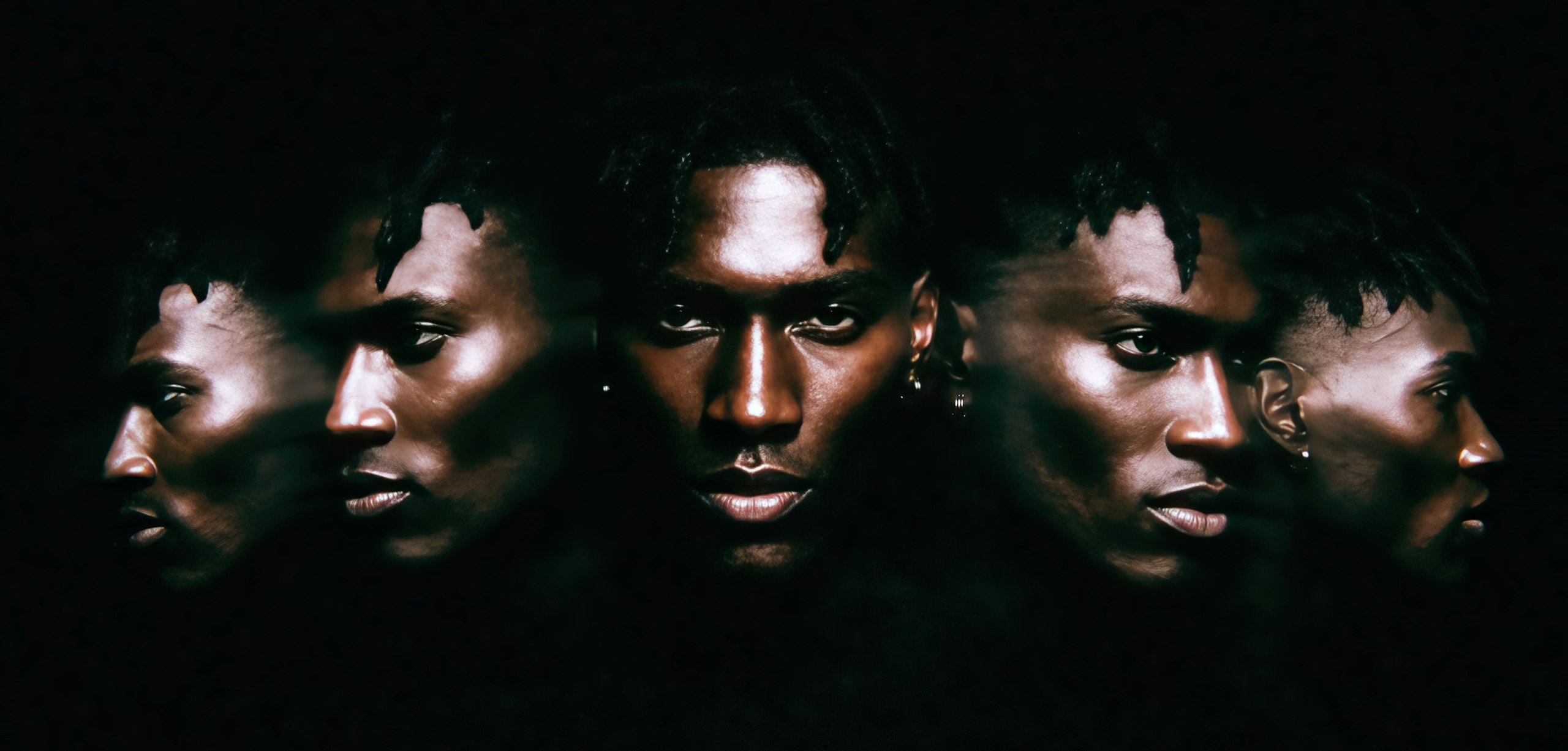
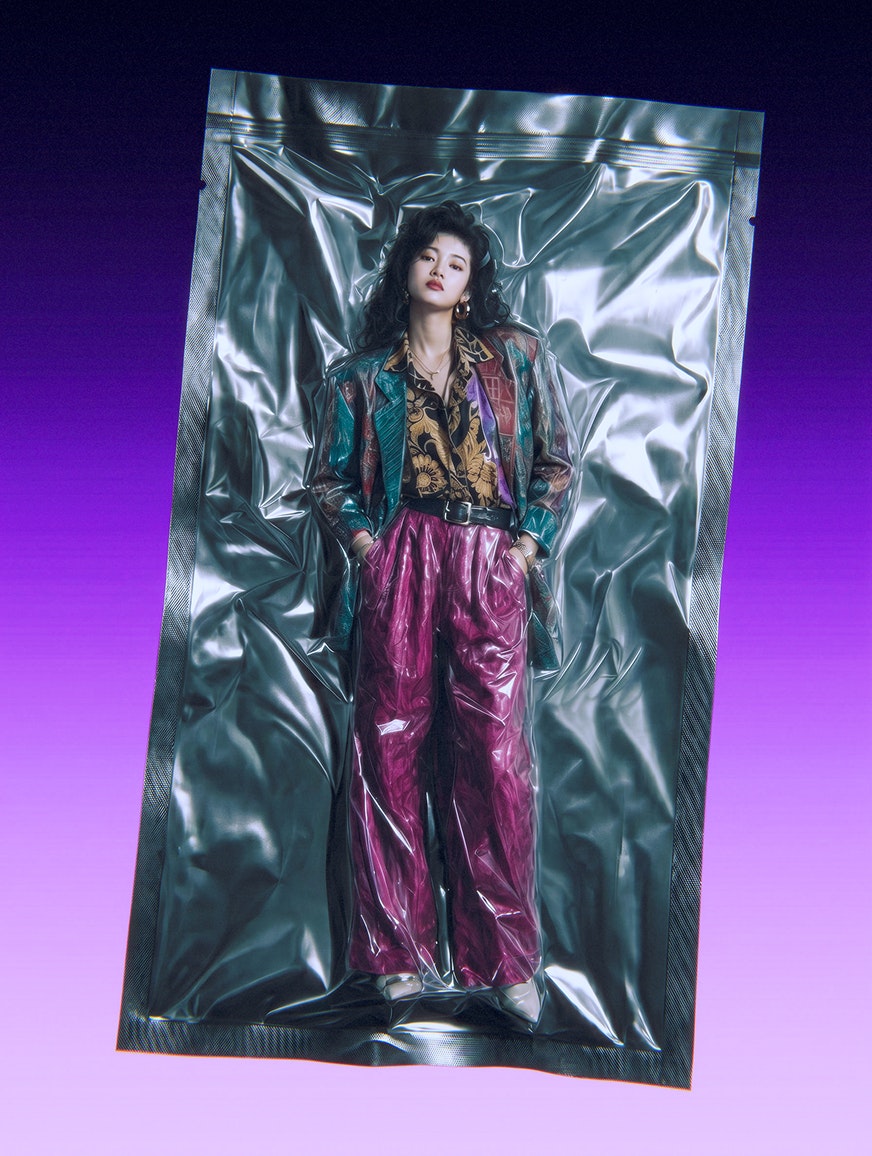
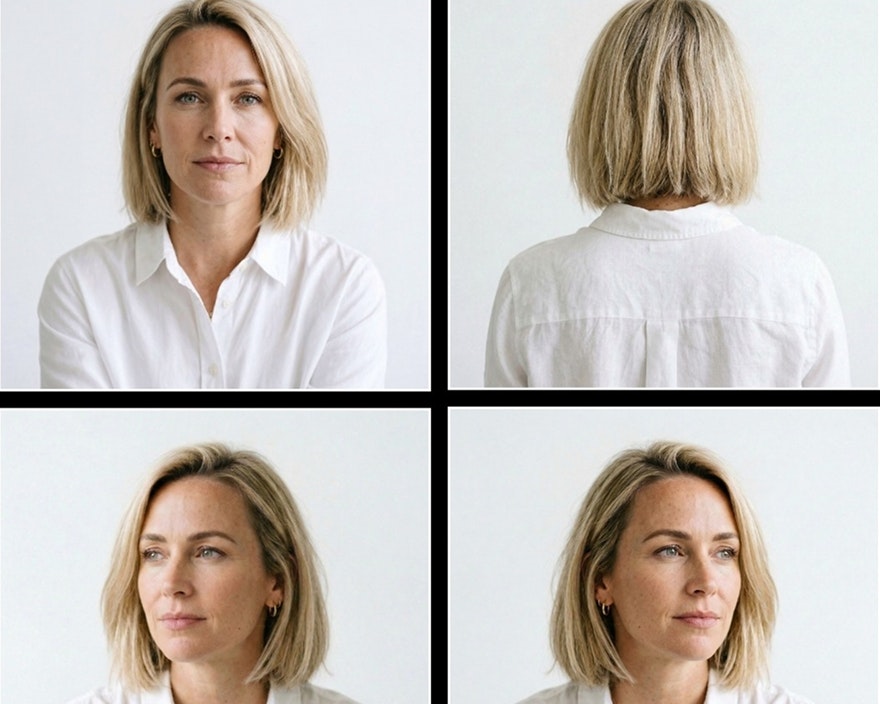
Upload one or multiple reference images to show the model what your character looks like, keeping their facial structure and wardrobe consistent across different generations.
Image
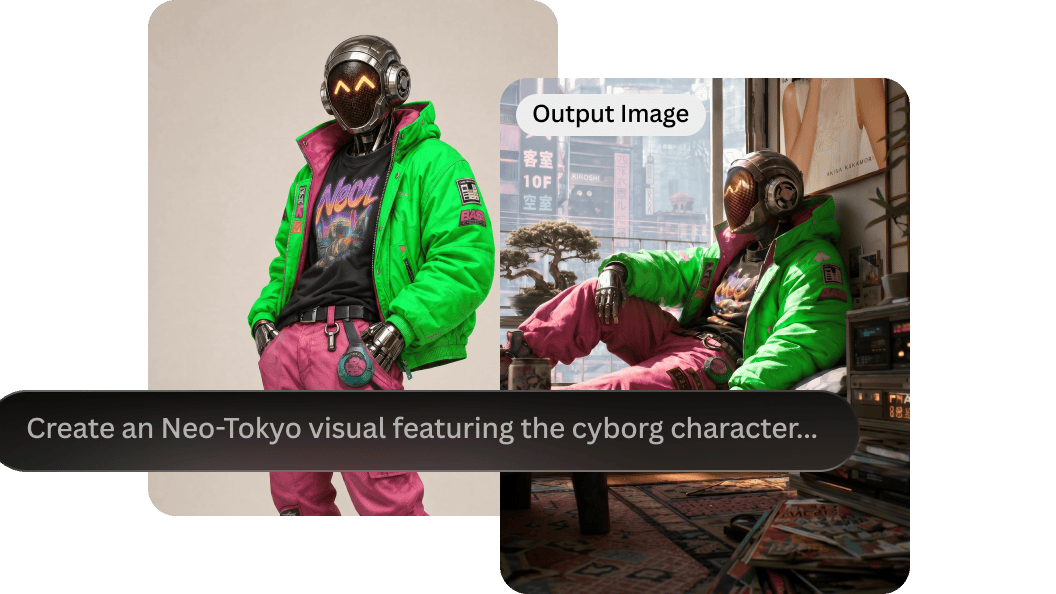
Image generation
Describe your character with a prompt or add a reference image.
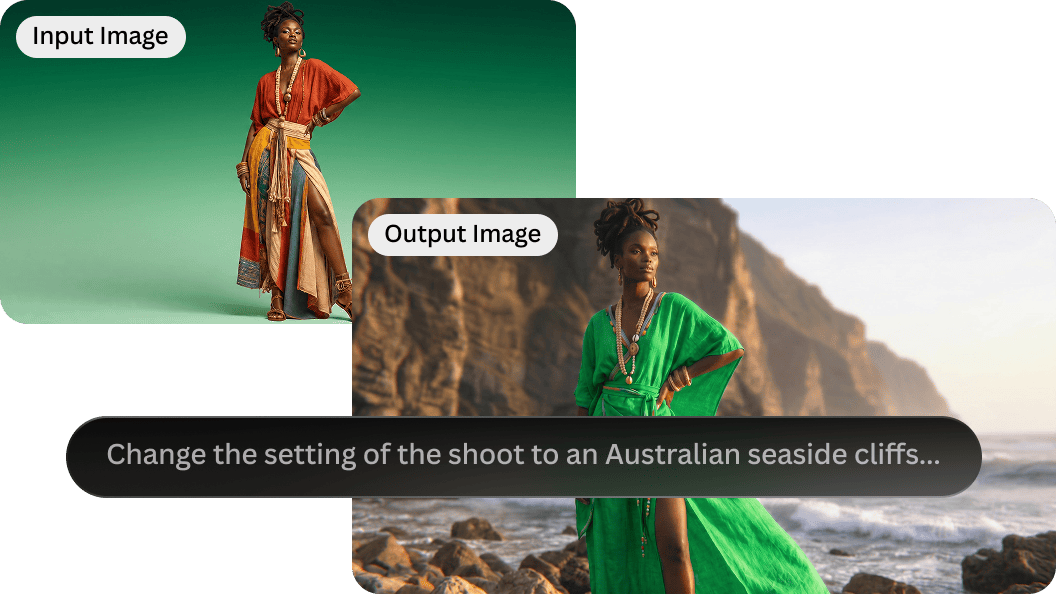
Image editing
Refine character details or change the surrounding environment.
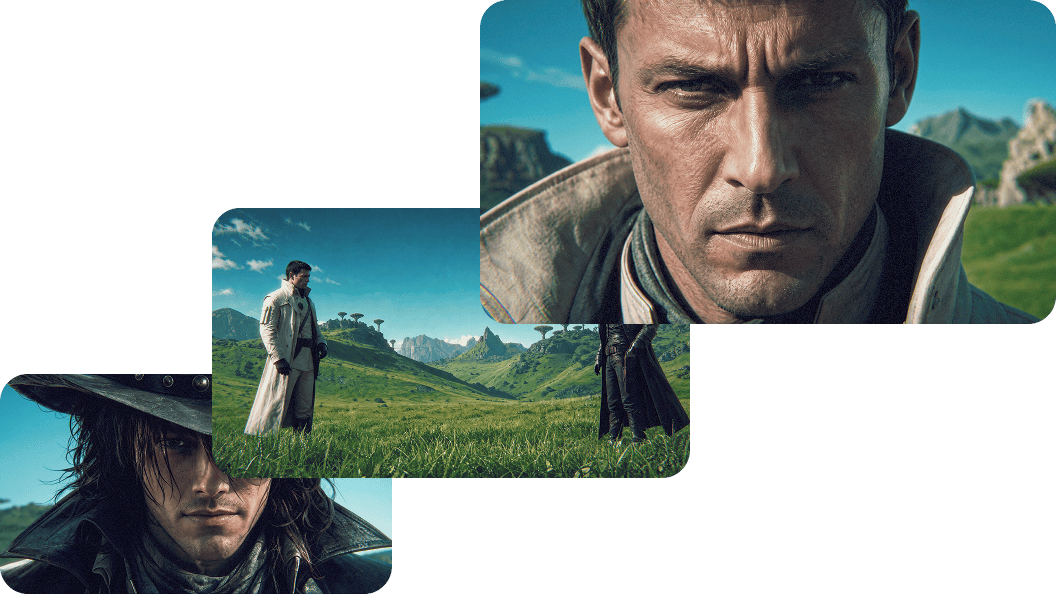
Achieve full consistency for multi-character scenes.
Achieve full consistency for multi-character scenes.
Video
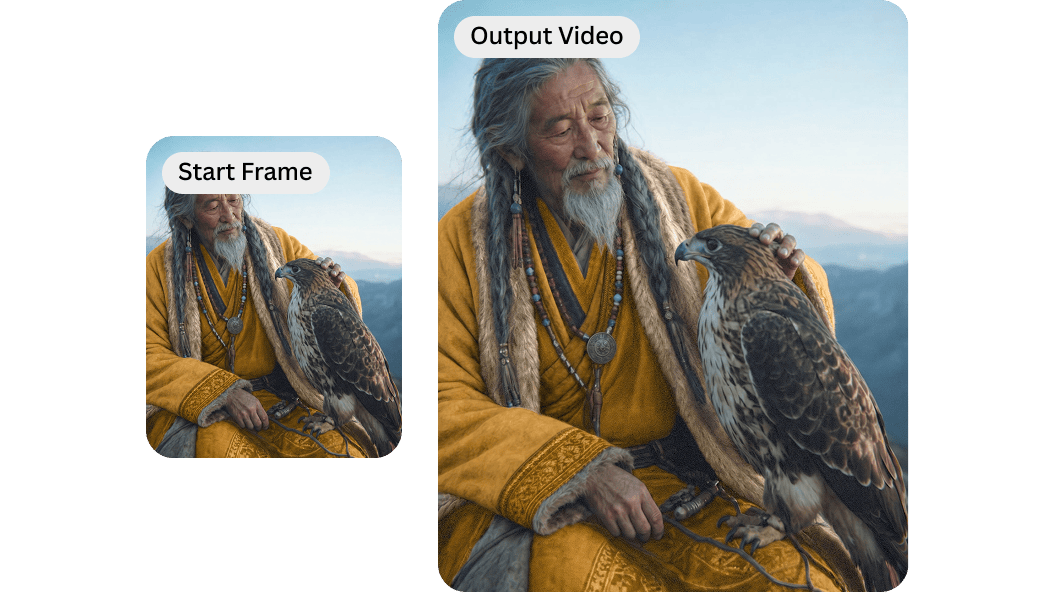
Image-to-video
Convert your stills into talking character videos.
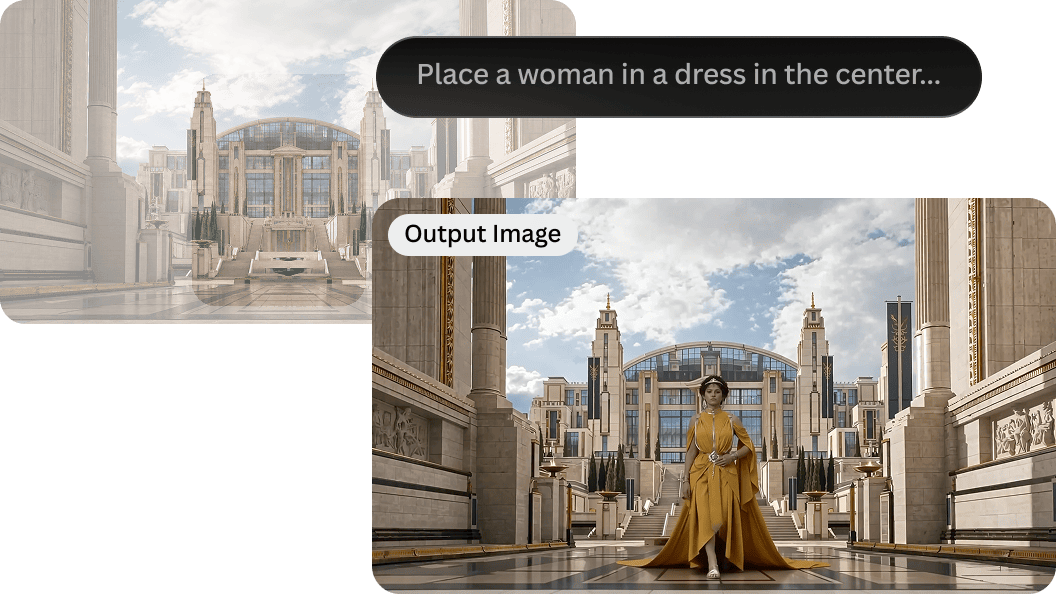
Video editing
Edit videos to place your character in a new scene.
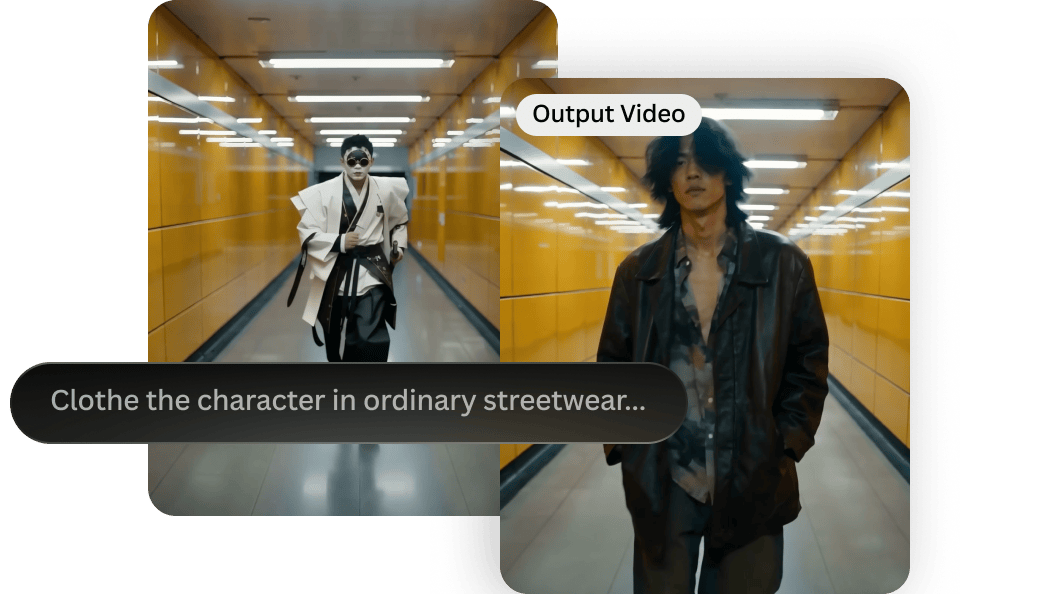
Video reference
Control your character’s motion and look with video references.
Refine
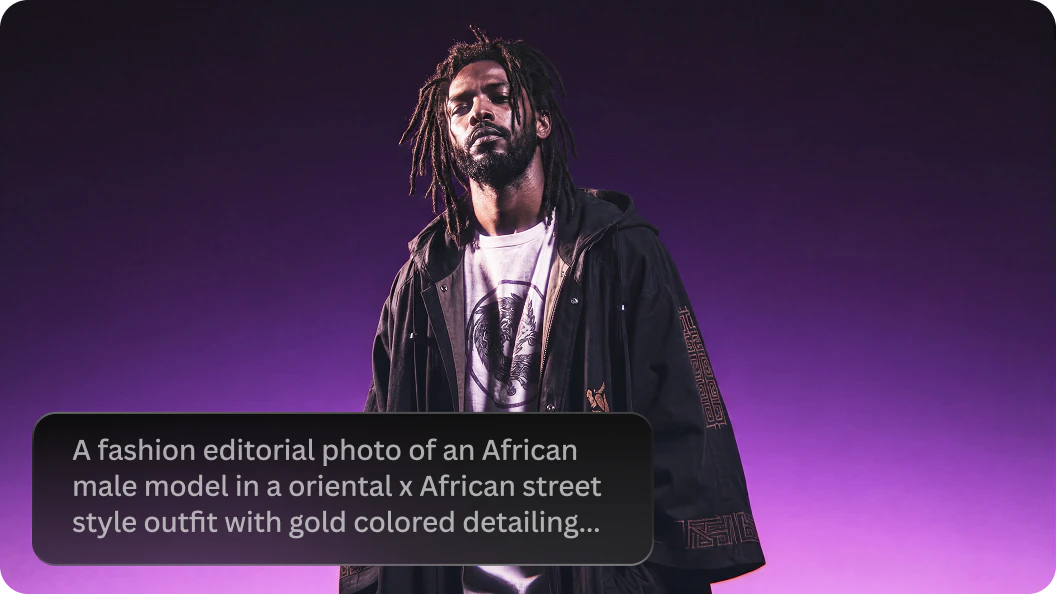
Prompt enhancer
Expand brief character descriptions into detailed prompts.
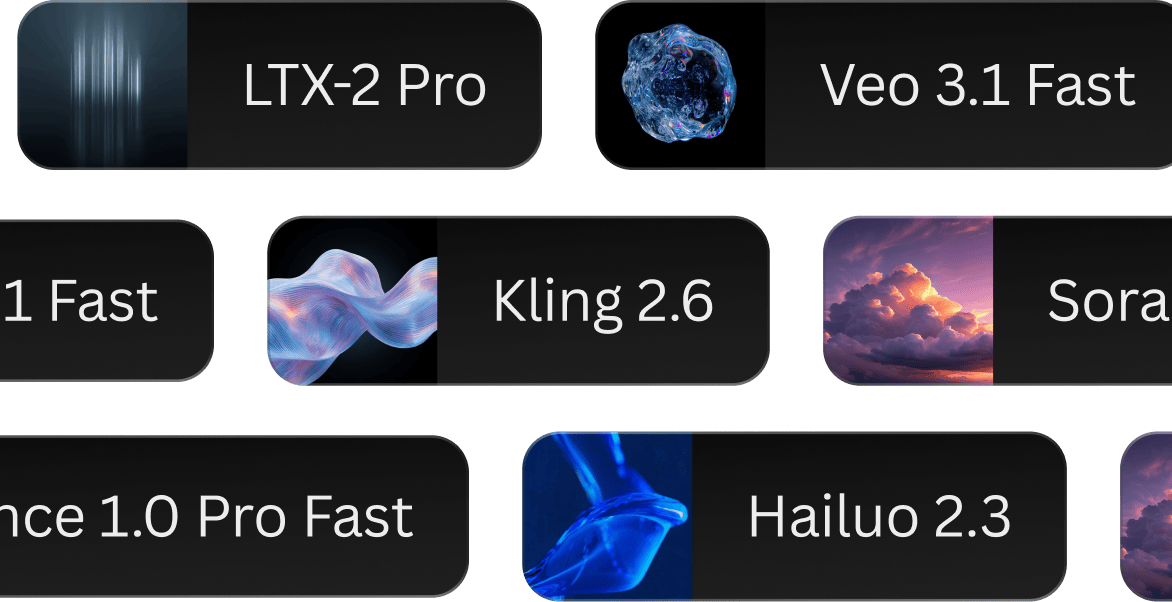
Auto model switcher
Automatically select the best model for your concept.
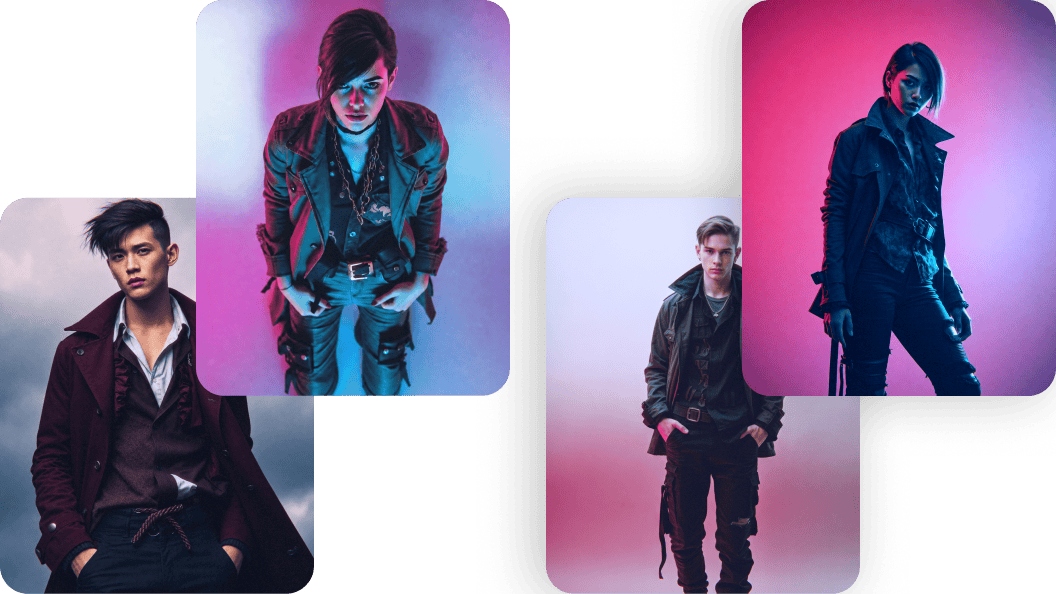
Brainstorming tool
Use Flow State for inspiration and avoid the blank canvas.
Blueprints for ai character generation
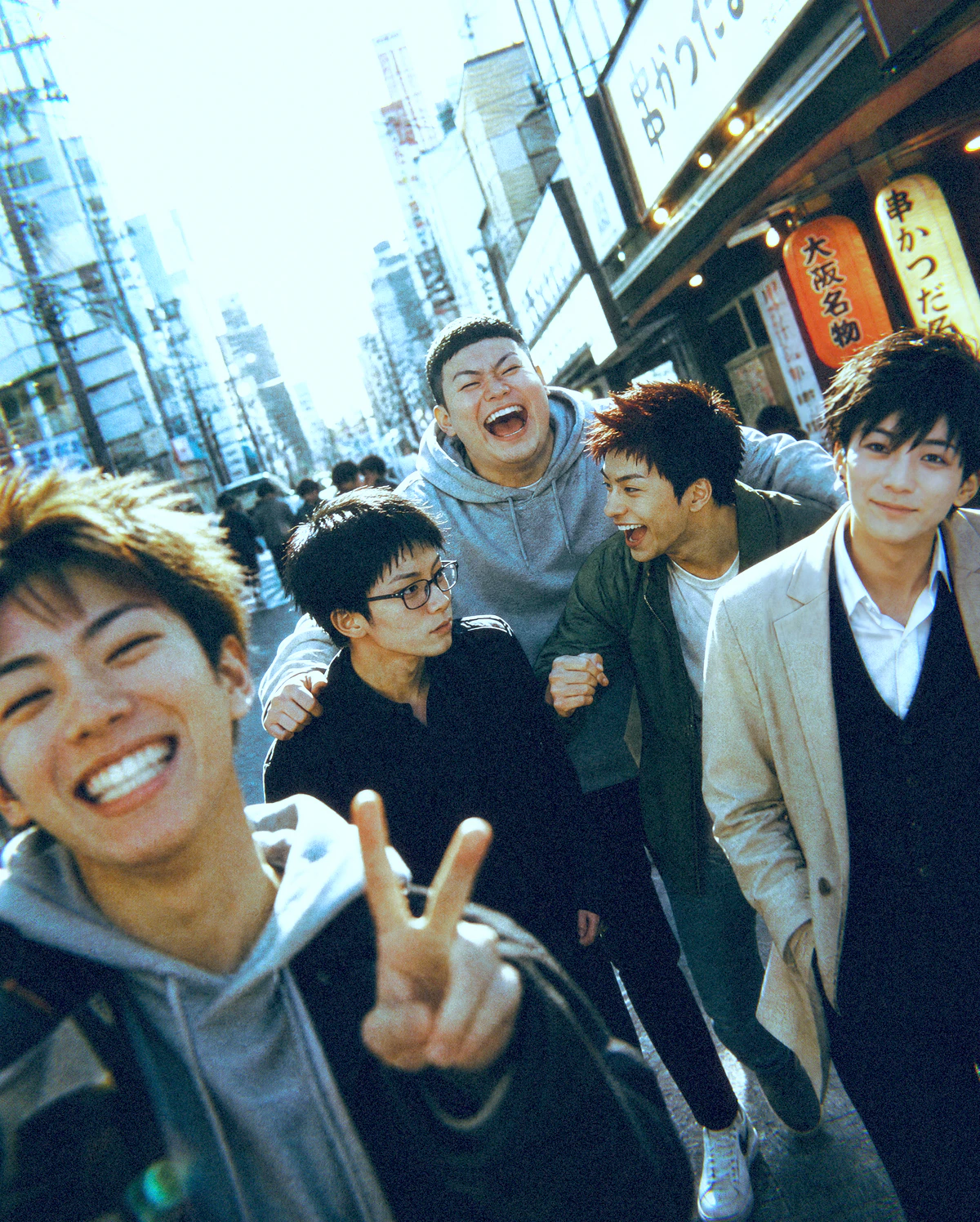
Multi Character Scene Builder
Combine up to five characters into one scene.
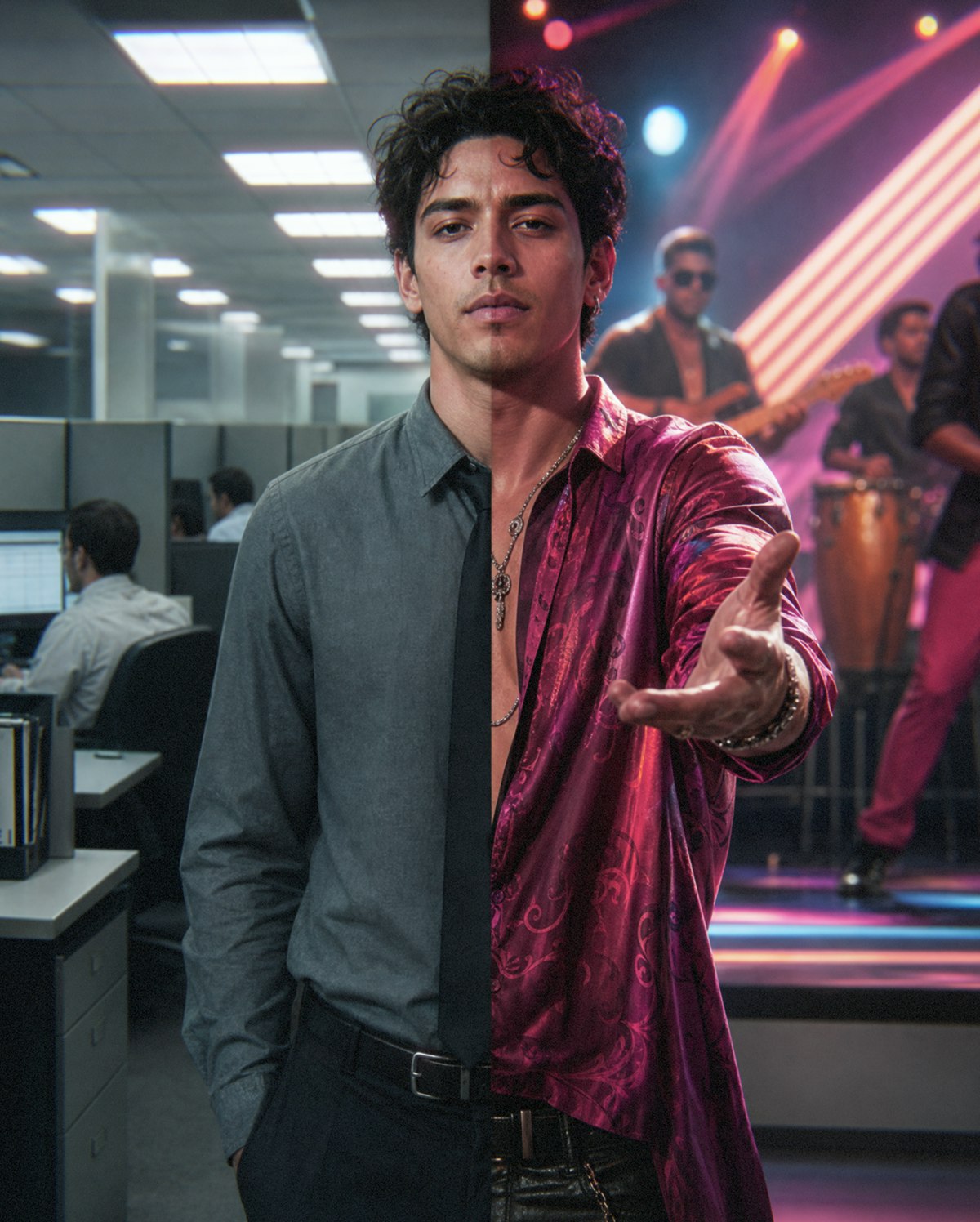
Consistent Character
Generate images of the same character in new situations.
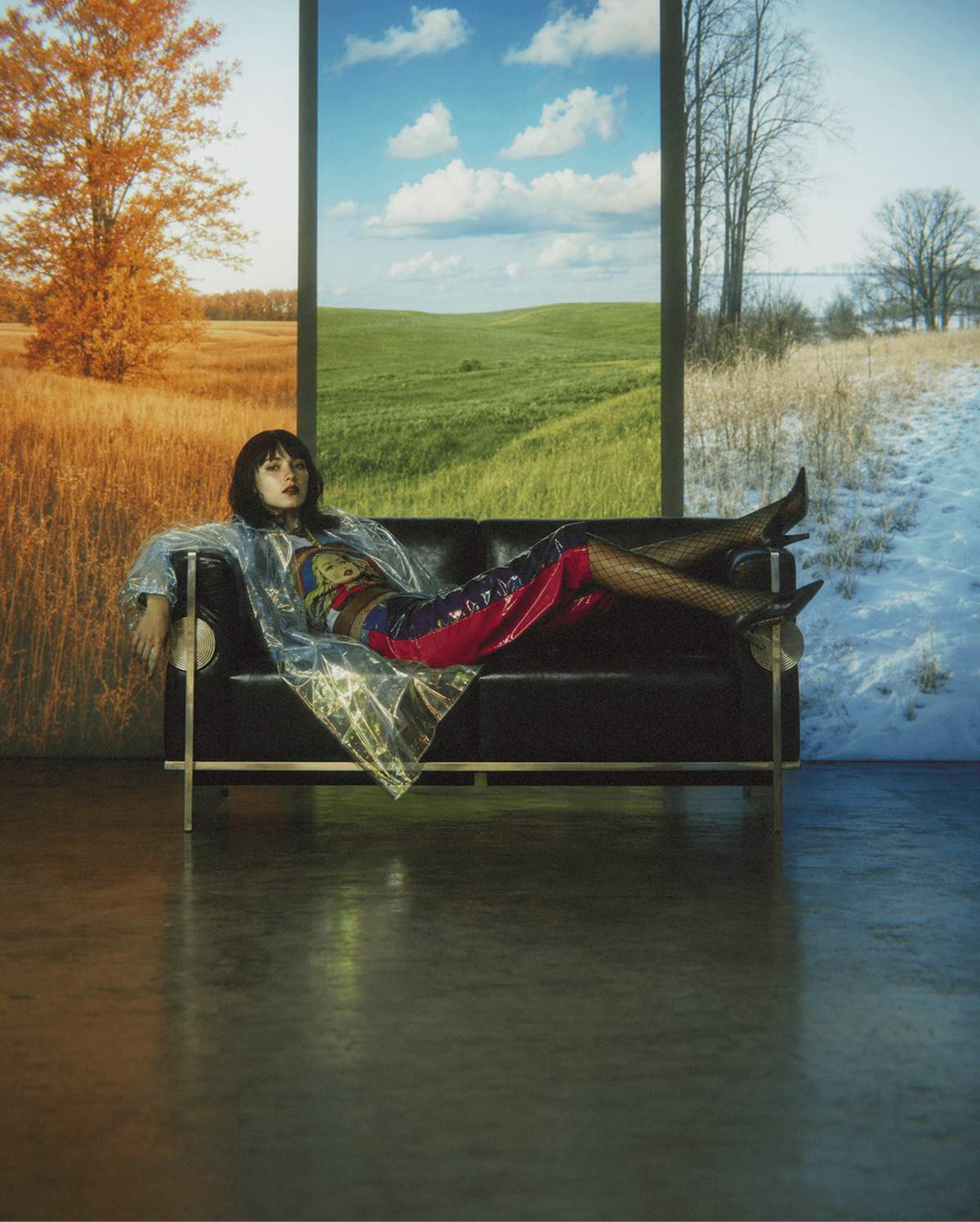
Place Person In Scene
Change the scene of your AI character with a single click.
FAQS
What is an AI character generator?
An AI character generator is a tool that turns prompts and reference images into AI characters. A capable generator lets you lock in exact faces, wardrobes, and brand assets all in one workspace without identity drift or attribute bleed.
How do I create an AI character in Leonardo.Ai?
Start by describing your character and adding a reference image to anchor their core look. From there, you can use the image editor to refine specific physical details, or use the Multi-Character Scene Builder blueprint to create complex scenes without physical traits mixing. For story-driven projects, we recommend creating an AI storyboard.
How do I create consistent characters with AI?
To create consistent characters with AI, use multiple image references to lock in your character's exact facial structure and clothing. For strict brand adherence, you can apply your specific HEX codes, custom typography, and logos (see our tutorial on maintaining brand consistency).
How to create an AI character with video?
You can convert your character images into videos using Leonardo's image-to-video feature. Video editing allows you to adjust your AI character or place it into a new scene.
How to write a good AI character prompt?
To write a good AI character prompt, focus on three core building blocks: your subject, the surrounding context, and the specific art style. If you want to keep it simple, just describe your character in a few words and let Leonardo’s prompt enhancer automatically expand your idea into detailed instructions.
Can I create AI characters for free?
On Leonardo, you get a daily quota of free generation tokens to build your characters and test the tools. On our premium plans, you also have unlimited relaxed generations with Leonardo-hosted models to iterate without penalty. Check our pricing page for more details, including an option for a visual-first API designed for founder-builders.
Can I use AI-generated characters for commercial projects?
While we grant commercial rights to your creations even on the free plan, whether you can use AI-generated output depends on many factors, such as your location and input. Find complete details in our Commercial Usage Guide and current Terms & Conditions.





How to Maintain Brand Consistency in AI-Generated Images and Videos
When you generate an image or video with AI for your brand, the results can often feel a bit generic. This creates a challenge when you’re trying to generate visual assets for your brand. You often need a specific color palette, a particular typography, or a certain art style. And even if you try to pack all that brand information into your text prompt, it usually isn’t enough to get the exact look you need.
Explore
the full creative suite
Leonardo is more than just a storyboard generator. Access powerful tools to animate your panels, edit scene details with precision, and upscale visuals for high-fidelity pitch decks.
Blueprints
Ready-to-use AI workflows and templates for image and video creation. Create faster, explore new ideas, and get great results.
Learn more
AI Image Editor
Refine images with AI using prompts and targeted edits. Adjust details while preserving composition and style.
Learn more