Speak the language of film
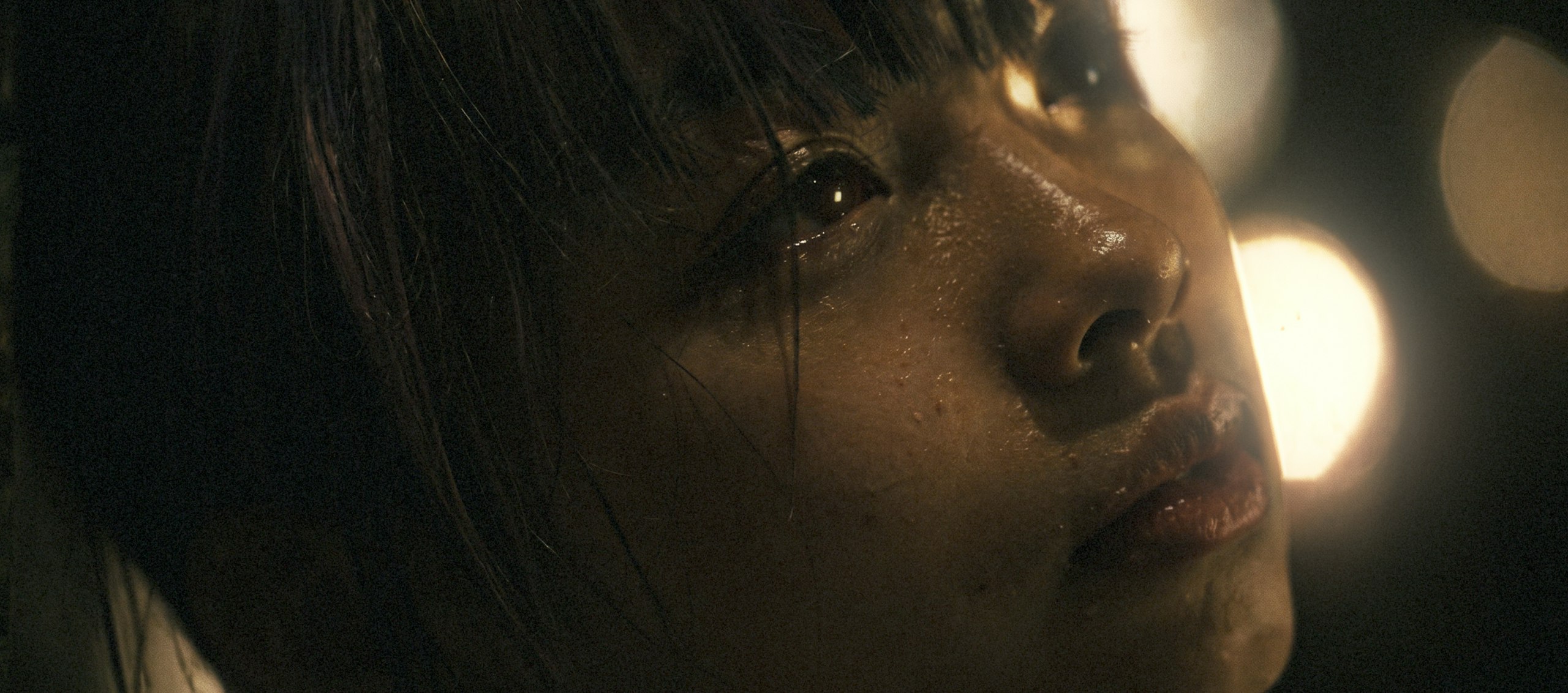
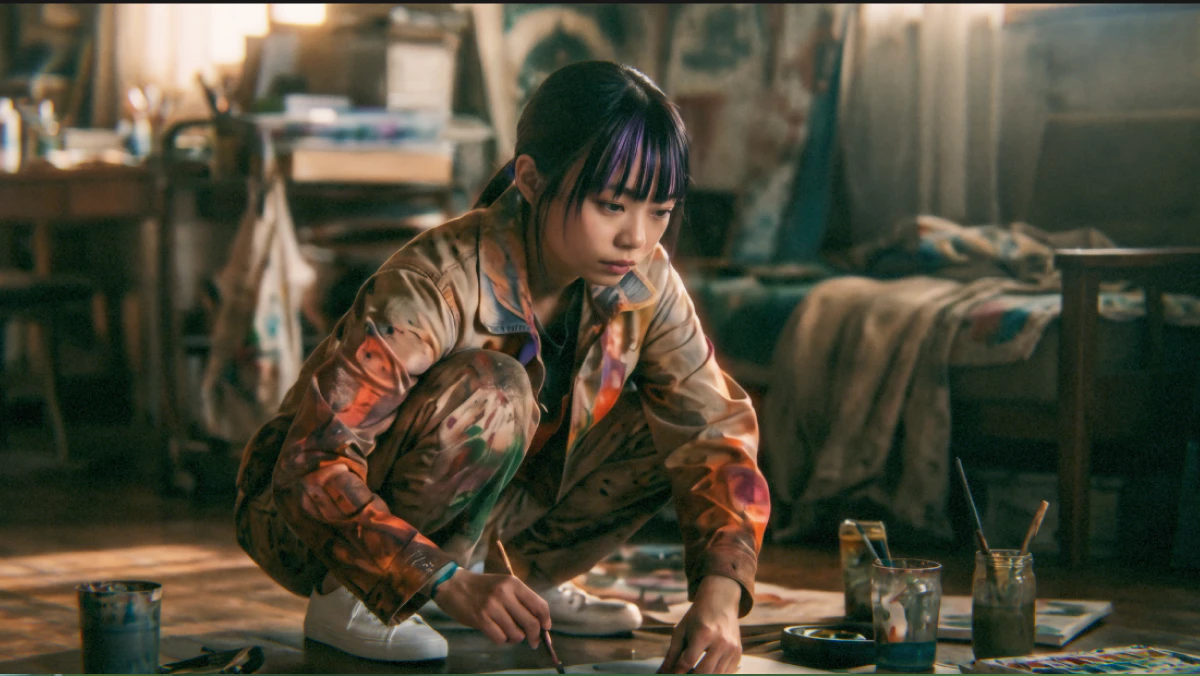
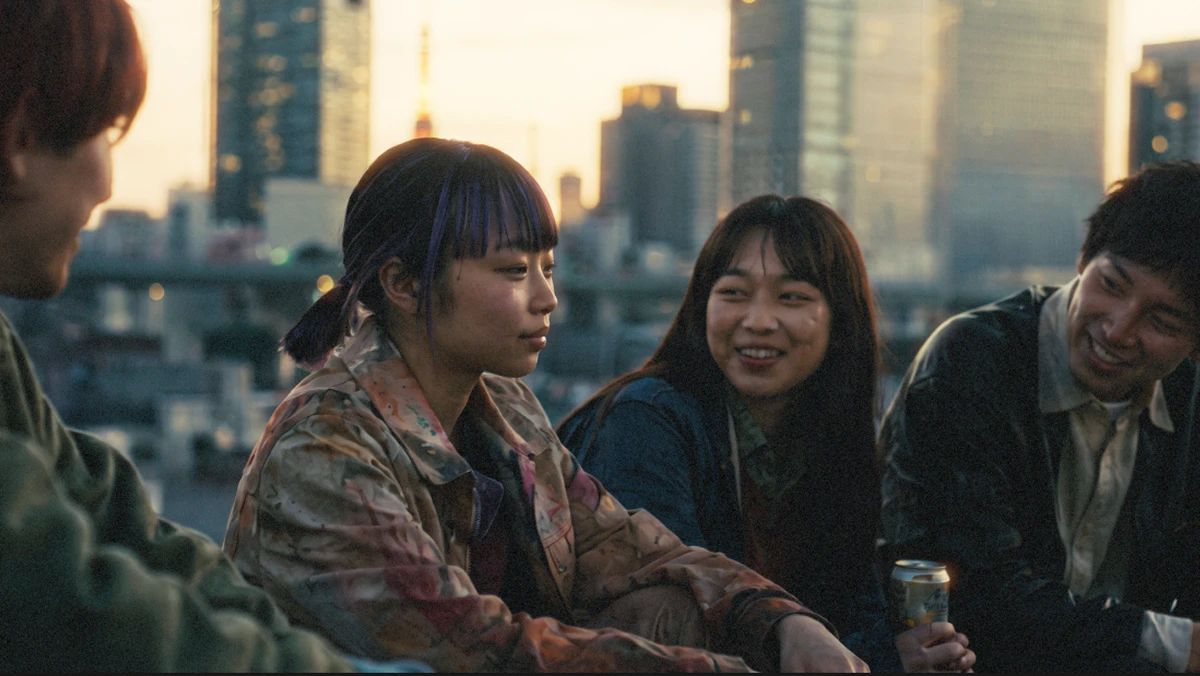
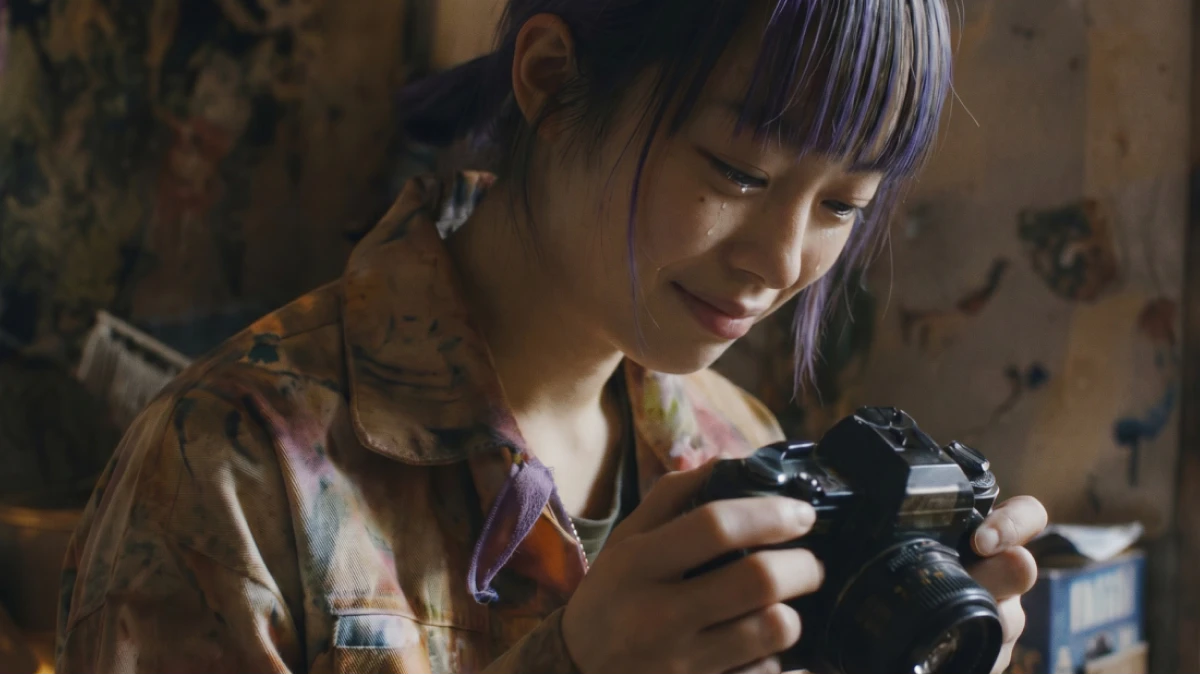
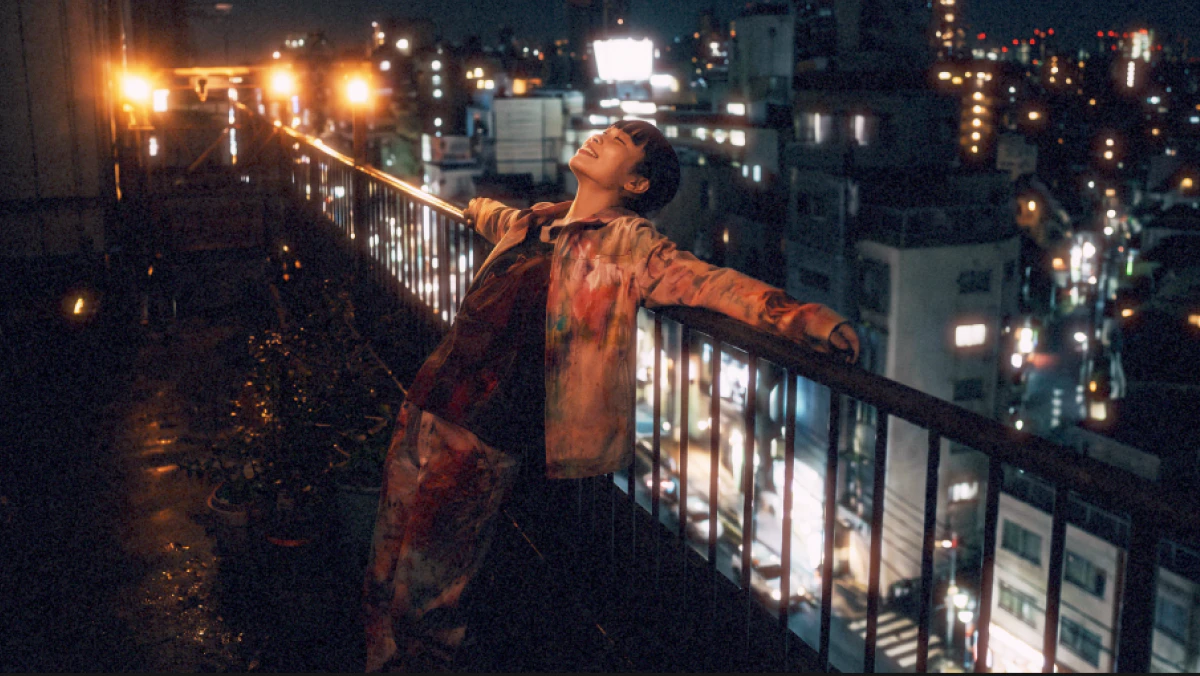
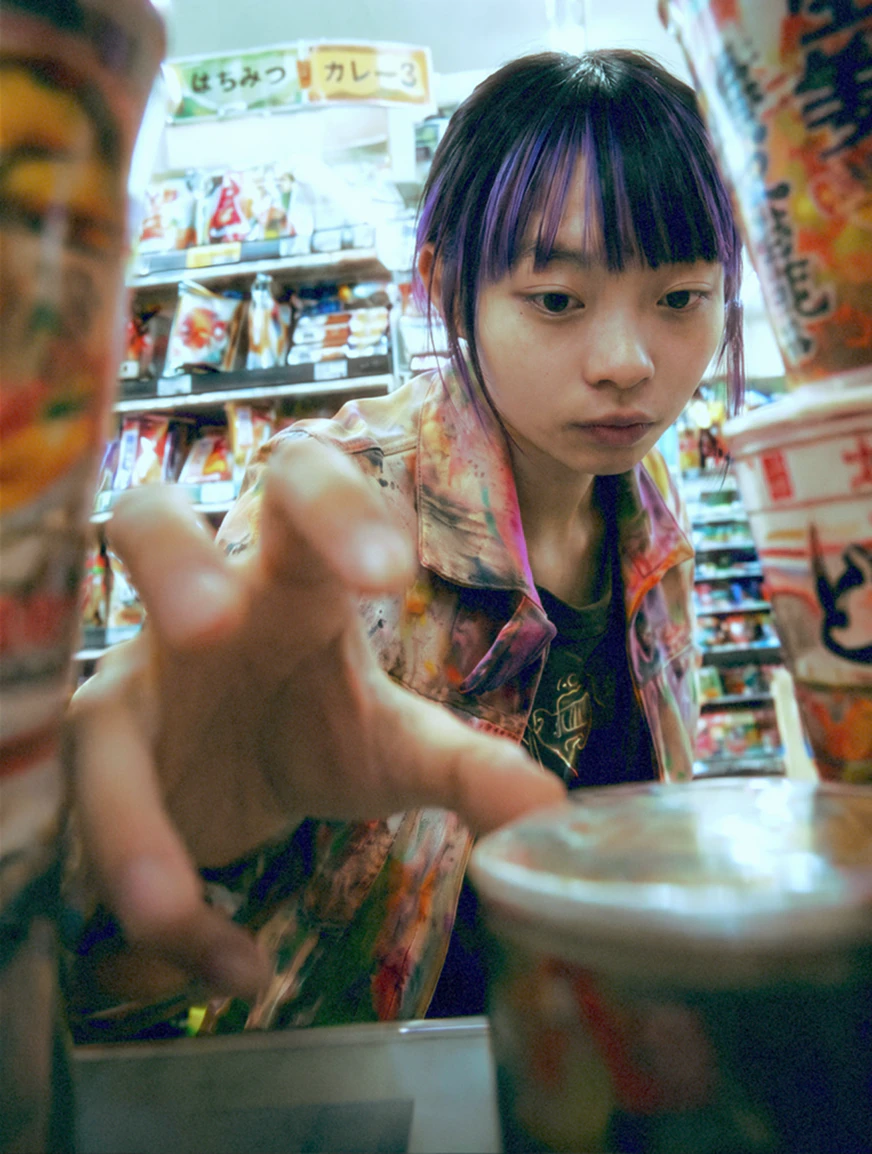
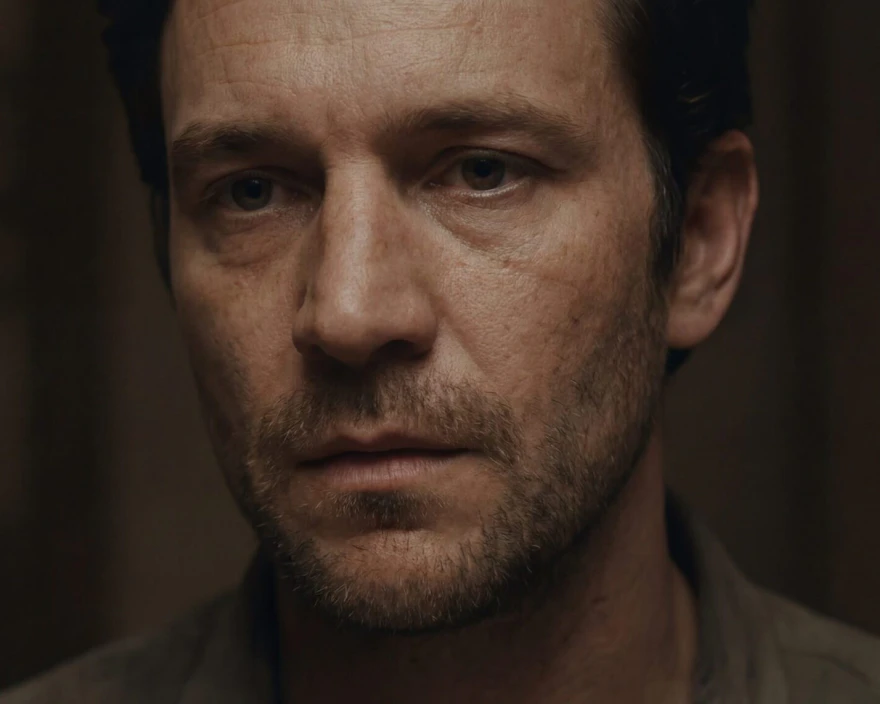
Your script demands specific cinematic language, not just generic visuals. Leonardo’s models understand complex technical prompts, allowing you to define camera angles, blocking, lighting ratios, and depth of field.
Iterate to perfection
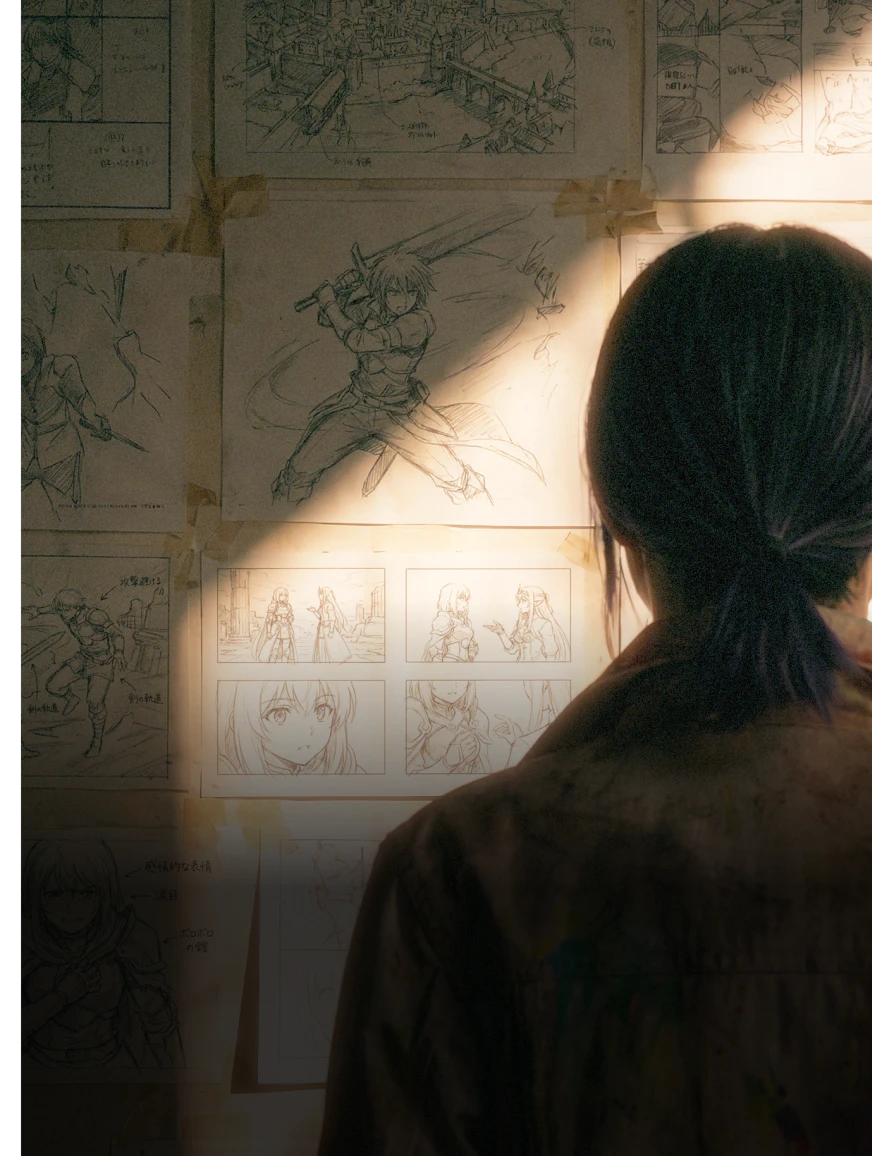
Finding the perfect shot requires trial and error. To let you work without worrying about credits, our premium plans come with unlimited relaxed generations for all Leonardo-hosted models.
Blueprints for ai storyboarding
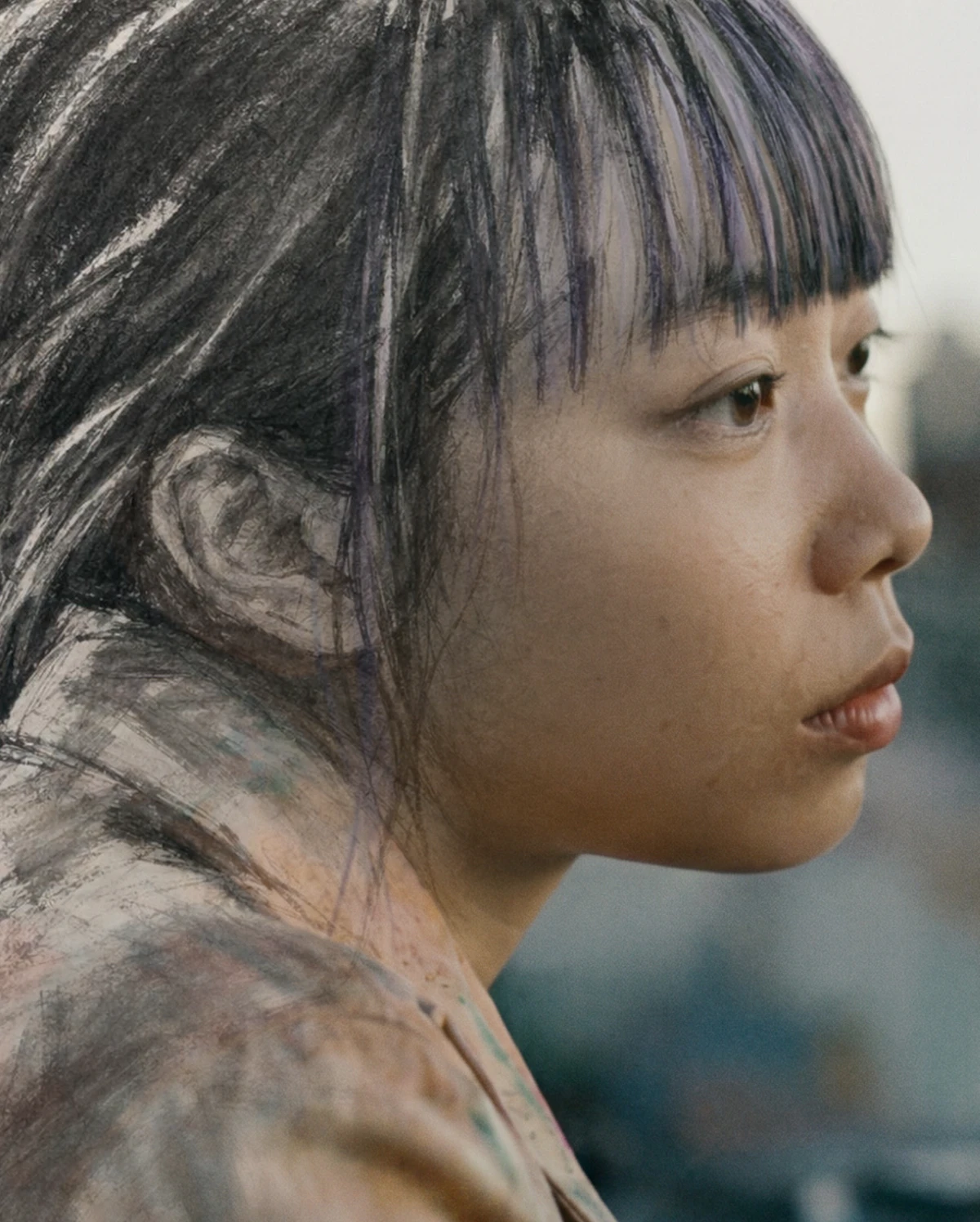
Sketch To Image
Transform storyboard sketches into polished frames while preserving blocking and composition.
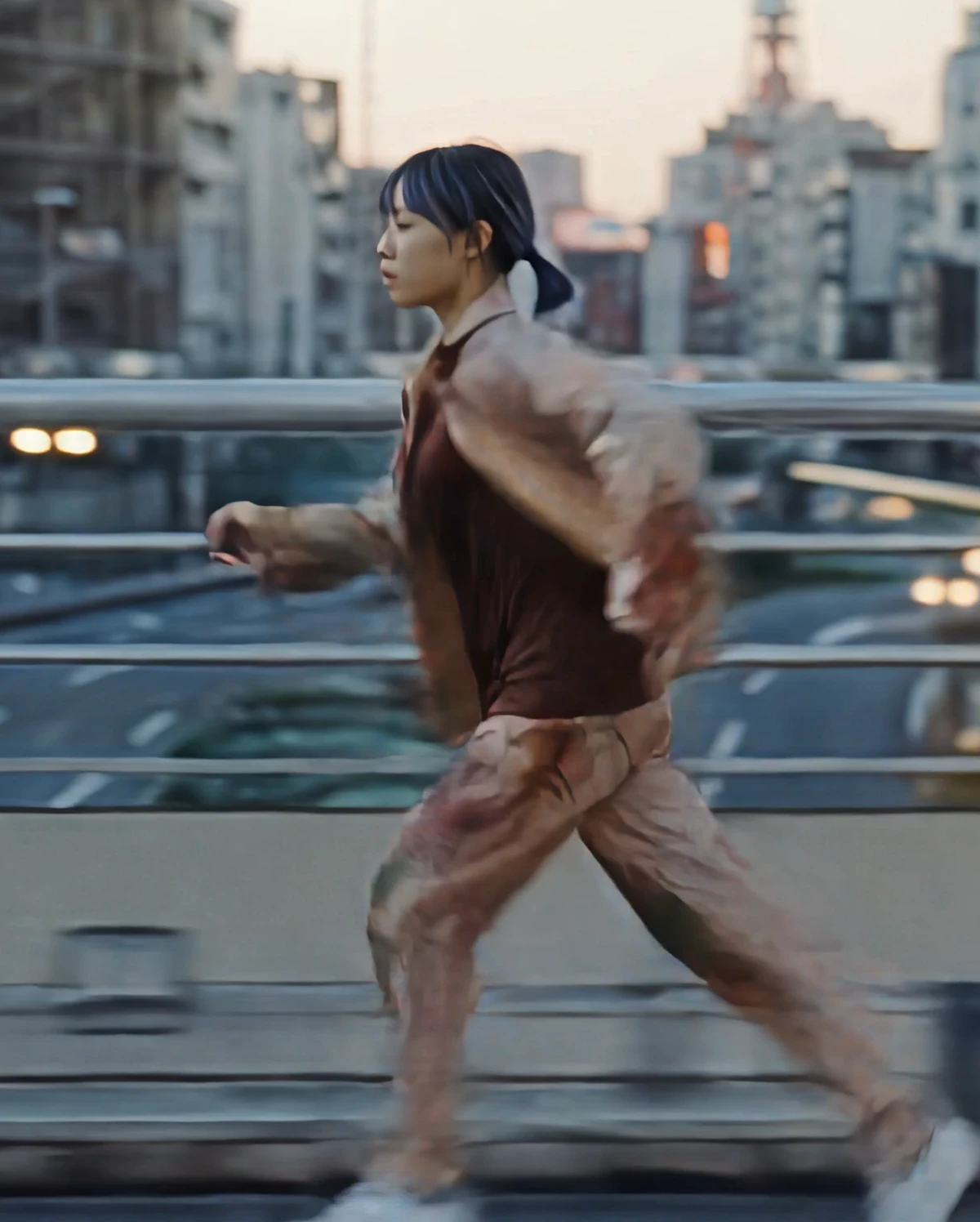
Instant Animate
Convert static storyboard panels into video to visualize scene timing and motion.
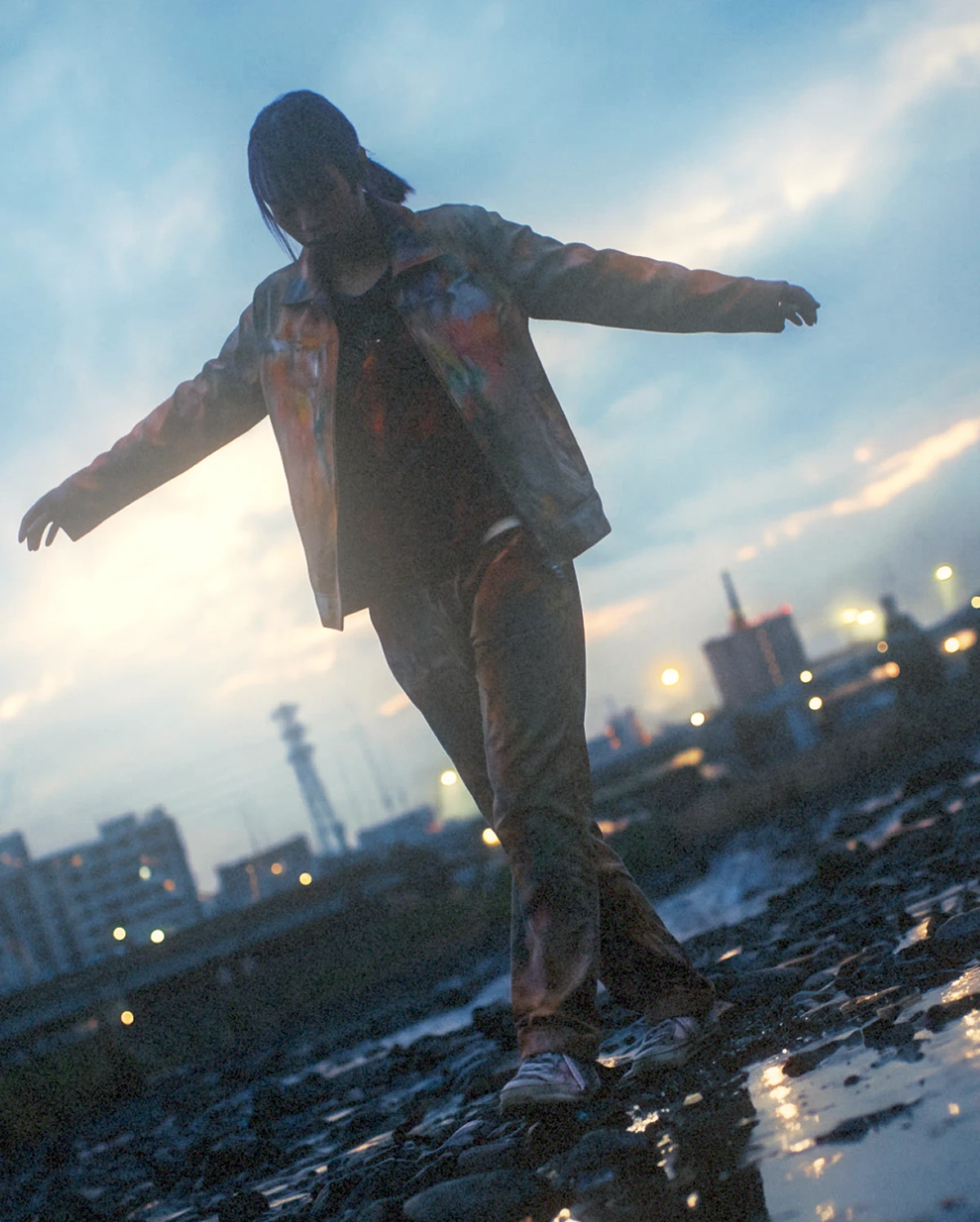
Point of View Change
Adjust the camera angle to find the perfect framing for your storyboard.
FAQS
What is an AI storyboard generator?
An AI storyboard generator is a visualization tool that transforms text descriptions or rough sketches into polished visual panels. For instance, Leonardo.Ai acts as a rapid ideation partner, helping directors and artists explore different compositions and styles instantly before committing to final production assets.
Why should I use AI for storyboarding?
Using AI accelerates the pre-visualization process, allowing you to test lighting, blocking, and camera angles rapidly without starting from scratch for every iteration. It handles the heavylifting of rendering, freeing up more time for you to focus on narrative flow and creative refinement.
How to use AI for storyboards?
Start by describing your scene using cinematic language or upload a rough sketch to guide the composition. You can then iterate on the style and camera angles, organize your shots using the Collections feature on Leonardo.Ai, and export the final sequence to your template. Read our full guide on how to create a storyboard using AI.
Can I use my own images for AI storyboarding?
Yes, this is useful for maintaining your specific artistic vision. On Leonardo.Ai, you can upload your own rough sketches, blocking photos, or mood boards to control the AI's output, ensuring the generated results adhere strictly to your original composition and intended look.
Can I create a storyboard with AI for free?
Yes, Leonardo provides a generous free tier that resets daily, allowing you to generate and refine storyboards at no cost. We grant commercial rights to your creations even on the free plan, making it safe to use for professional pitches and client work. Find complete details in our Commercial Usage Guide and current Terms & Conditions.
What kind of projects can use AI storyboards?
While valuable for almost any project that involves storytelling, AI storyboards are especially useful for feature films, commercials, game cinematics, and pitch decks where visual clarity is important. Whether you are working solo or within a studio pipeline, AI helps you quickly communicate a cohesive visual narrative to stakeholders.
What is the best AI for storyboarding?
Leonardo.Ai is the preferred choice because it combines character consistency and cinematic control with the ability to preview shots in motion. With premium plans featuring unlimited relaxed generations for Leonardo-hosted models, you can iterate without penalty, all while guaranteeing clear commercial rights for professional safety (find more details in our Commercial Usage Guide and current Terms & Conditions).





Explore
the full creative suite
Leonardo is more than just a storyboard generator. Access powerful tools to animate your panels, edit scene details with precision, and upscale visuals for high-fidelity pitch decks.

Background Remover
Remove or replace backgrounds cleanly and accurately. Isolate subjects quickly for design, marketing, and compositing workflows.
Learn more
AI Image Upscaler
Enhance resolution and clarity without losing detail. Prepare images for print, large formats, and high-quality delivery.
Learn more
AI Video Generator
Create motion content from text or images. Animate stills, control pacing, and build short video sequences with clarity and intent.
Learn more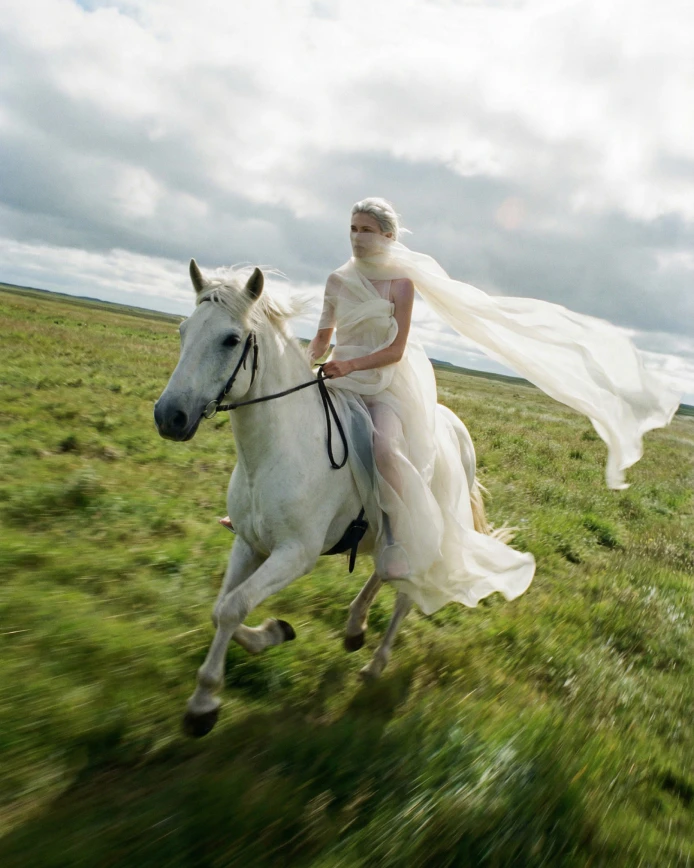
Blueprints
Ready-to-use AI workflows and templates for image and video creation. Create faster, explore new ideas, and get great results.
Learn more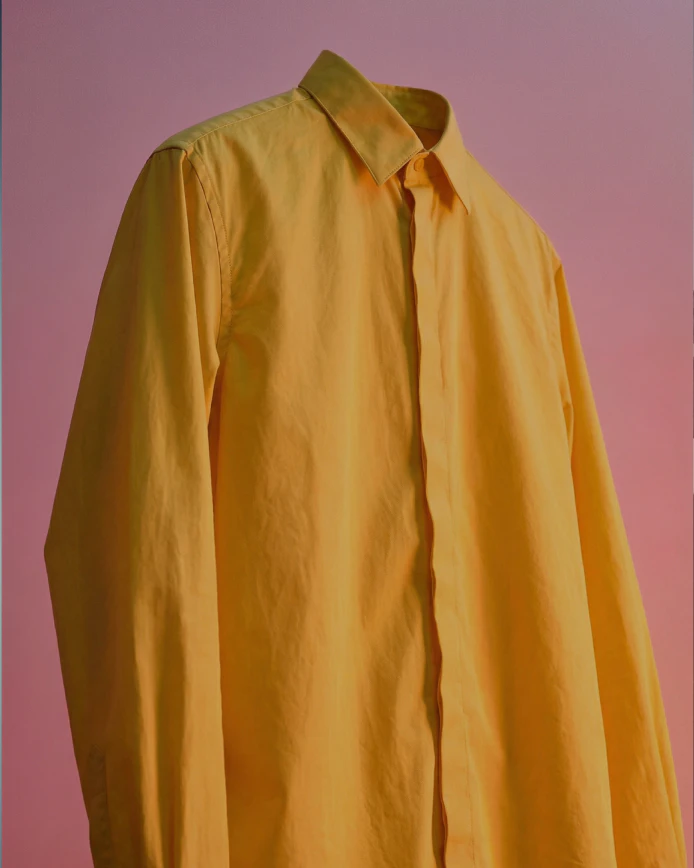
AI Image Editor
Refine images with AI using prompts and targeted edits. Adjust details while preserving composition and style.
Learn more