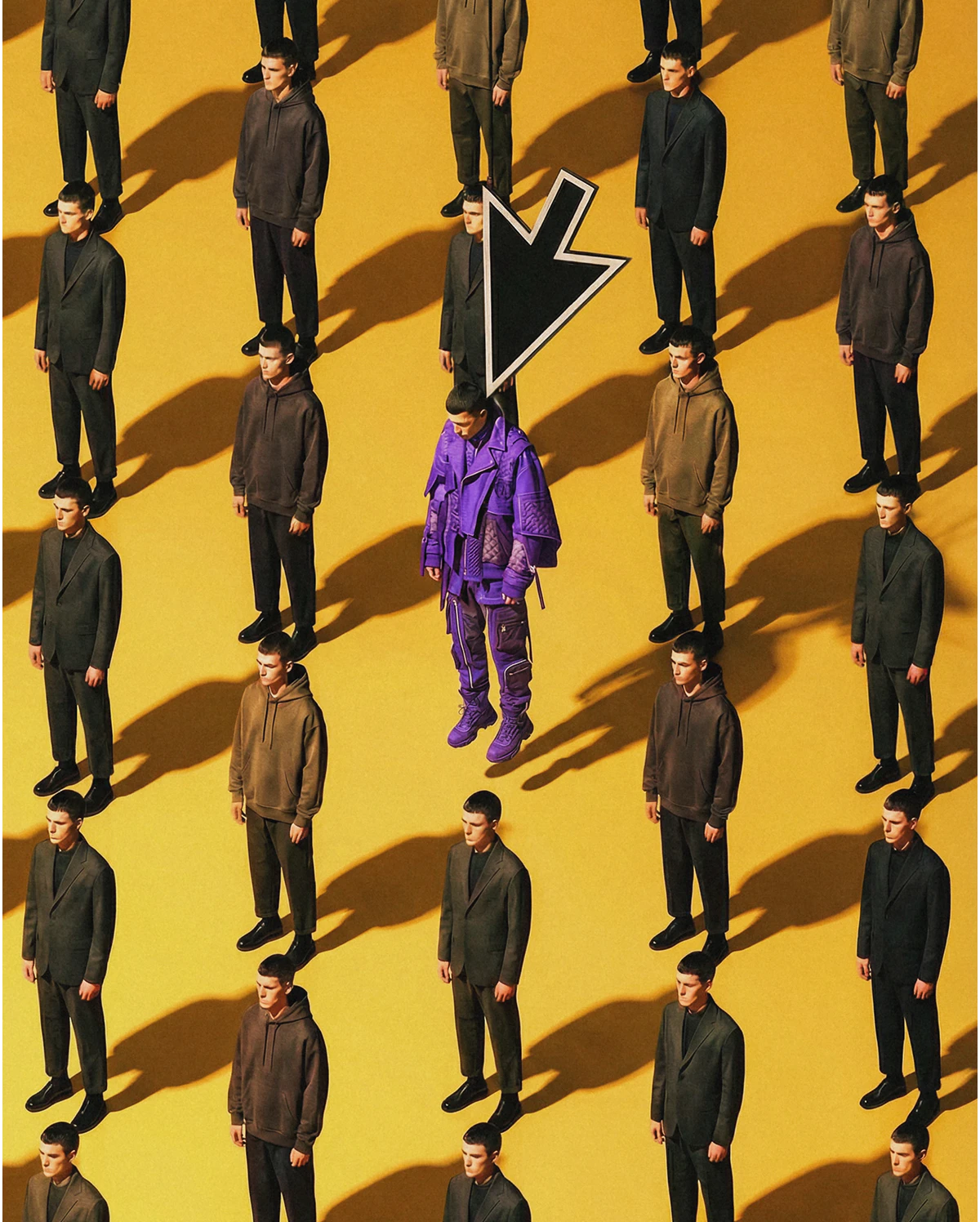
Flow State helps you find direction faster

Explore visual ideas with speed and intention. Start with a prompt, review multiple directions, and refine until the right image emerges.

Move past the blank page

Creative work rarely starts fully formed. Flow State is built for those early moments, when you’re testing ideas, comparing options, and deciding what’s worth pursuing.

You don’t need perfect prompts. You need a way to see possibilities and make informed choices.

Learn how
Flow State works

Discover where to find Flow State, how to approach early prompting, and how to refine results efficiently. Practical tips to help you explore ideas with confidence and control.

Start broad, narrow with purpose

Enter a prompt and see multiple aesthetic directions instantly. Choose what works, drop what doesn’t, and refine your way forward.

Lock a direction when it clicks

Lock a direction when it clicks

Use more like this to reinforce the look, fine-tuning lighting, composition, tone, and color without starting over.
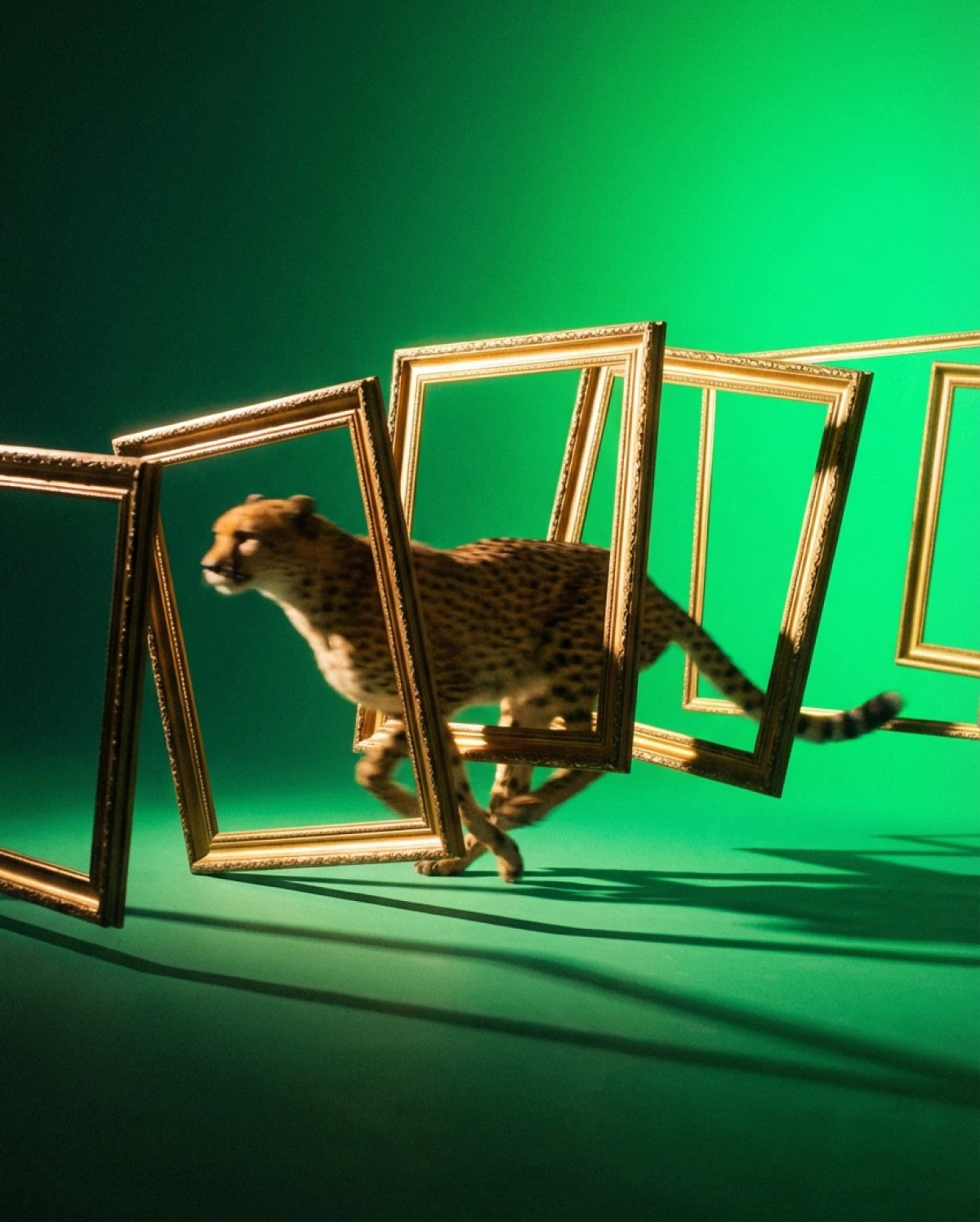
Carry it forward

Carry it forward

Turn your chosen image into a reference or start frame to refine details or continue into motion.
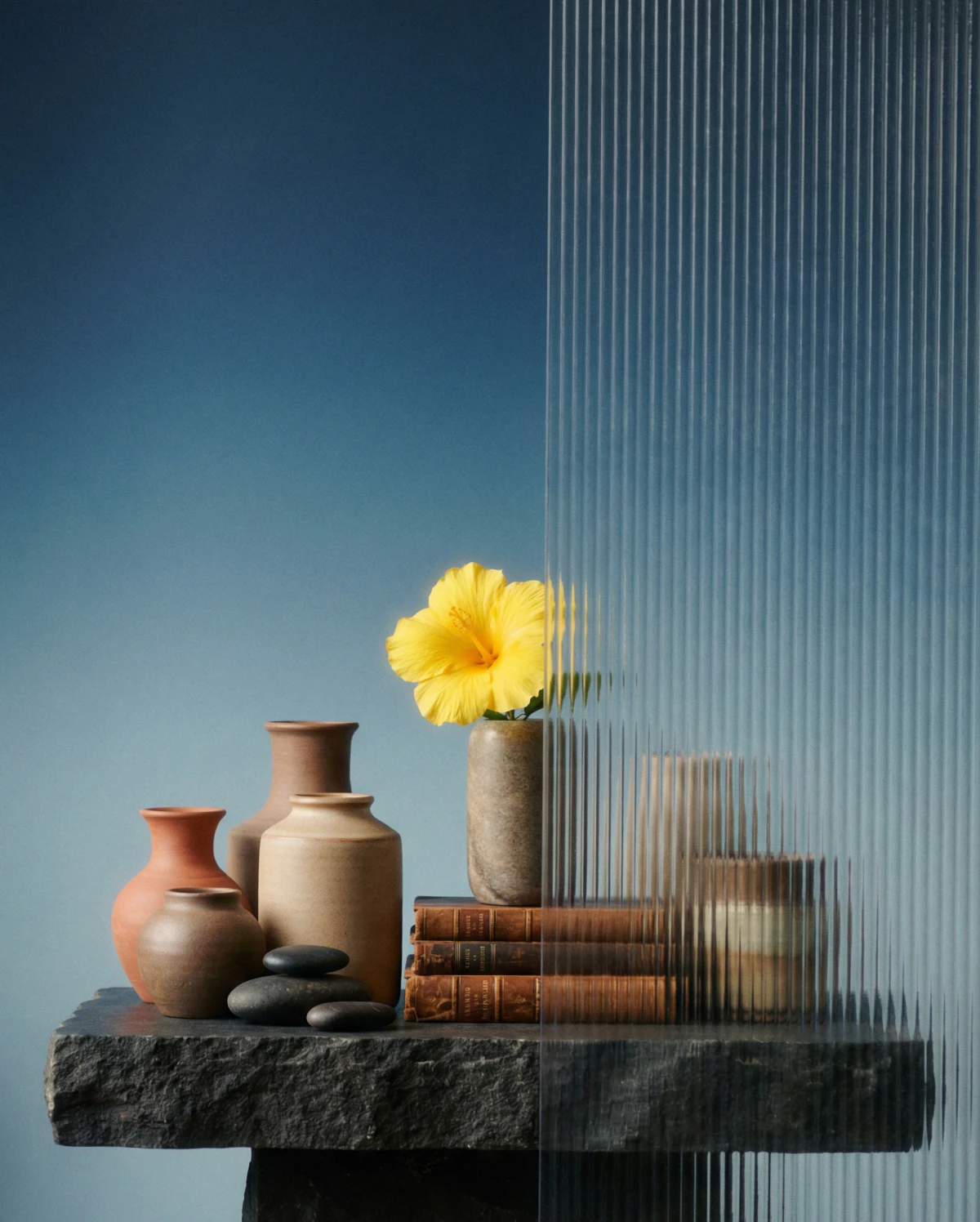
Finish with clarity using Upscaler

Finish with clarity using Upscaler

Enhance resolution and detail with Leonardo’s Upscaler. Get images ready for presentation or production - clean, sharp, and true to the original.

Create with confidence using Leonardo.Ai

From first idea to final image, Leonardo gives creators the tools to explore, decide, and deliver, without breaking their creative rhythm.