High-Quality Video Output
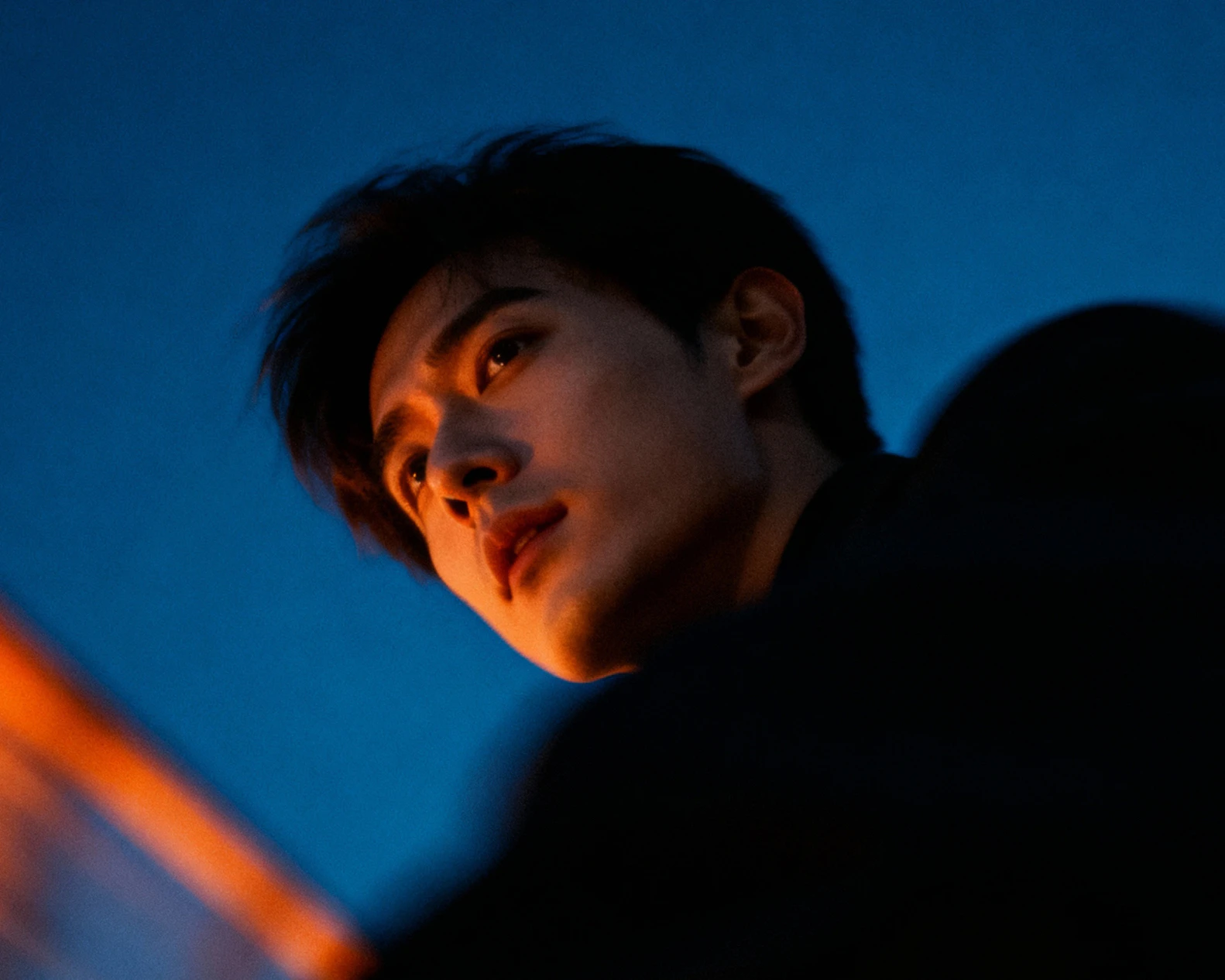
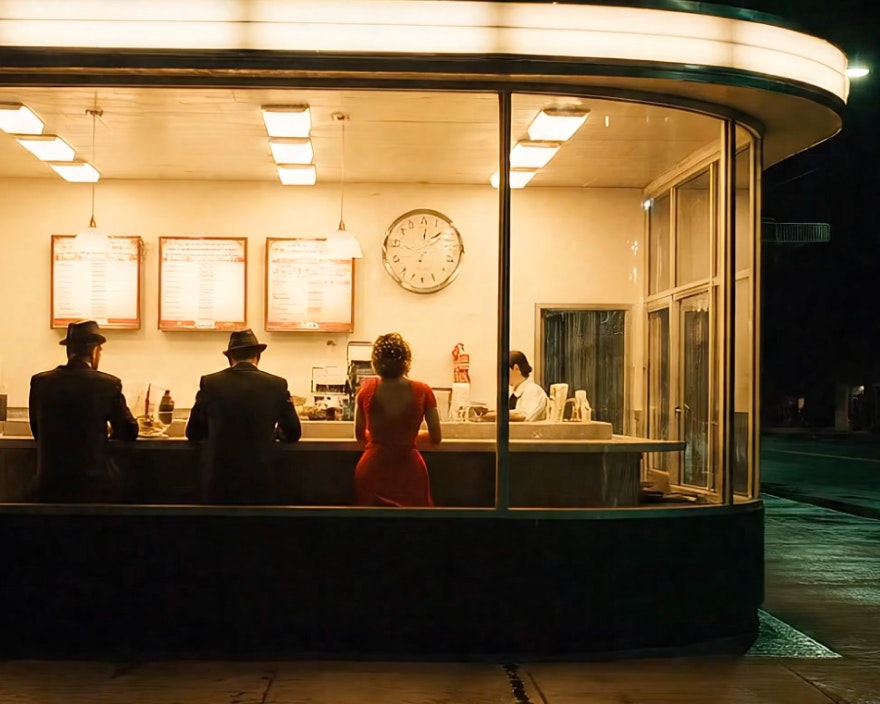
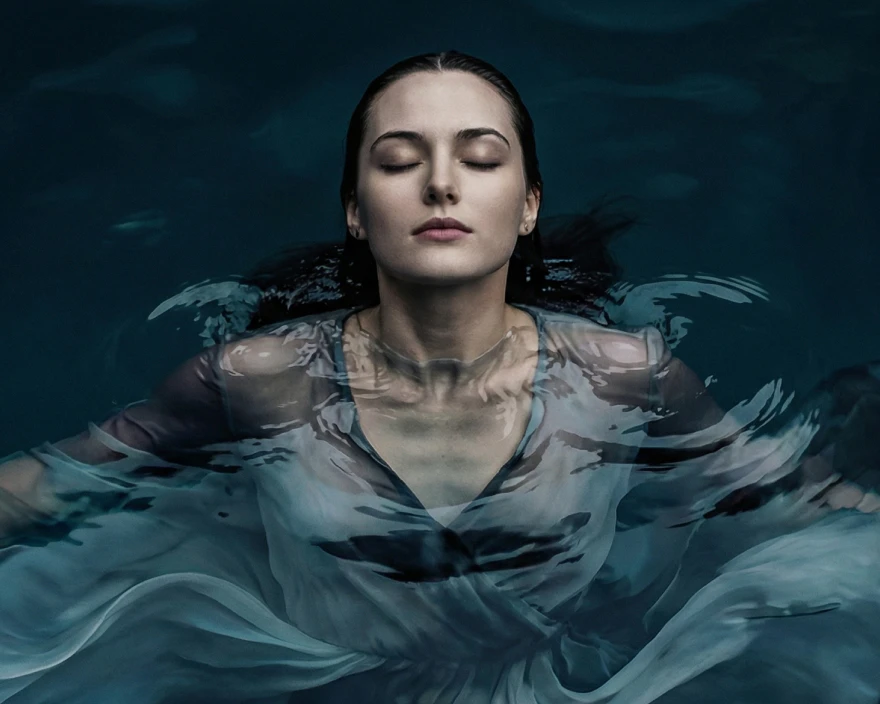
Photorealistic motion with synchronized audio in one seamless process.

Prompt Precision
Veo 3.1 follows detailed direction on lighting, subjects, movement, and sound.
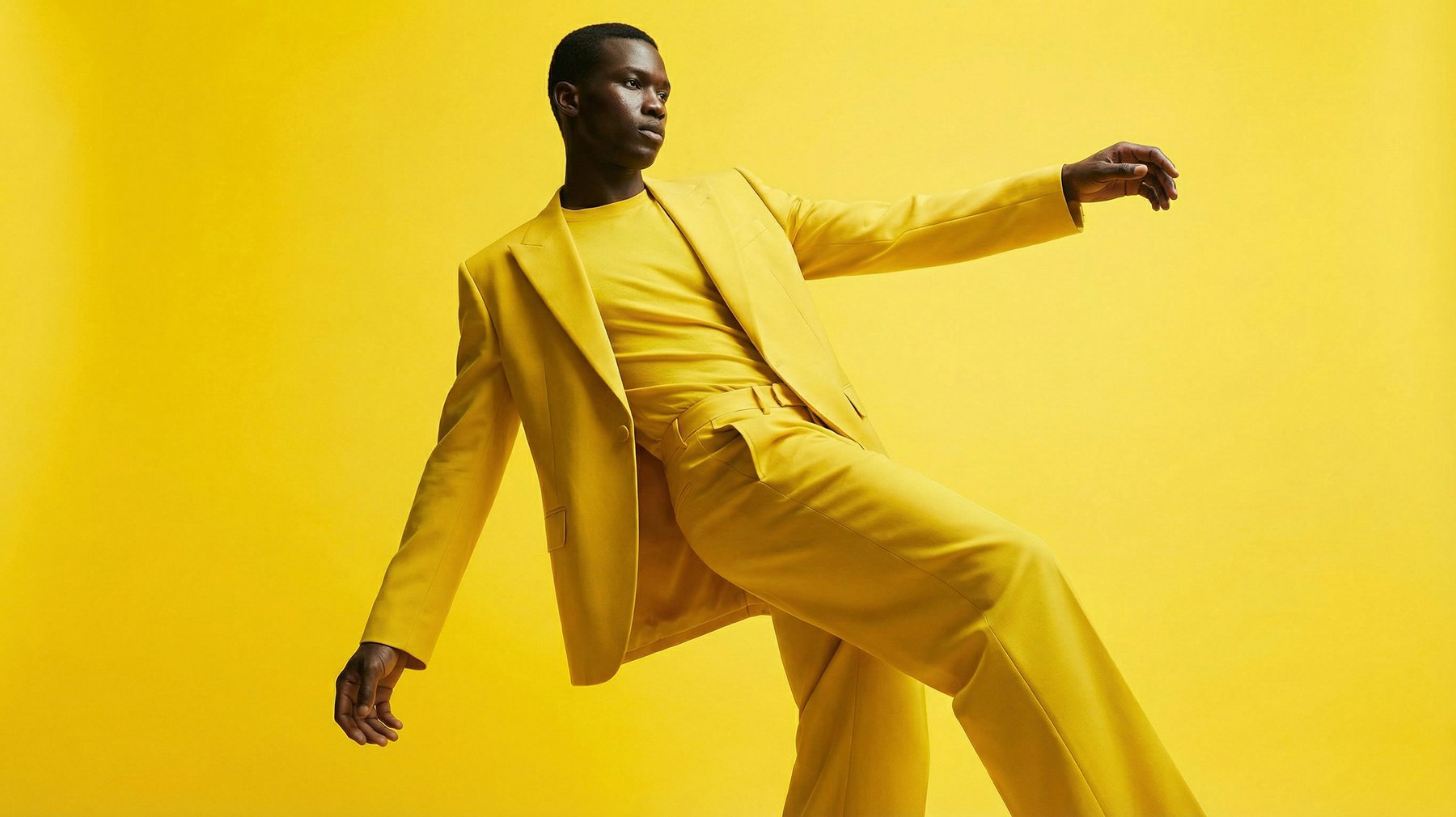 Starting frame
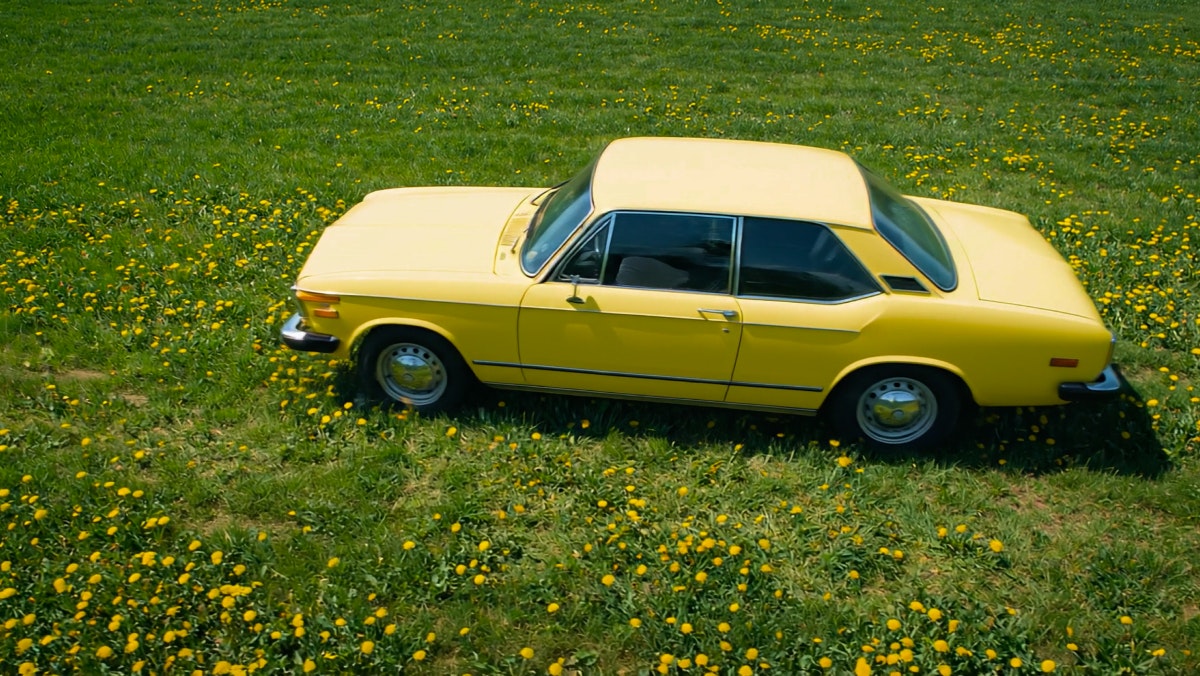 Starting frame
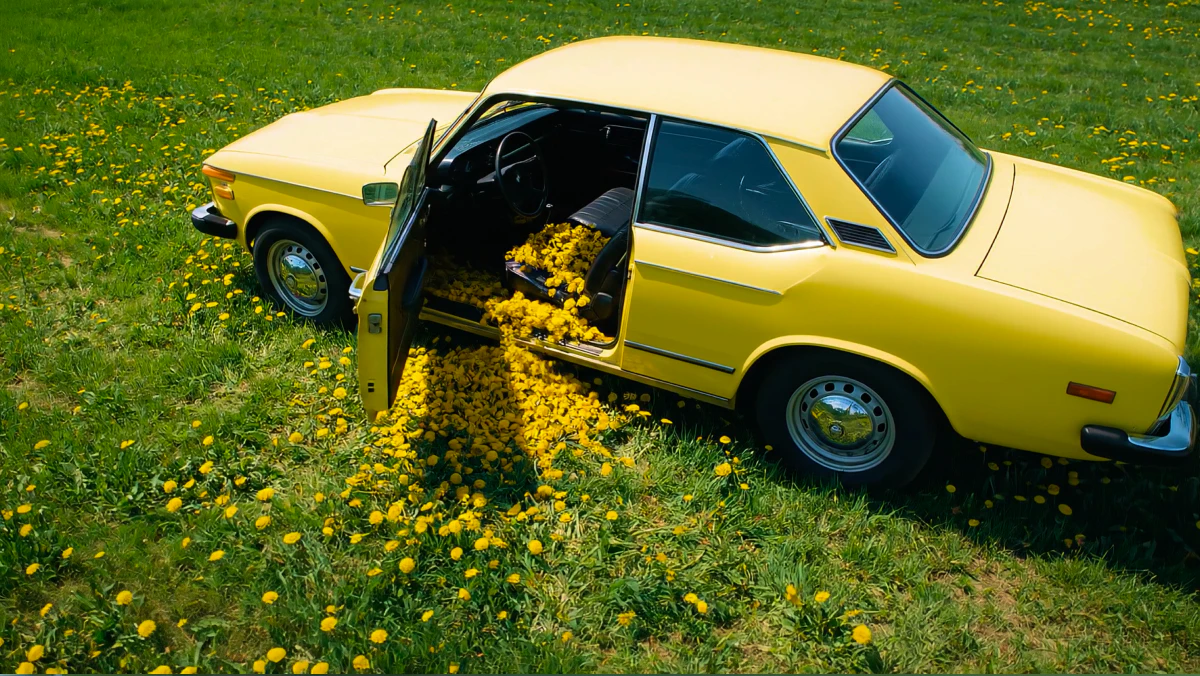 Ending frame
A cinematic scene set at night: a glamorous woman with an afro hairstyle and gold jewellery shares a luxurious outdoor pool with a calm alligator. The pool area is surrounded by classical statues and large blue ceramic vases, all dimly lit. The camera starts at water level and slowly zooms in on the woman’s face as she makes intense eye contact with the camera. The lighting is moody and soft, with candlelight reflections on the water and a subtle fill light on her face.

Veo3VideoGenerationFAQS
How do I use Veo 3 on Leonardo.Ai?
To use Veo 3, select it as your video model in Leonardo, enter a text prompt or upload an image reference, and generate your video. Refine results by adjusting your prompt or using start and end frames for more control. Learn more in our guide to mastering prompts for Veo 3.
What is the token cost of using Veo 3 on Leonardo.Ai?
Veo 3.1 token cost scales with your video’s duration and whether audio is enabled. The exact cost for your chosen settings is shown in the generation panel before you generate.
Why use Veo 3 on Leonardo.Ai instead of Google’s platforms?
Leonardo combines Veo 3 with image and design tools in a single workflow, helping creators iterate faster and get more value from each generation.
What’s the difference between Veo 3.1 and Veo 3?
Veo 3.1 builds on Veo 3 with end-frame control, stronger prompt adherence, and improved synced audio. Google has retired the original Veo 3 model, so Veo 3.1 and Veo 3.1 Fast are the versions available on Leonardo.Ai.
Does Veo 3 generate sound?
Yes, Veo 3 and Veo 3.1 can generate synchronized audio directly from your prompt. Check out our guide with tips for prompting for audio with Veo 3.
How do I create a start or end frame for Veo 3?
Upload or generate your first and final frames, then use them as anchors for your scene.
Where can I access Veo 3?
Veo 3 is available globally through Leonardo.Ai accounts.
Can I use Veo 3 for free?
No. Veo 3 requires a paid Leonardo plan, but Leonardo offers one of the most accessible entry points for using Veo 3 compared to other platforms.