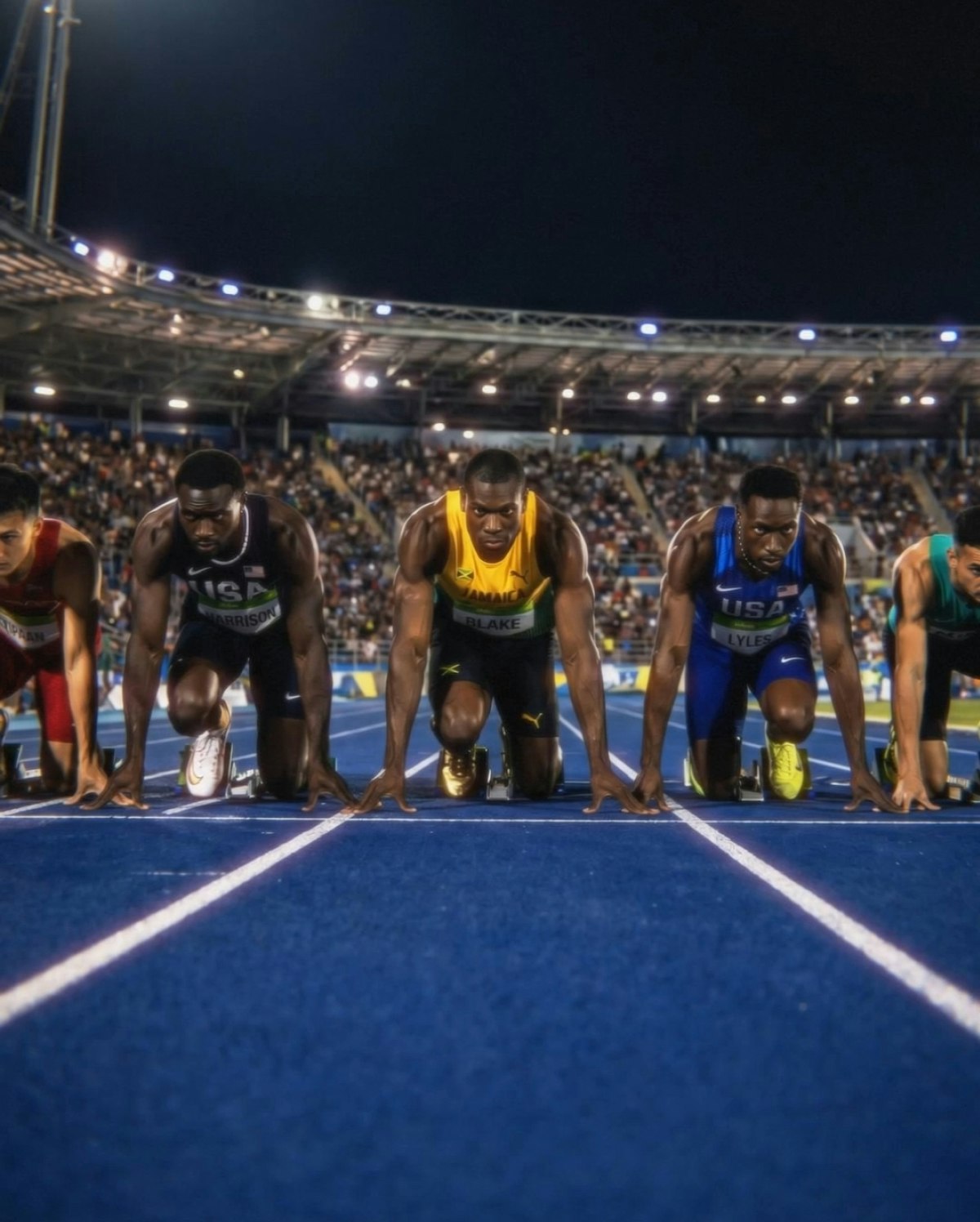
Start frames
Define how your video begins for stronger visual continuity.
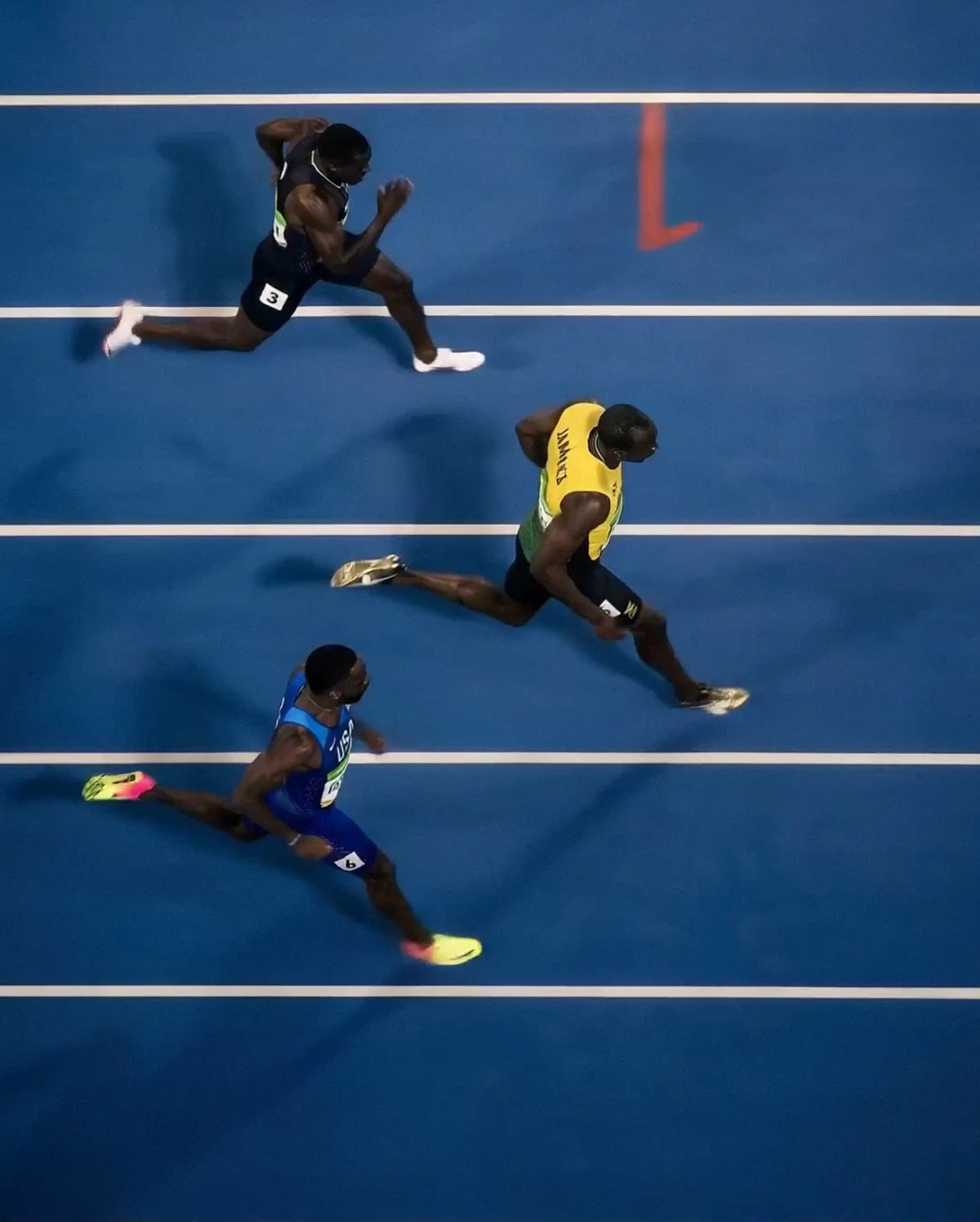
End frames
Control how scenes conclude for smoother transitions.
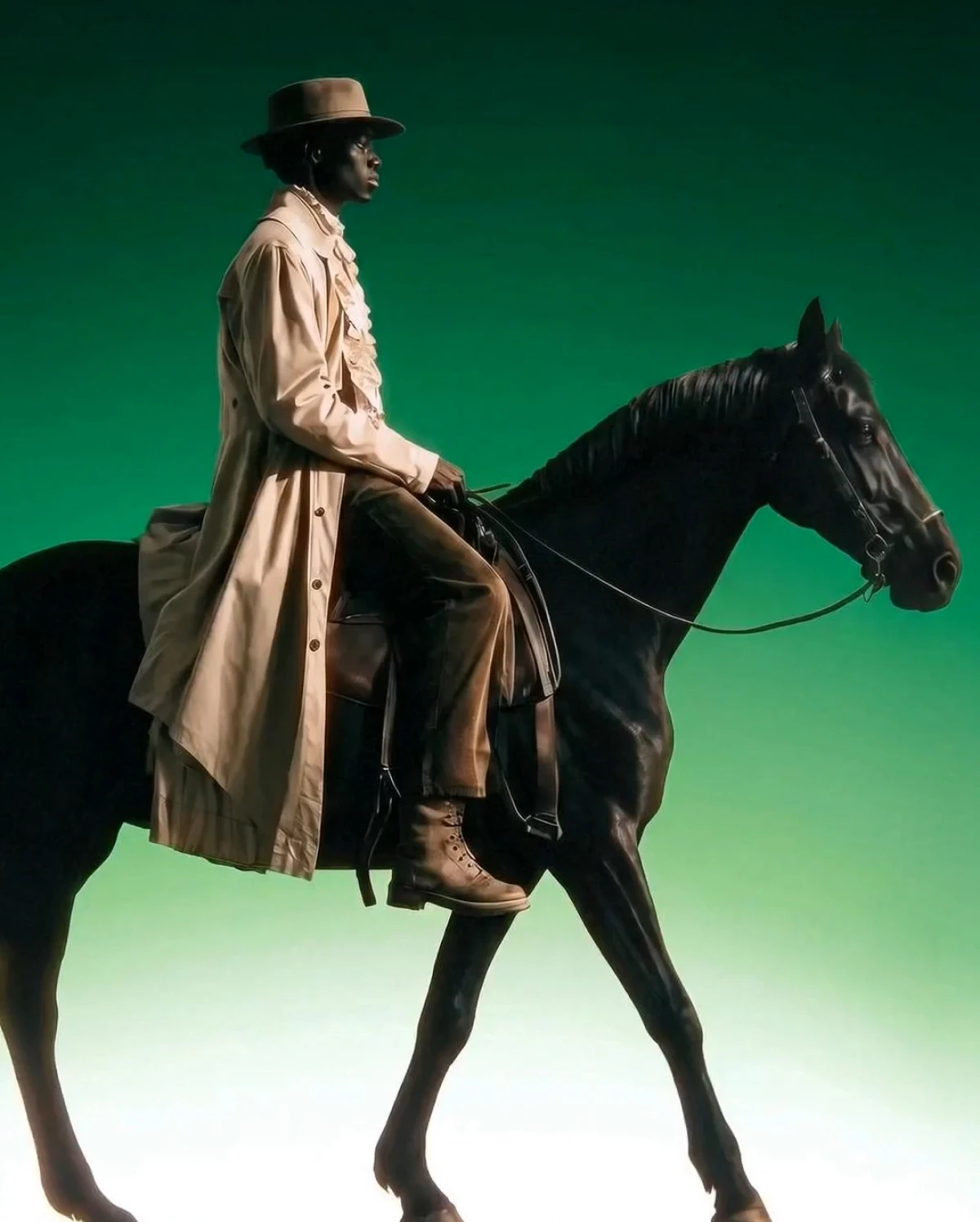
Image reference
Maintain character and stylistic consistency across edits.
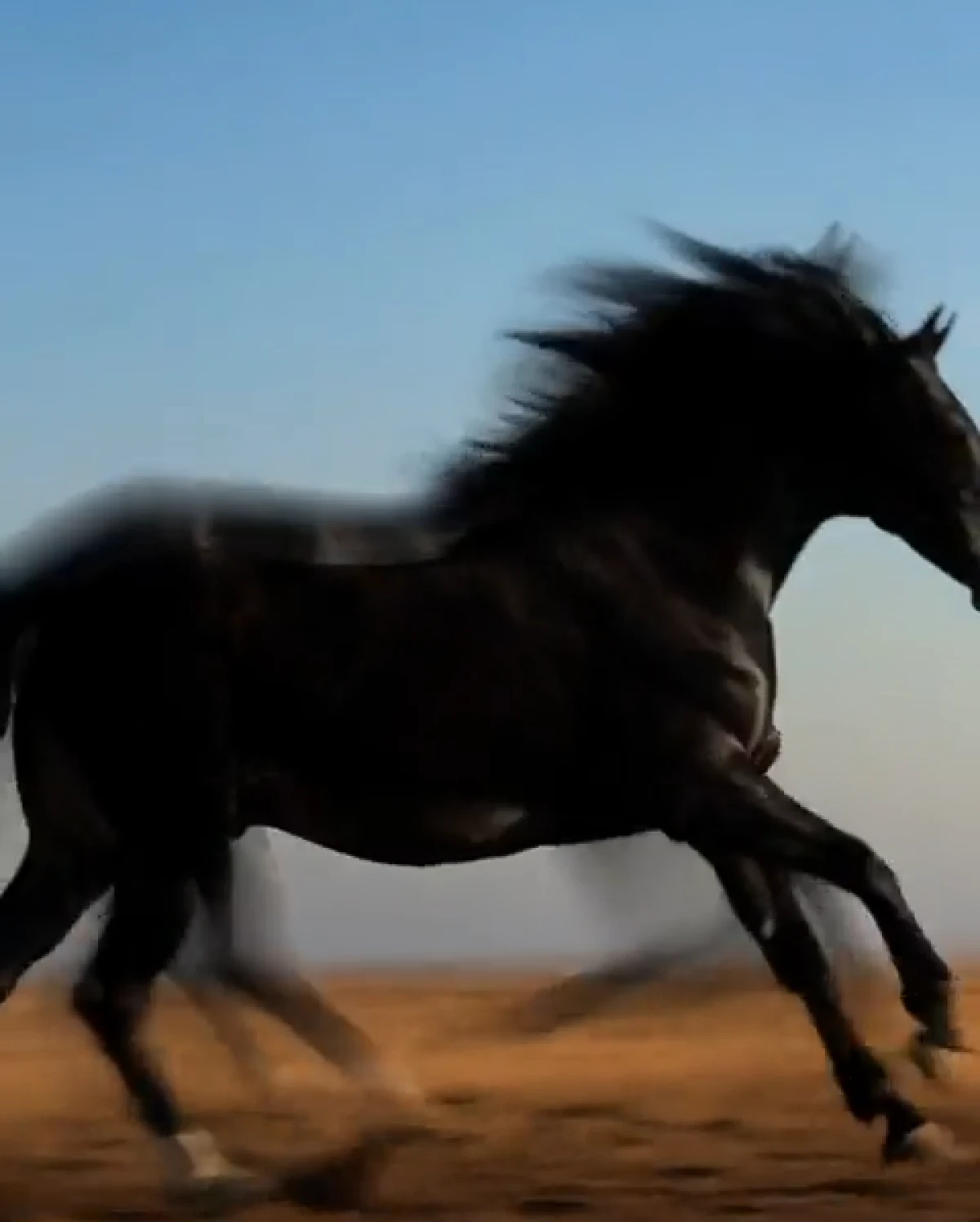
Motion control
Adjust pacing and movement to test ideas and aesthetics quickly.
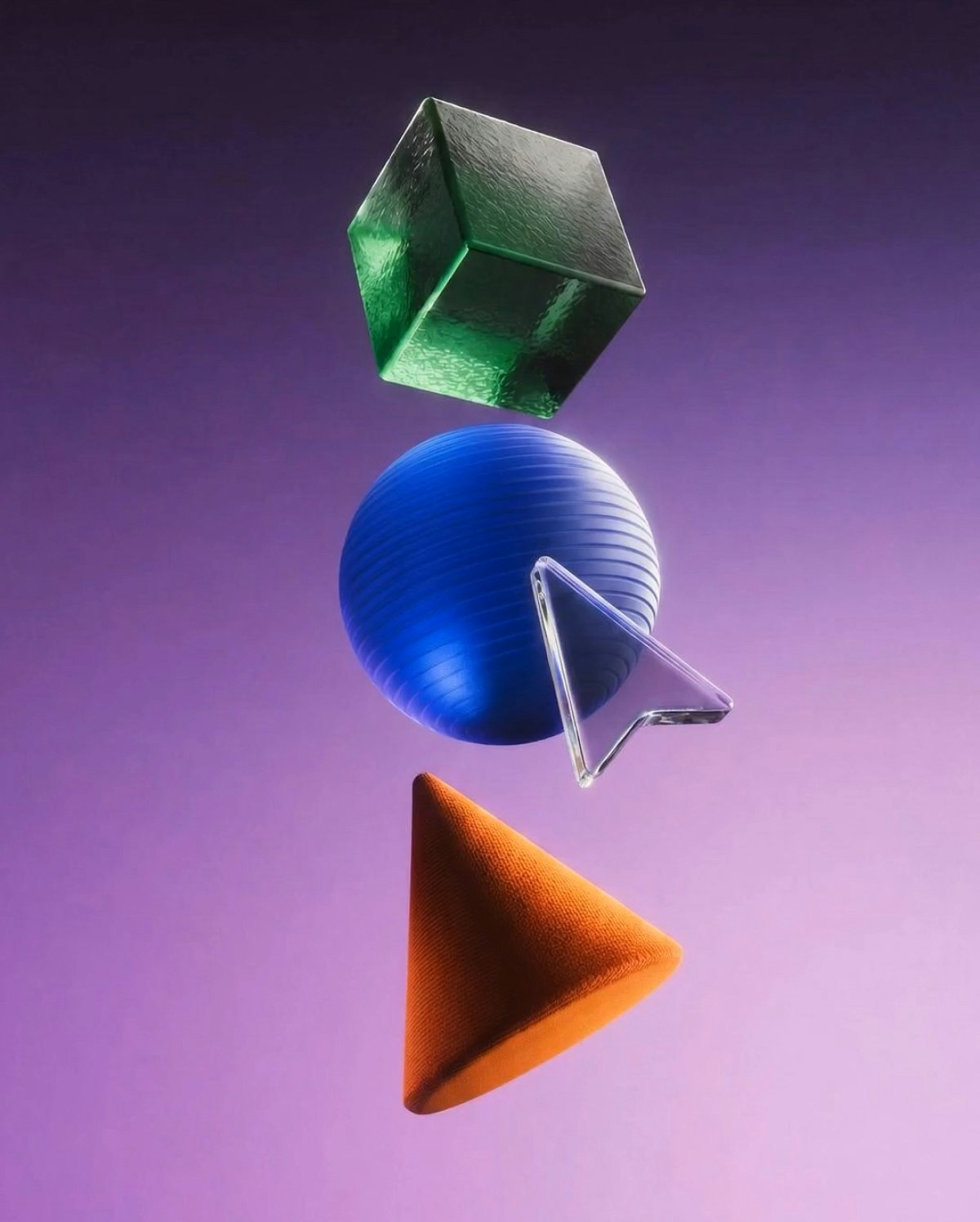
Model selection
Leonardo always offers the latest video models for editing, including Seedance 2.5, Wan 2.7, FLUX 3 Video, and Kling.
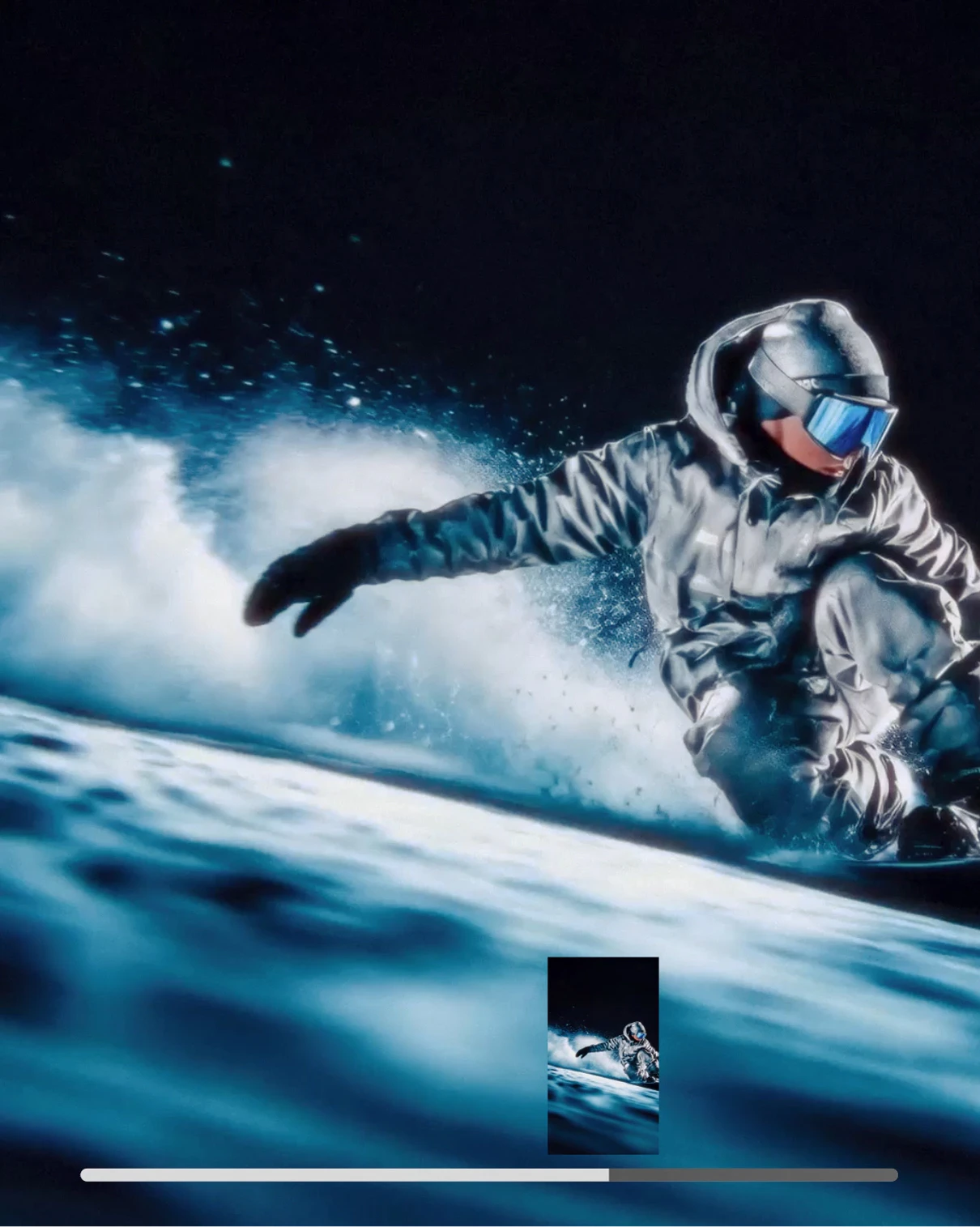
SAVE VIDEO FRAME
Save video frames to use as reference images or start frames.
FAQS
What is an AI video editor?
An AI video editor allows you to refine AI-generated videos using natural language instructions instead of traditional timeline tools.
What type of edits can I make with an AI video editor?
You can adjust motion, refine structure, maintain character consistency, and control start and end frames without regenerating the entire clip.
How do I use Leonardo’s AI video editor?
Generate a video with a supported model — such as Seedance 2.5, Wan 2.7, or Kling — open the editor, describe your changes, and refine using frames, references, and motion controls.
Which AI models power Leonardo’s AI video editor?
Leonardo always offers the latest best-in-class video models for editing and transformation. The current lineup includes Seedance 2.5 for restyling footage and motion transfer with video references, Wan 2.7 for conversational edits with start and end frames, FLUX 3 Video for extending existing clips, and the Kling family for motion control — with new models added as they’re released. You can switch models at any time to match the edit you’re making.
Can I edit videos with AI for free?
Yes. Basic video generation and some editing features, such as start frames and motion controls on supported models, are available on our free plan. Advanced editing capabilities through Kling are included in paid plans.
Which AI video editor is best for beginners?
Leonardo is designed to be accessible for beginners. Instead of working with complex timelines or technical tools, you describe the change you want using natural language and the editor applies it while preserving visual consistency. This makes it easy to refine videos without a steep learning curve.





Explore
more AI creative tools
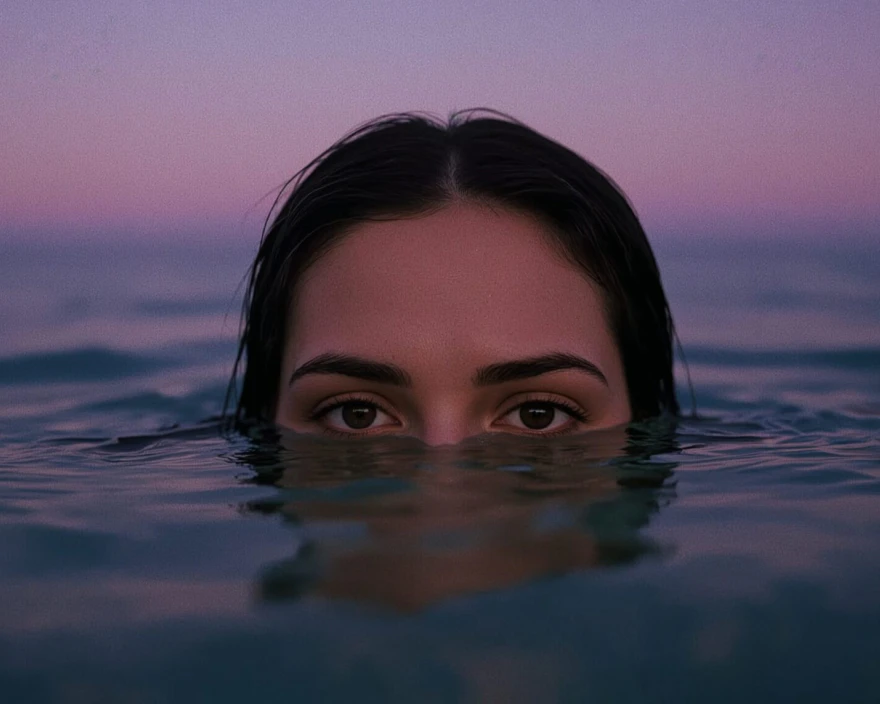
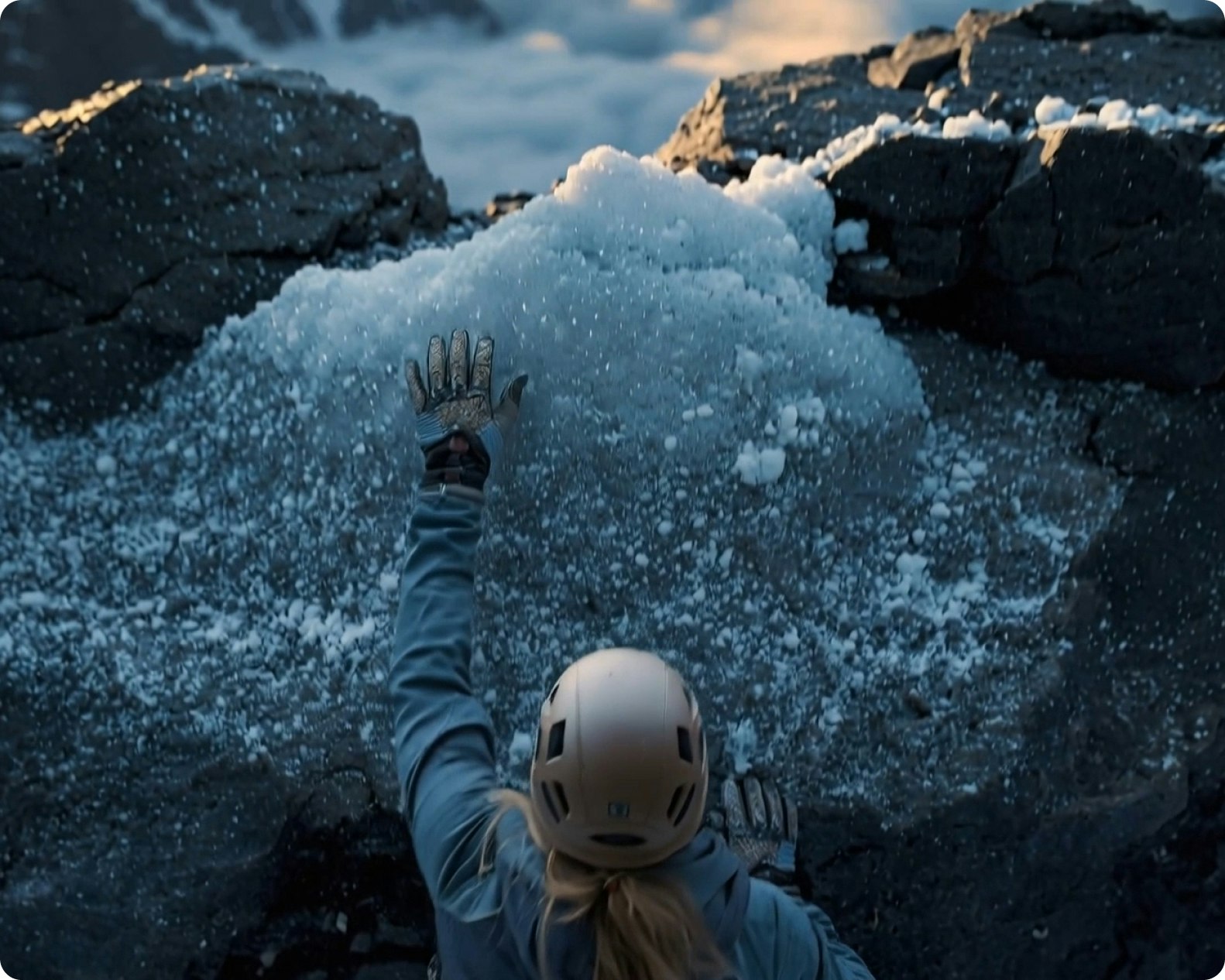
Leonardo is more than an AI video editor. Create across image, video, design, and motion in one connected workflow.

AI Image Generator
Generate high-quality images from text or references. Explore styles, refine results, and maintain consistency across creative outputs.
Learn more
AI Video Generator
Create motion content from text or images. Animate stills, control pacing, and build short video sequences with clarity and intent.
Learn more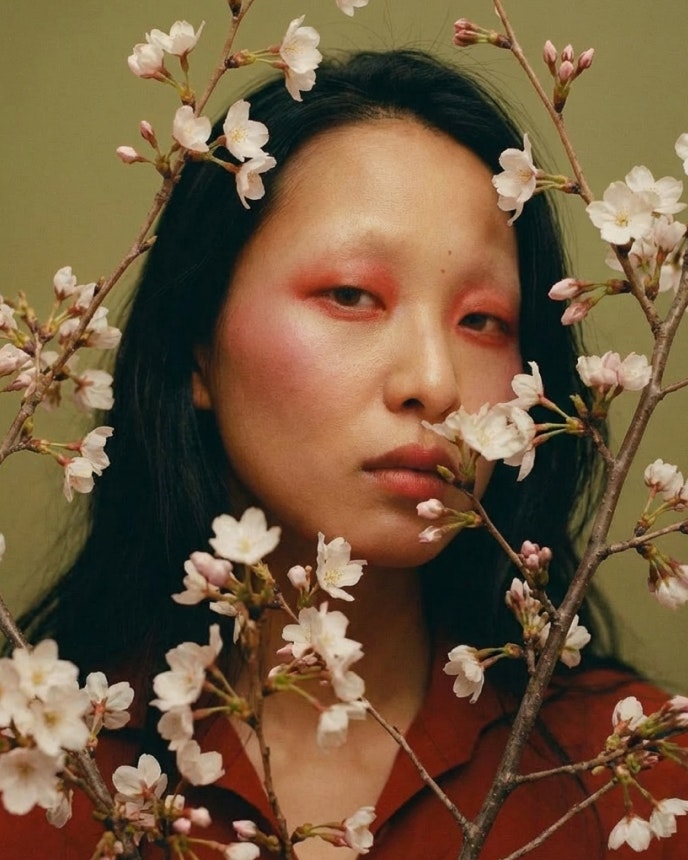
AI Image Upscaler
Enhance resolution and clarity without losing detail. Prepare images for print, large formats, and high-quality delivery.
Learn more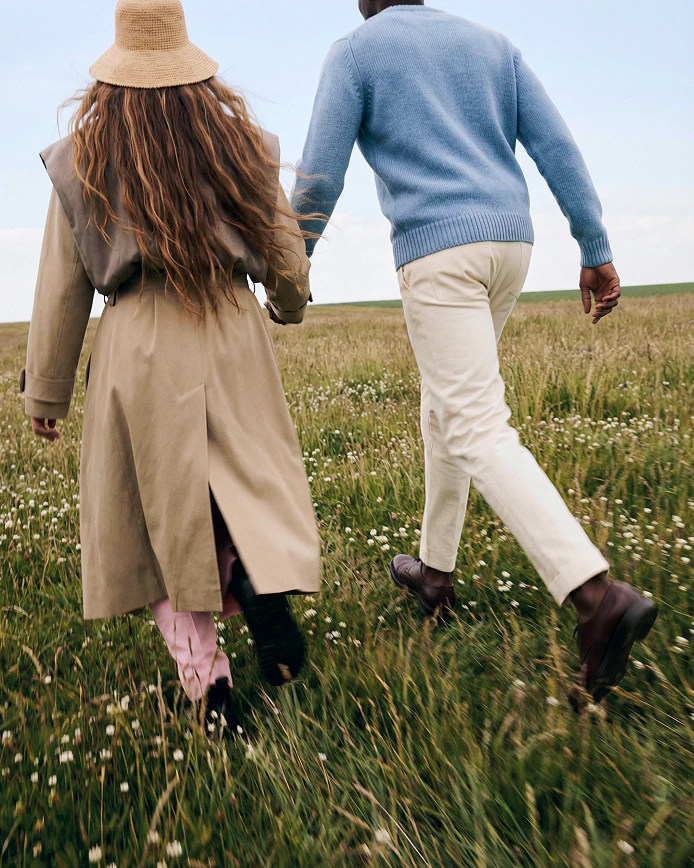
AI Social Media Post Generator
Design content that looks consistent across every platform – so your brand always shows up sharp, clear, and recognizable.
Learn more
AI Graphic Design
Instantly upgrade your graphic design workflow with Leonardo's powerful image generation tools, ai-generated graphics and flexible brand controls.
Learn more