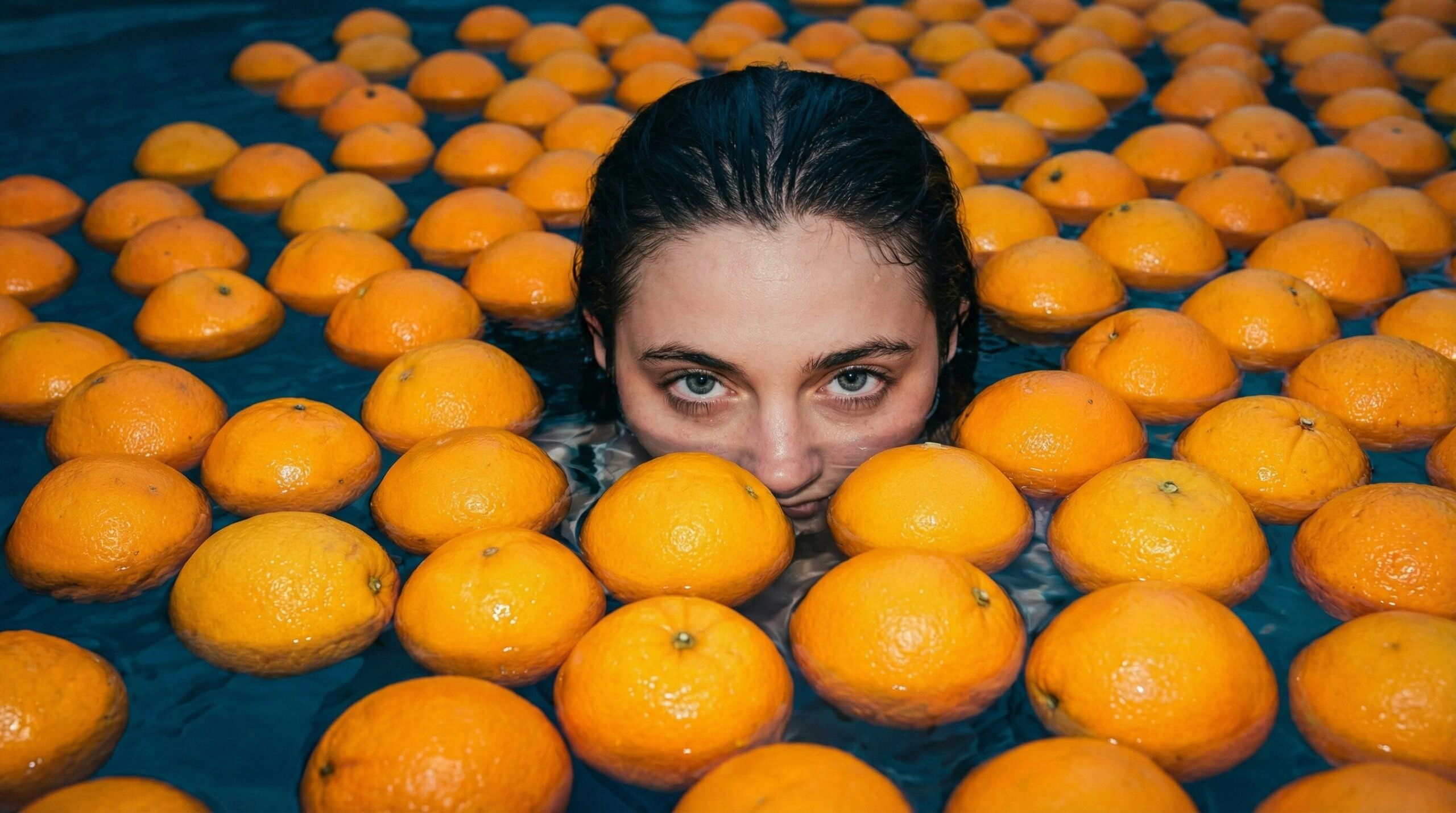
How Creative Teams Eliminate Visual Bottlenecks with Universal Upscaler
How To | Published on
3 min
For marketing and creative teams, visuals don’t just support the message: they are the message.
But the images you need don’t always arrive in perfect shape. They come from pitch decks, old campaigns, compressed exports, or quick sceenshots. They weren’t made for the spotlight, but they still need to show up like they were.
That’s where Leonardo’s Universal Upscaler fits in. It helps teams turn rough assets into refined ones, ready to scale across formats and channels, without looping in design or slowing things down.
Leonardo’s AI image upscaler solves these problems — quickly, natively, and without disrupting your workflow.
Here are four real ways to put it to work.
1. Enhance social ads and campaign creatives for performance
Upscaler helps marketers quickly optimize creative before launch. Enhance your social ads and campaign assets with high-quality visuals to boost engagement, drive clicks, and maximize performance across platforms.
Use the Upscaler to:
- Improve ad visuals without requesting redesigns
- Refine user-generated or influencer content before publishing
- Repurpose assets from other campaigns without degradation
Results: Better-performing campaigns and more flexibility for your media team.
Use 2 fingers to move the image
+
−
Reset
Before
After
2. Repurpose branded assets across formats (without rework)
Your hero image was designed in square format but now you need it for LinkedIn headers, YouTube thumbnails, or email banners.
With Leonardo.AI, you’re able to upscale images and reshape assets without sending them back to design.
Use it to:
- Convert web-optimized visuals into print-ready files
- Preserve quality when adapting one creative across multiple touchpoints
- Crop images into wide aspect ratio from a square image
Results: More agility, less time lost to re-exporting or redesign.
Use 2 fingers to move the image
+
−
Reset
Before
After
3. Restore legacy brand assets for reuse in new campaigns
Brand archives are full of great material that can’t be reused due to poor quality. With Upscaler, you can bring them back to life.
Use it to:
- Restore old photos or logos from early campaigns
- Upscale older product visuals for throwback content
- Maintain brand consistency across modern and legacy materials
Results: Extend the value of existing assets, enhance your images and create fresh content with less effort.
Use 2 fingers to move the image
+
−
Reset
Before
After
4. Support your design team by reducing last-minute requests
Upscaler empowers marketing, ops, and even sales to self-serve common image enhancements — without waiting on production teams.
Use it to:
- Handle quick fixes without a ticket
- Enhance mockups for approvals or demos
- Free up design time for higher-impact creative work
Results: More efficiency, fewer bottlenecks, and a smoother creative workflow.
Leonardo’s AI image upscaler is designed to be:
- Fast: Image enhancer at all points of the project
- Flexible: Scale across teams, channels, and use cases
- Workflow-friendly: Available directly inside Leonardo with no extra apps or downloads
It’s not just about better images. It’s about better creative work.
Use 2 fingers to move the image
+
−
Reset
Before
After
Get started
Power up your visuals with Leonardo’s AI image upscaler.
Remove the rework.
Make every asset presentation-worthy — no matter where it started.
RelatedArticles
How to Add AI Music and Voiceovers to Your Videos
Silent AI videos lose viewers fast. Here are three ways to add sound in Leonardo.Ai — video models with native synced audio, custom soundtracks with Music v1, and AI voiceover with Seed Audio 1.0 — plus a step-by-step walkthrough.
remove.bg API is Moving to Leonardo.Ai
remove.bg's background removal API has joined Leonardo.Ai, also part of Canva. Everything you do today with the remove.bg API, you can do on Leonardo, plus upscaling, scene generation, and more.
How to Maintain Consistent Branding Across AI-Generated Content